ScuzzBlog: Diaries June 2026
Entry 7th June 2026: Post 1: AUI Cover Disk - Transfer to PC Old Skool.
AUI Cover Disk - Transfer to PC Old Skool.
Following on from my blog yesterday where I transferred a copy of
an ADF image from an Amiga via ZIP disk to a PC, I got to thinking
how I would do this without a Squirrel. Remembering all the time
I do not use a Goteki thing. Time to go 'Old Skool'.

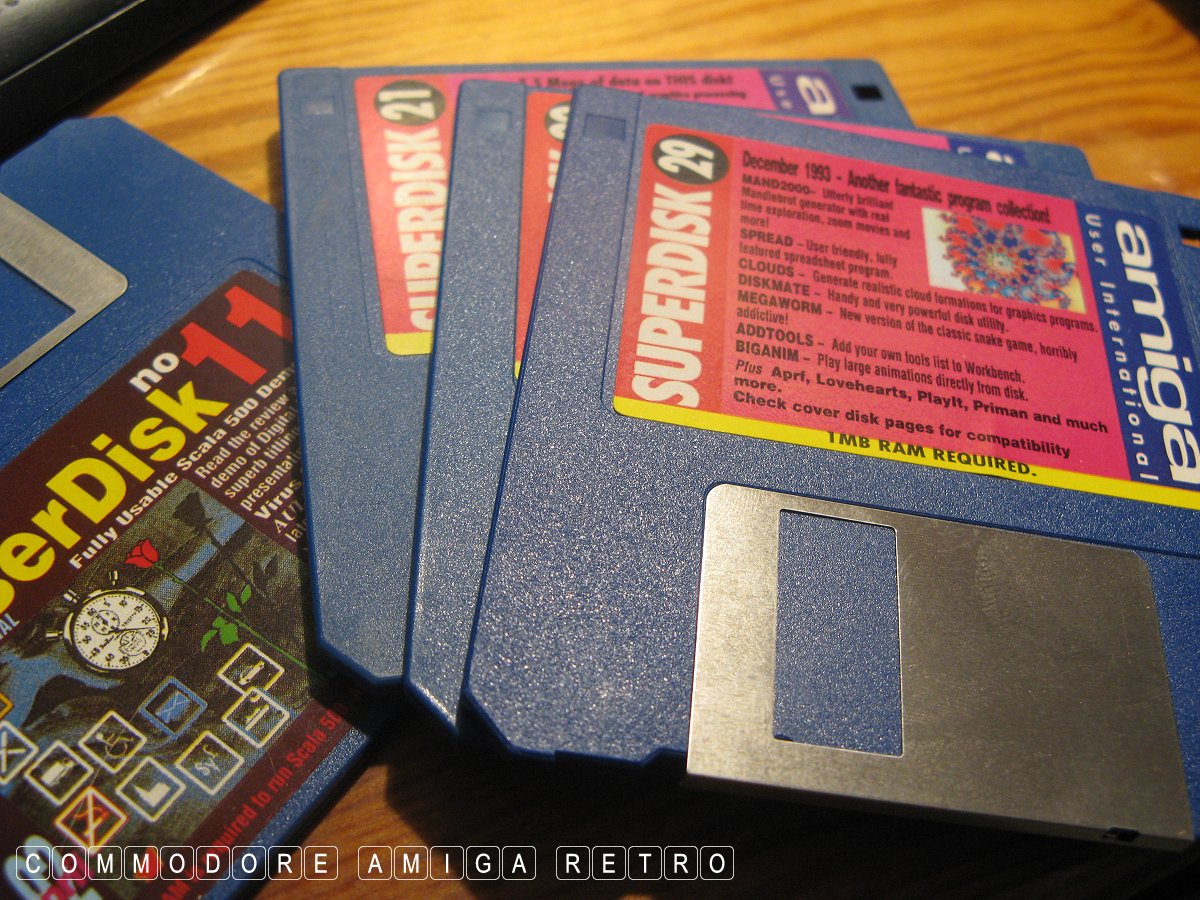
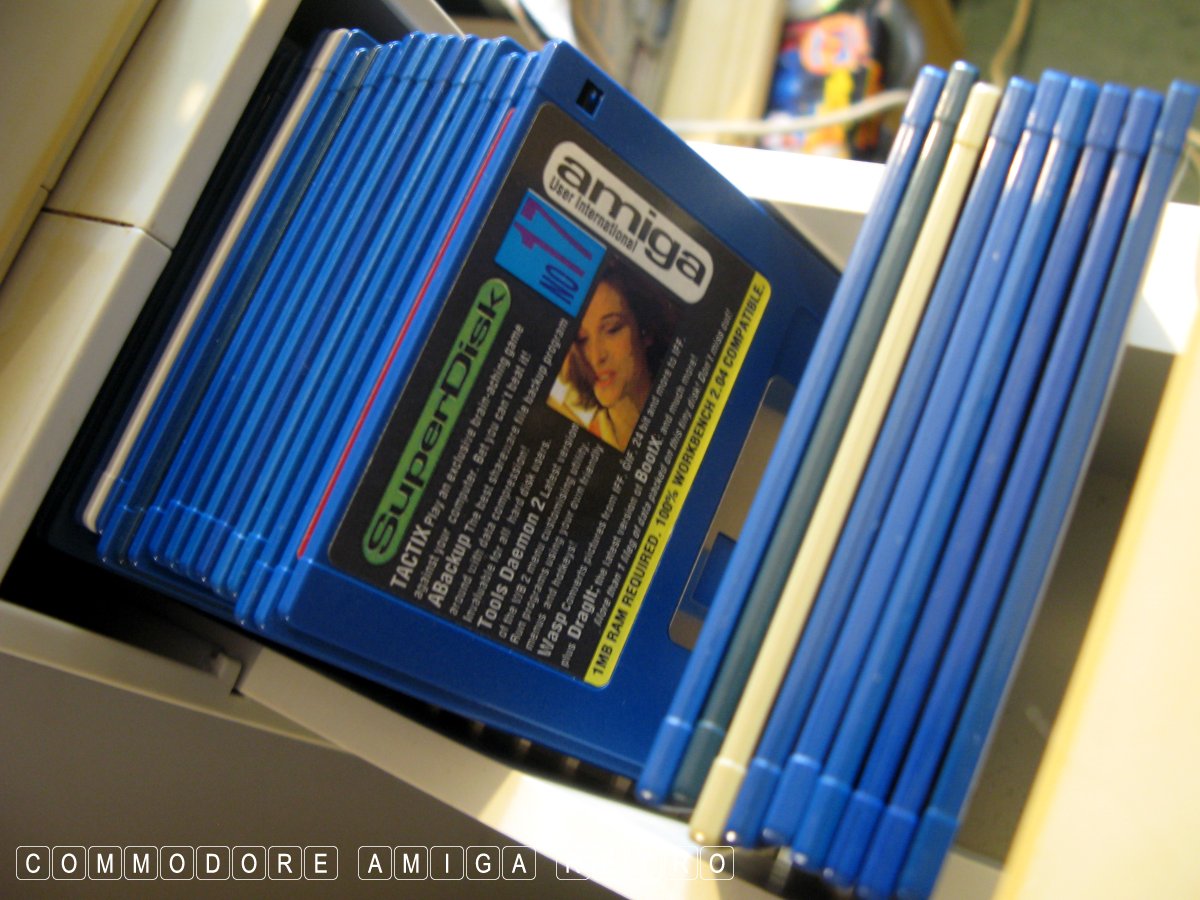
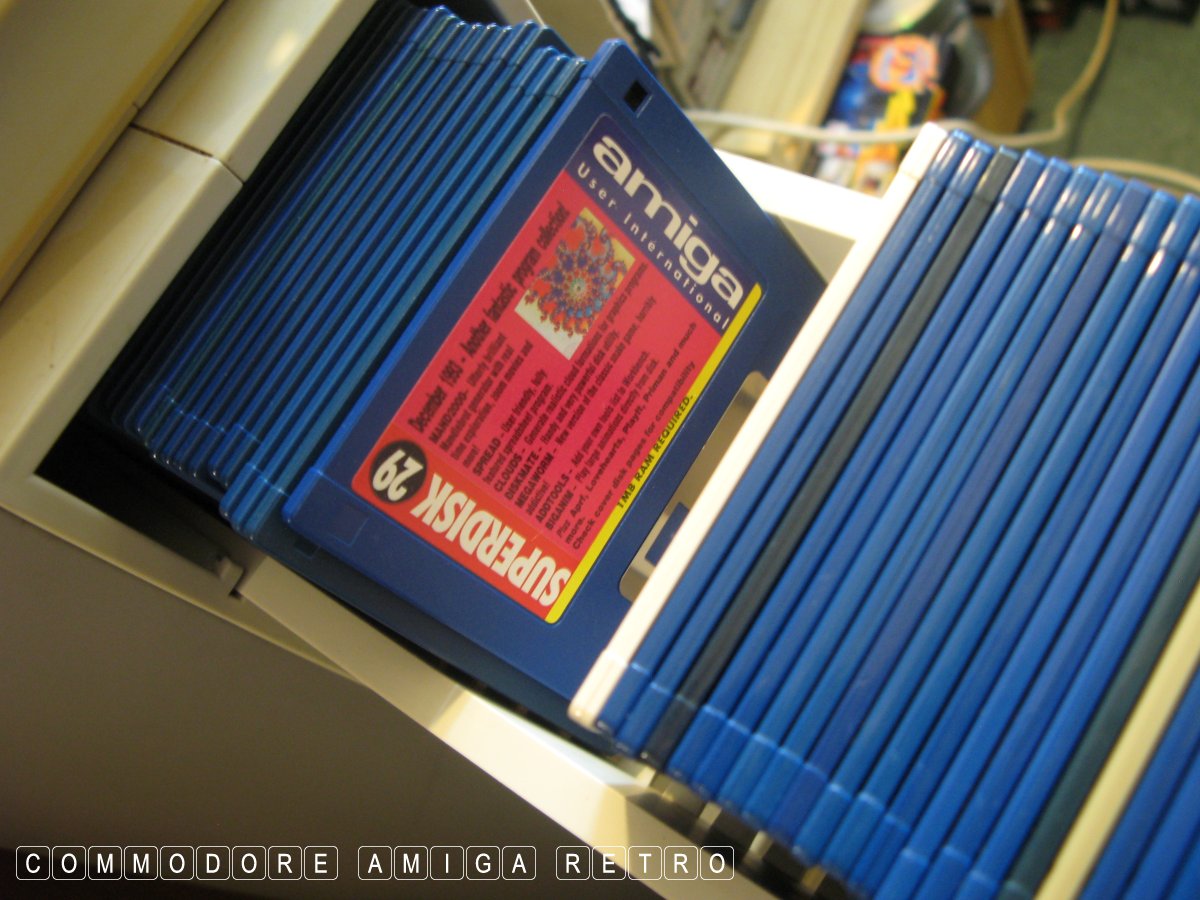
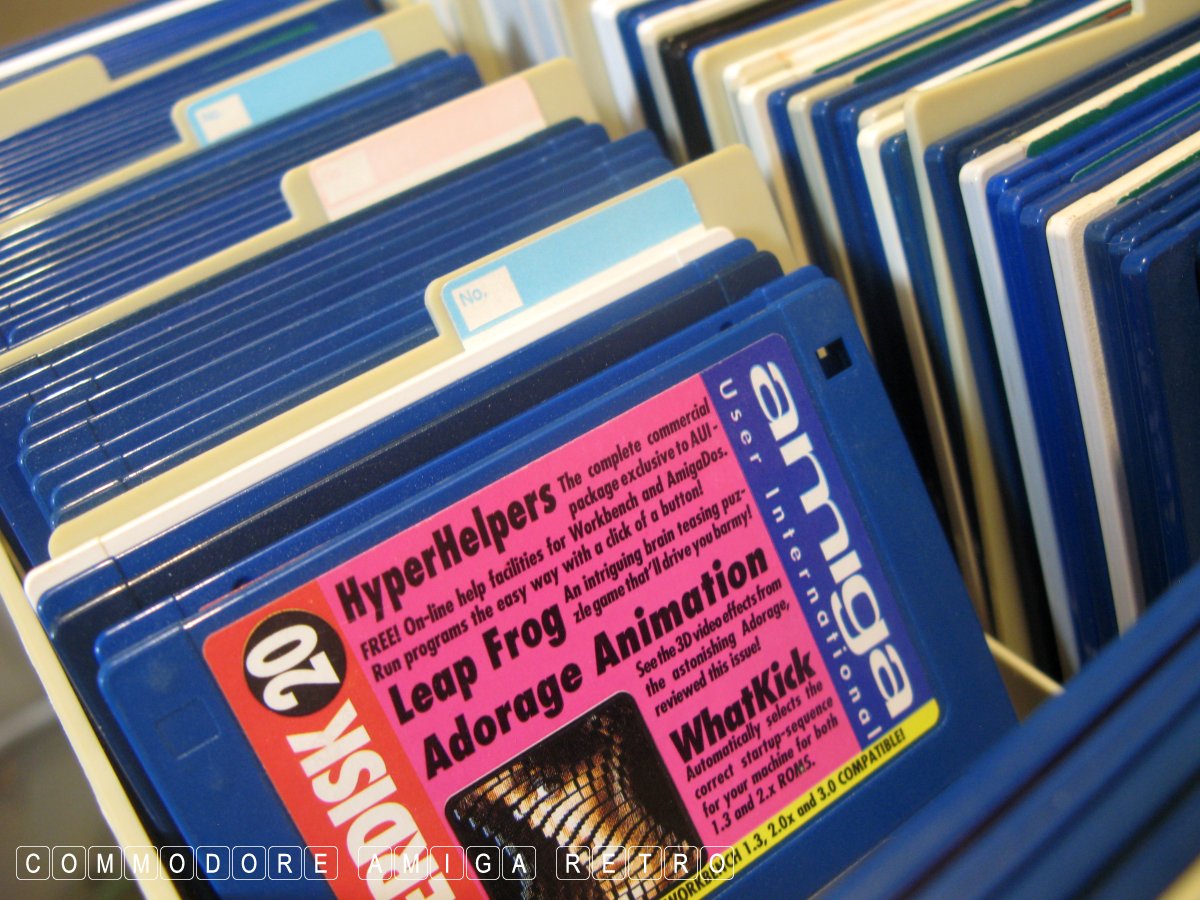
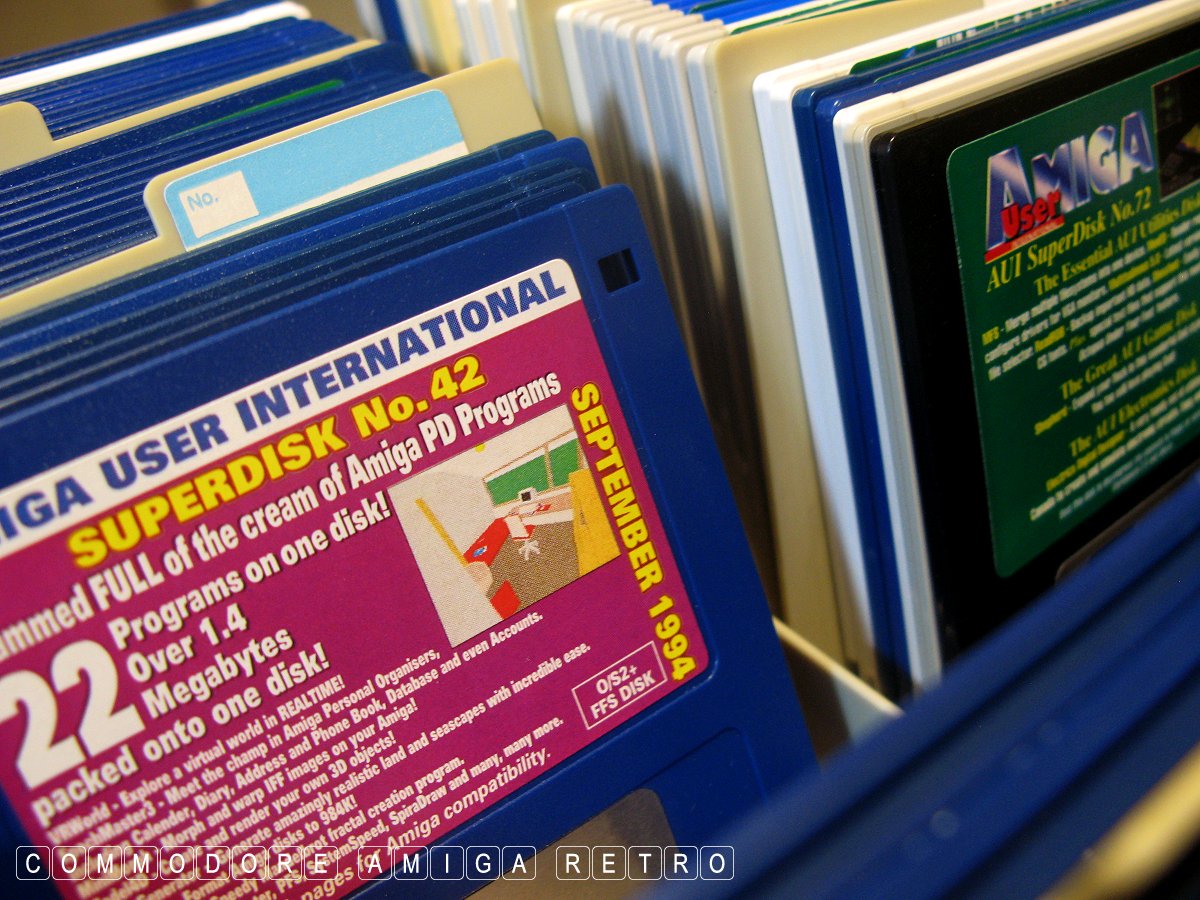
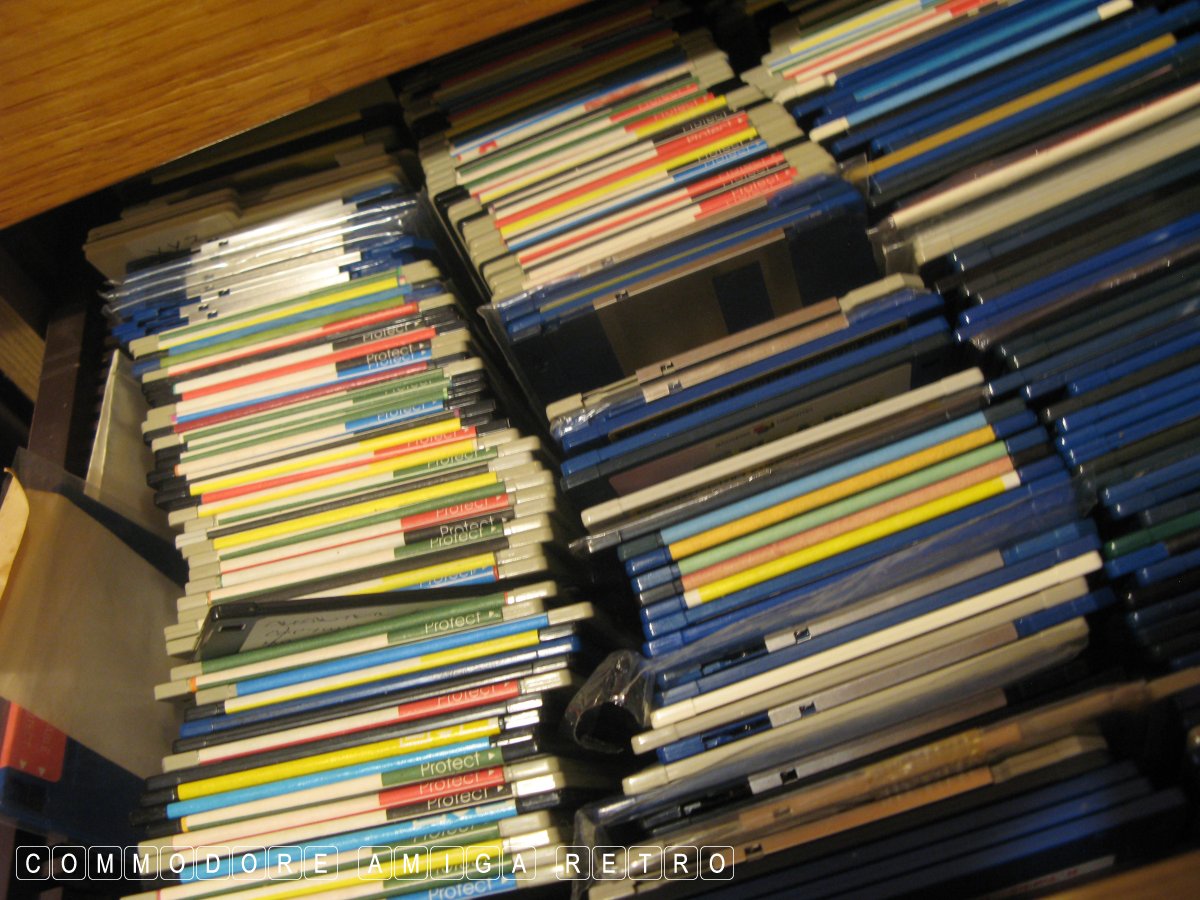
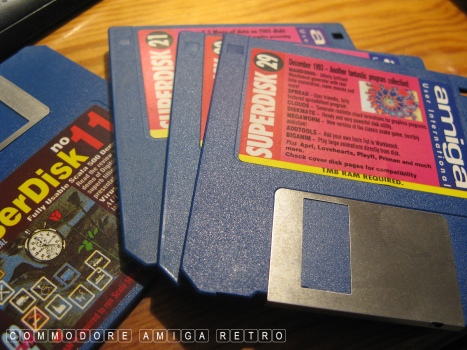
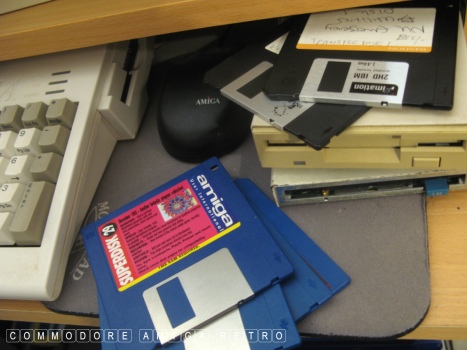
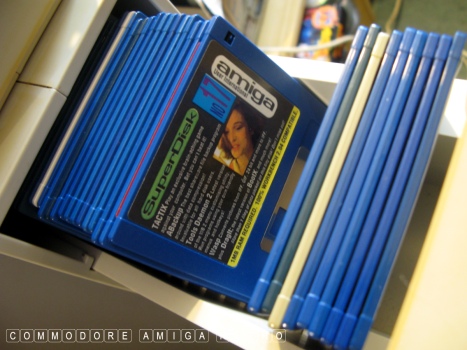
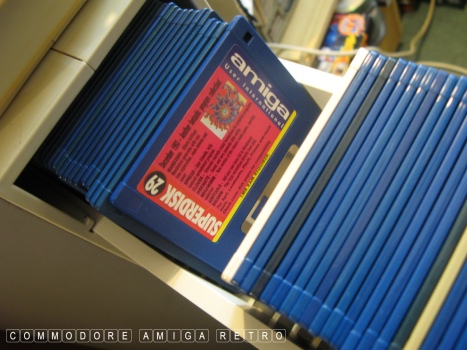
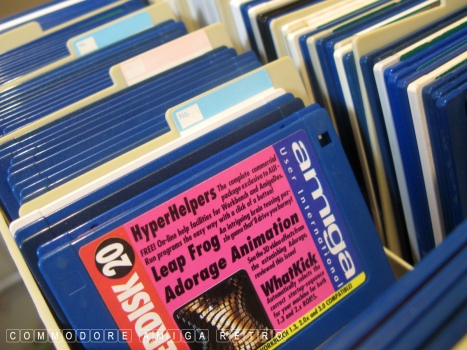
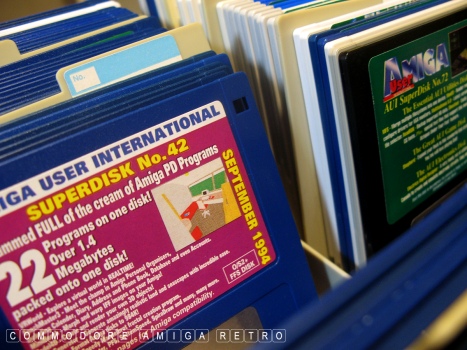
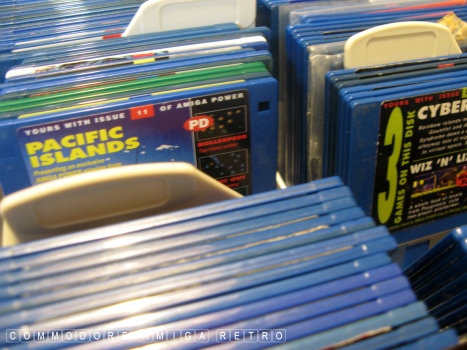
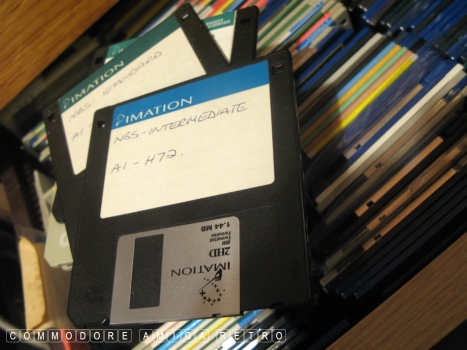
So I reached for a handful of AUI cover disks. I have all my disks
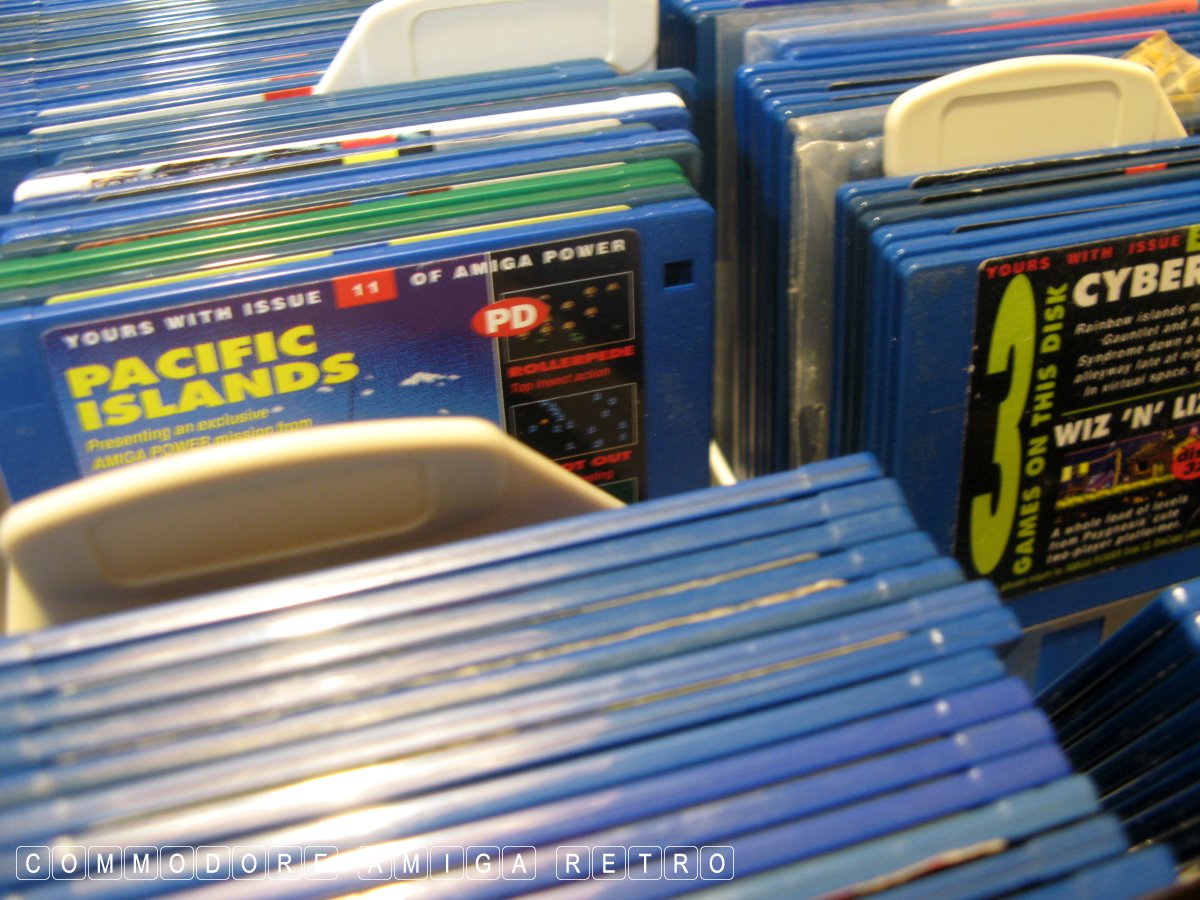
stored in either disk drawers or disk boxes. The disk boxes are on
shelves and usually stack two boxes high and have an Amiga 1200
sitting on top under dustcover. All boxes are labelled and so it is
easy to find disks from a single large index that I have.

Over the years I have collected most of the more common magazine
disks. Never forgetting this is now the year 2026 and if you would
have believe many of the authorities on such matters the disks
should have long degraded. Kinda similar to the capacitor issue
in the A1200s which I have never troubled myself to ever bother
with.

The longevity of PC disks is a different matter. Most of my PC
disks date from the early half of the nineties though I do have
any number from the latter part of the nineties. Sadly the makers
of disk at the autumn of the media crapped on the quality and so
they are prone to fall over. If you have data on the disks they
tend to be fine, but if you reuse the media it'll probably fail.

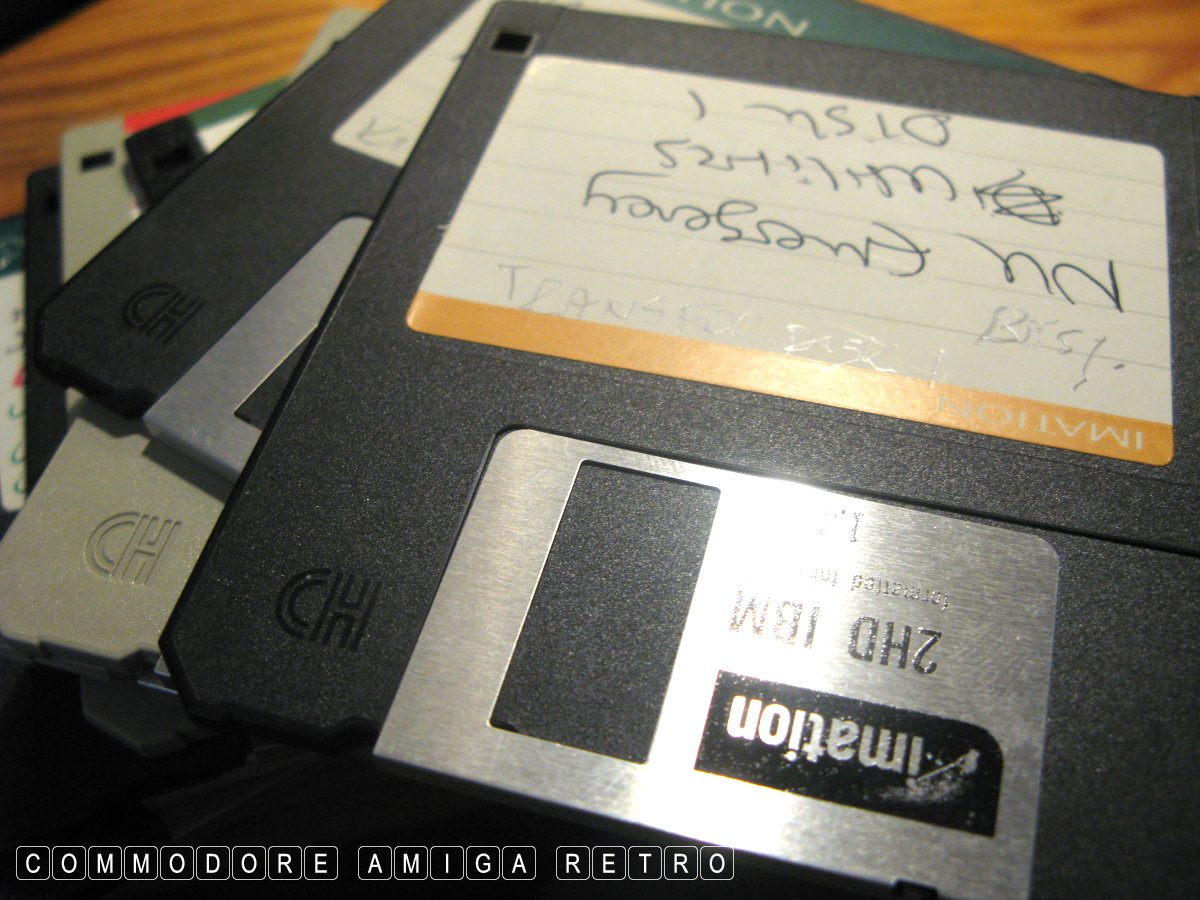
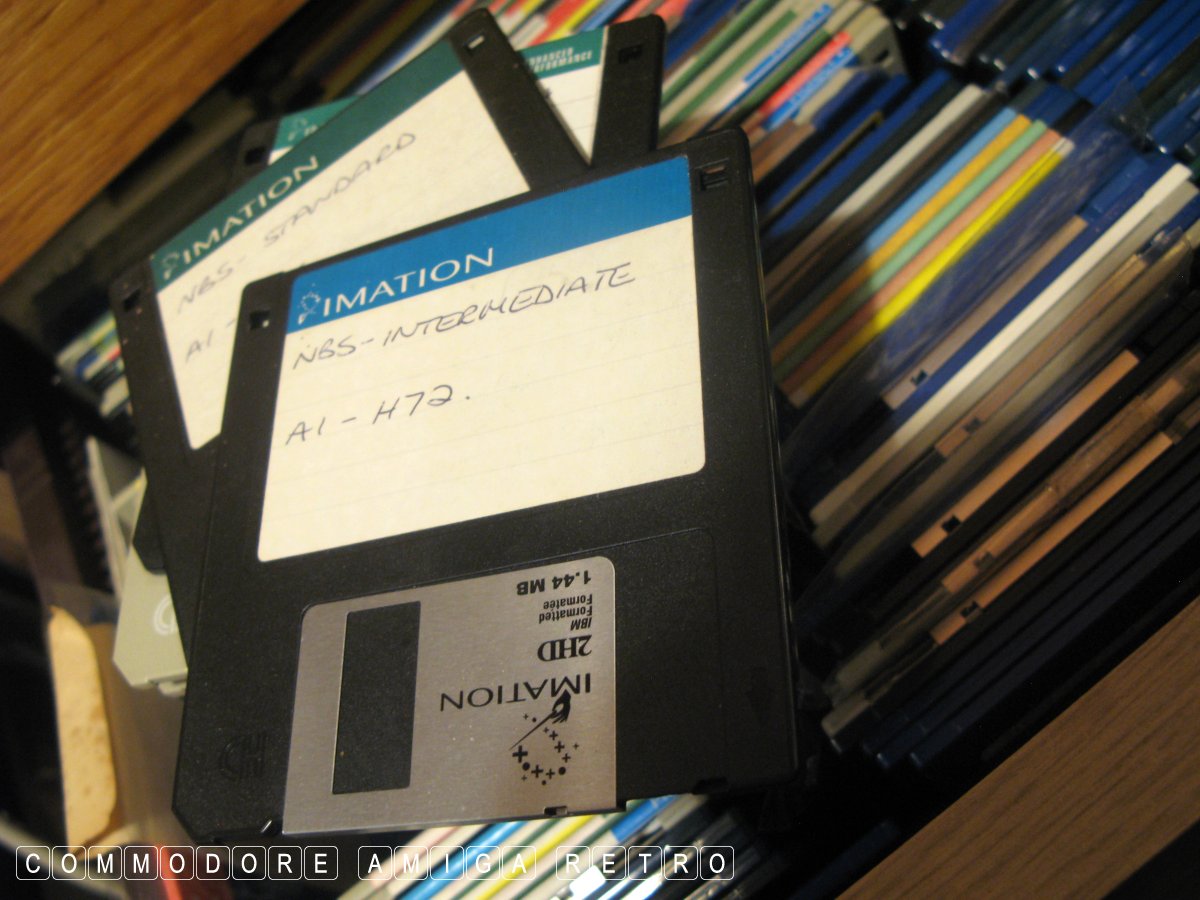
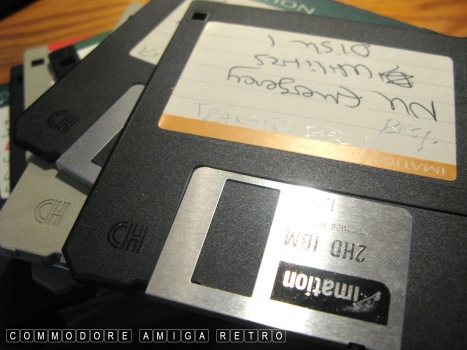
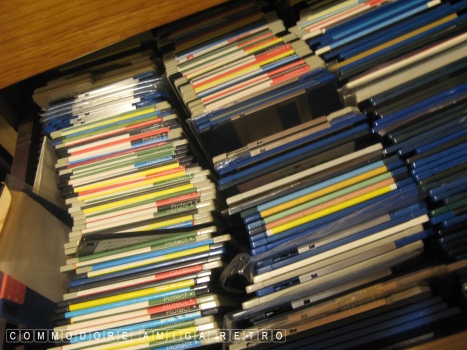
And so I grabbed a handful of thicker more stable disks that I
have stored in a large drawer in the workshop. I can tell the
earlier disks cus they will have my old back ups on. They will
be thicker and more rigid in manufacture.

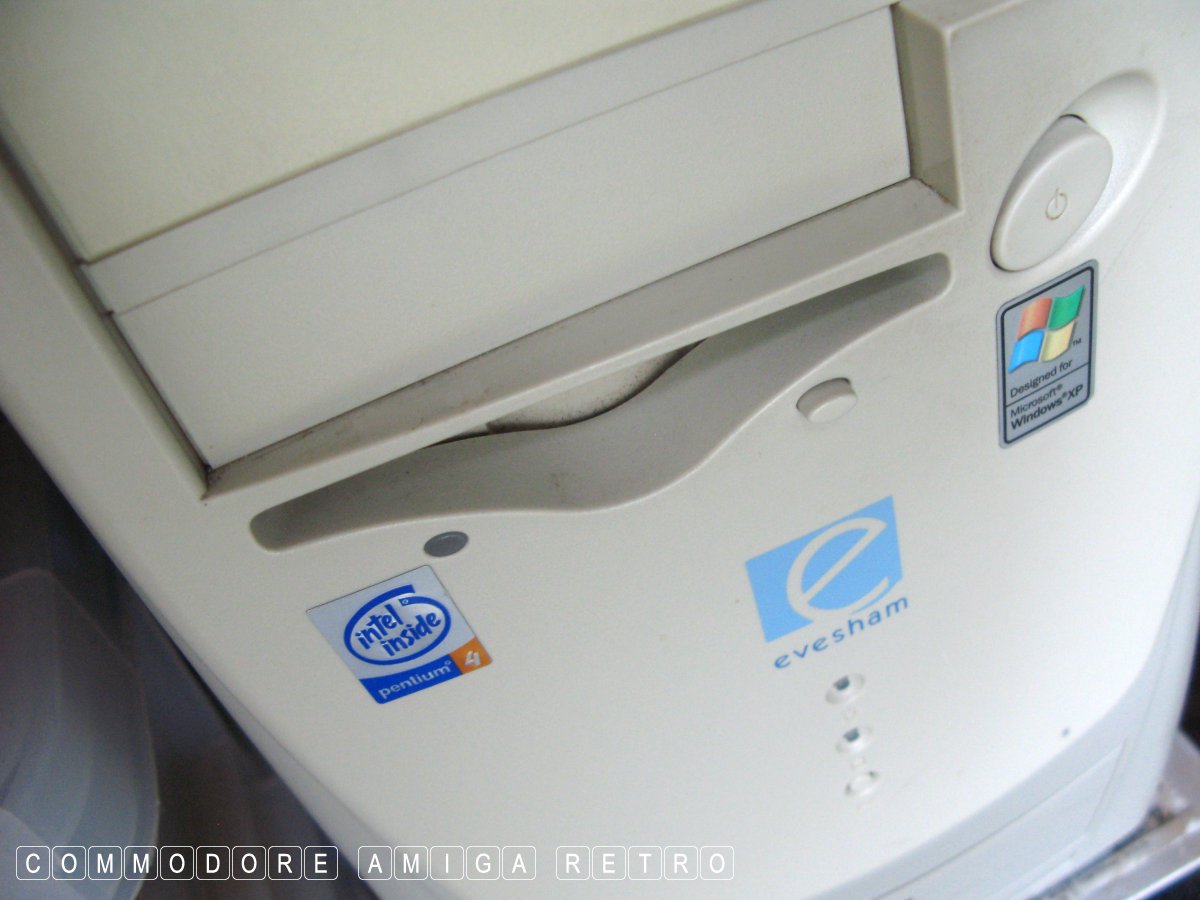
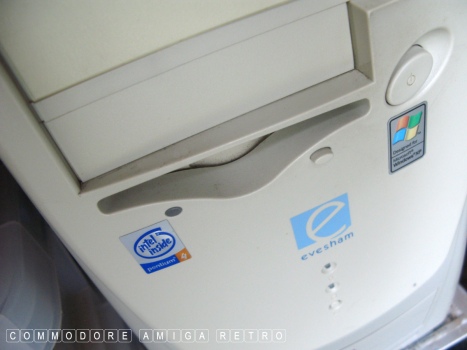
These I then took over to the Evesham XP machine without a ZIP
and then formatted them. It is very important to watch over the
format to ensure none of the disks struggle. The formatting
process will do several passes when a problem occurs on the disk.
I really need a disk that has not any faults on the tracks.

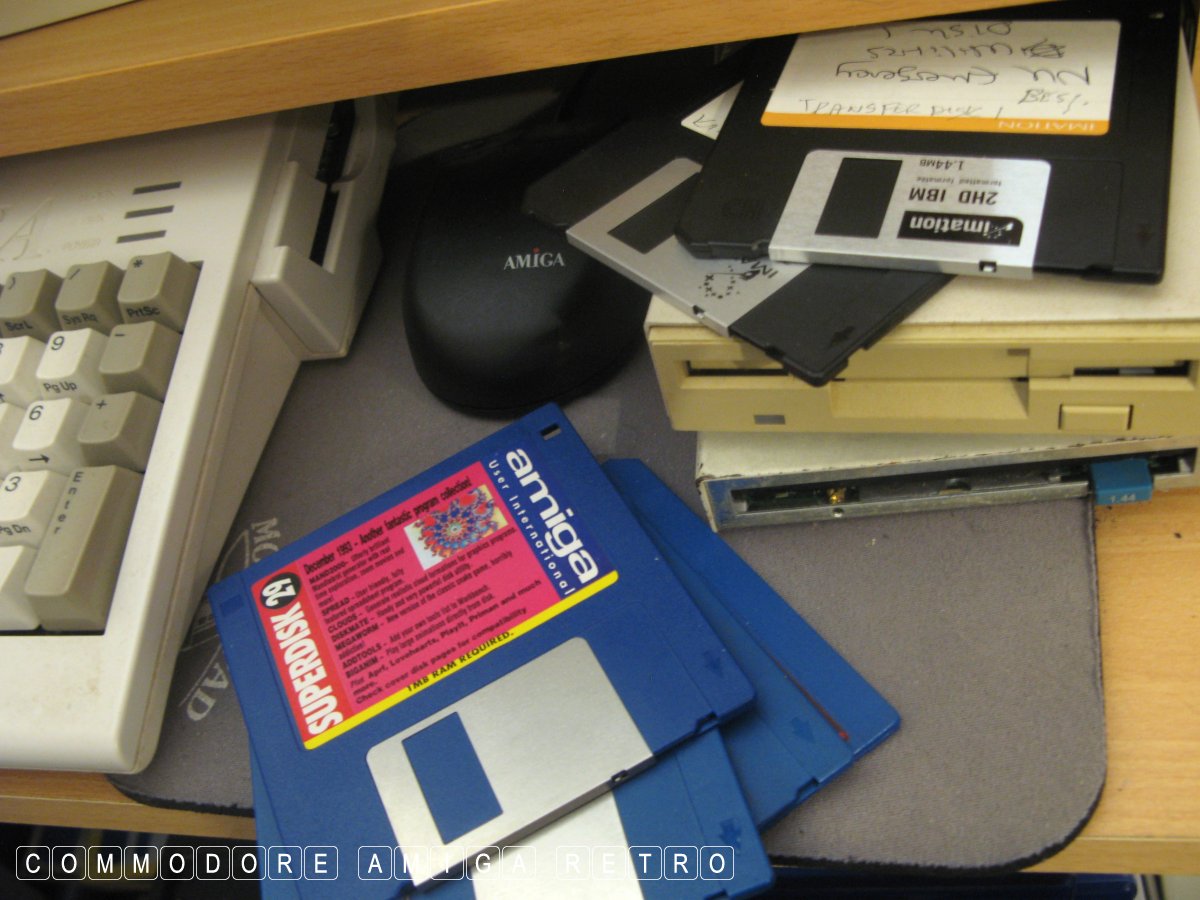
Moving to the Amiga I use the Escom era machine that is whiter
than white up here. Linked to the machine is a high density floppy
drive on PC1/DF1 of 1.4MB capacity from Power Computing. Daisy
chained to the HD drive is a standard drive that is in immaculate
condition.

First up I simply ADF Blitzed the disks and listened out for any
signs of failure. This involves pauses and short file creation.
So I now have an ADF image of each disk which I place in store.
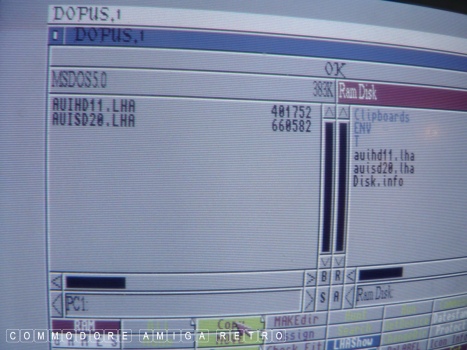
Next I copy the contents of the disks one at a time into RAM. If
there is any failure to copy content over to RAM I do a second
pass using the HD drive which normally fills in any spaces. If
that fails I use the third drive. A failed file will show up as
as a zero in DOpus in the data line.

Once I had a successful file structure I created an LHA file
of the disk and placed that also in store. Interesting fact that
if you copy all the contents of an early AUI cover disk to RAM
and then try to replace the files onto a blank disk then they
will often as not, not fit on the disk. Don't ask.

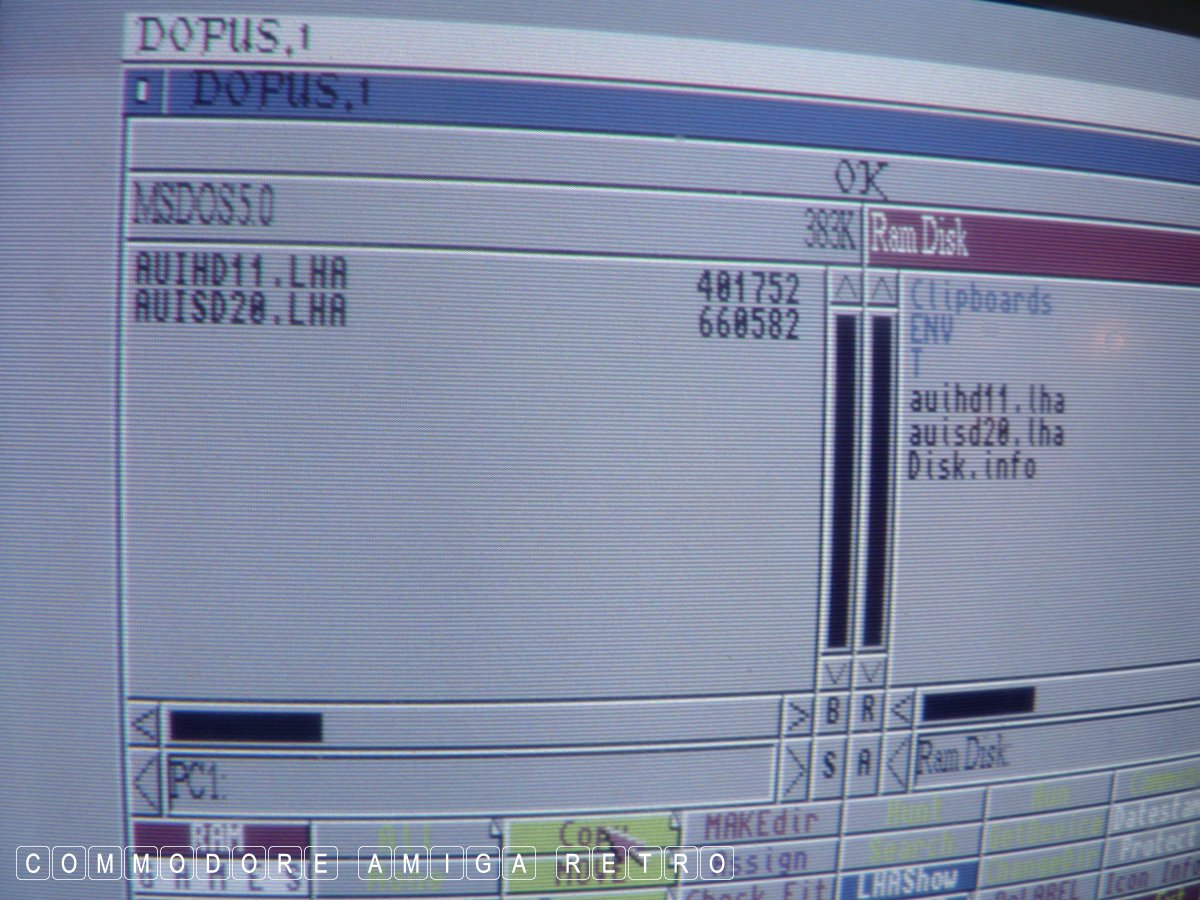
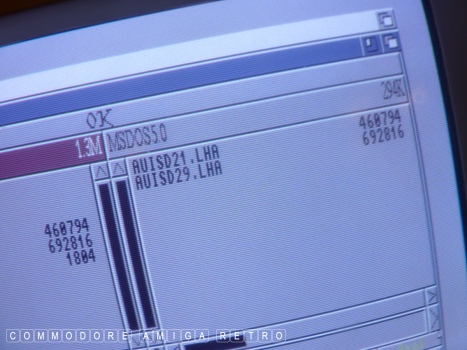
OK I then place the MSDOS based HD 1.4MB disks one at a time into
the HD floppy and copy over the LHA files. Because of the way the
files have been compressed I am able to get two LHA copies of
disks onto a single HD disk. If I wasn't using the HD drive I
would have to use one disk per LHA file using the conventional
Amiga drive but using the drive as a PC drive set up with CrossDOS.

With my two PC disks filled to the brim with AUI Amiga goodness
I hot footed down the stairs to the Evesham PC where I transferred
the files from PC disk to the hard drive, and then onto a USB stick.

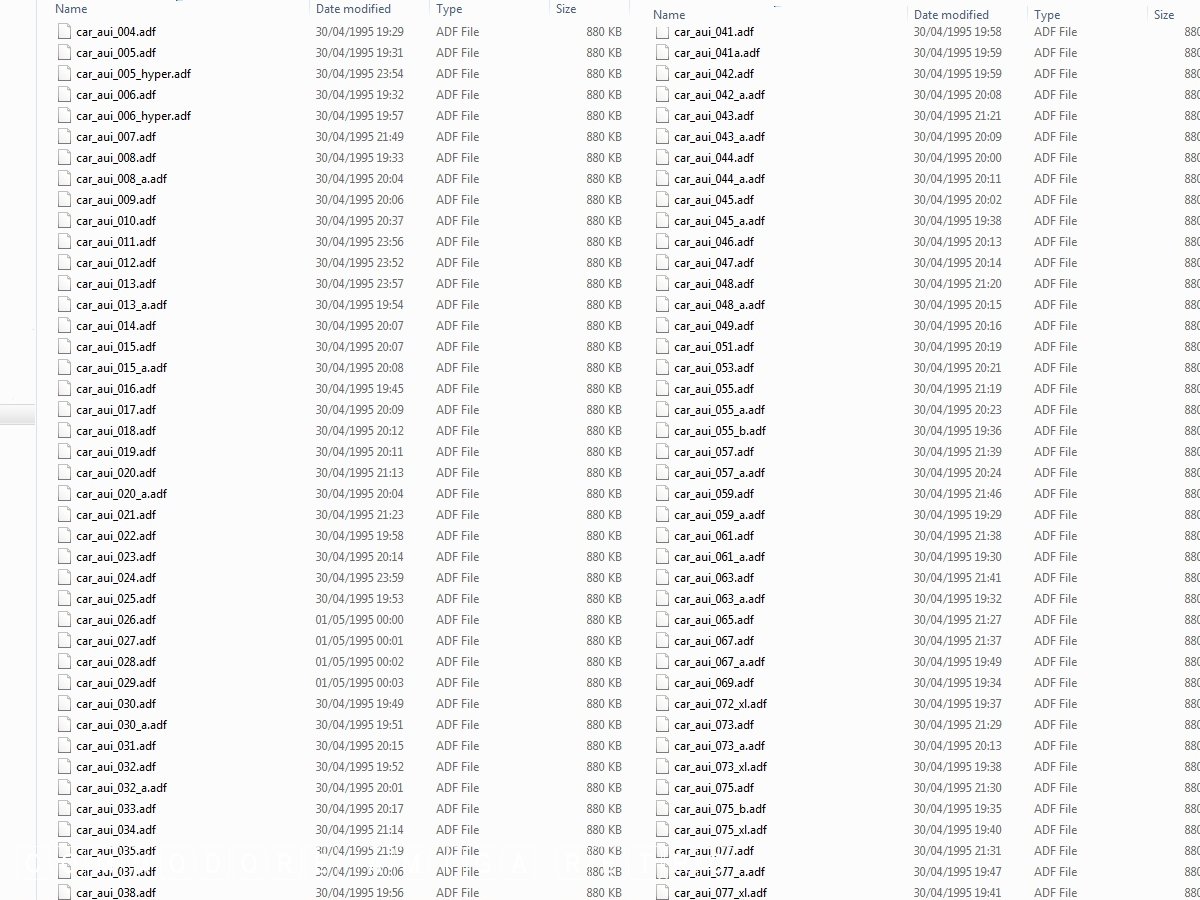
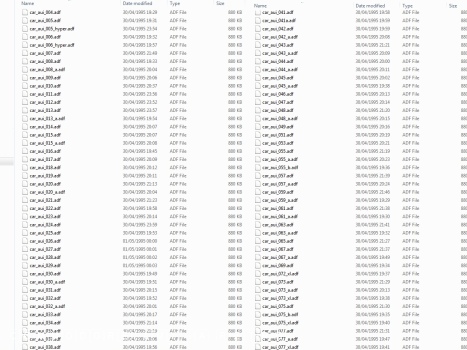
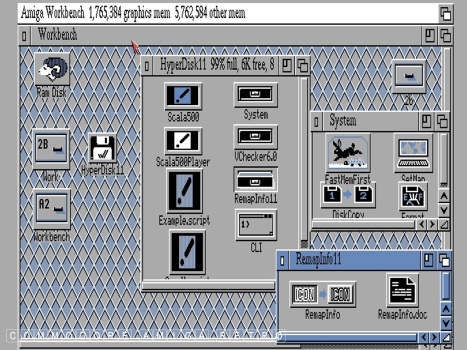
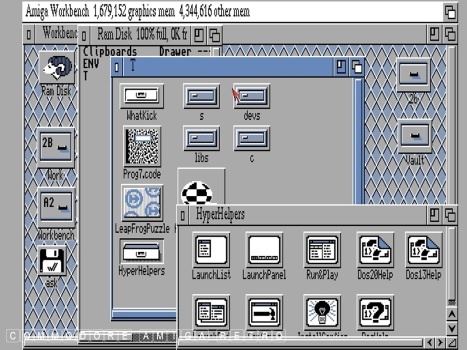
I returned to the Win7 machine which has the emulator. The files
were then placed in the archive and copied to the emulator. I already
have a full library of AUI disks that I have been able to copy over
the years. Note that not all disks can be copied sadly. I then
copied ADF images of disks to compare file structures.

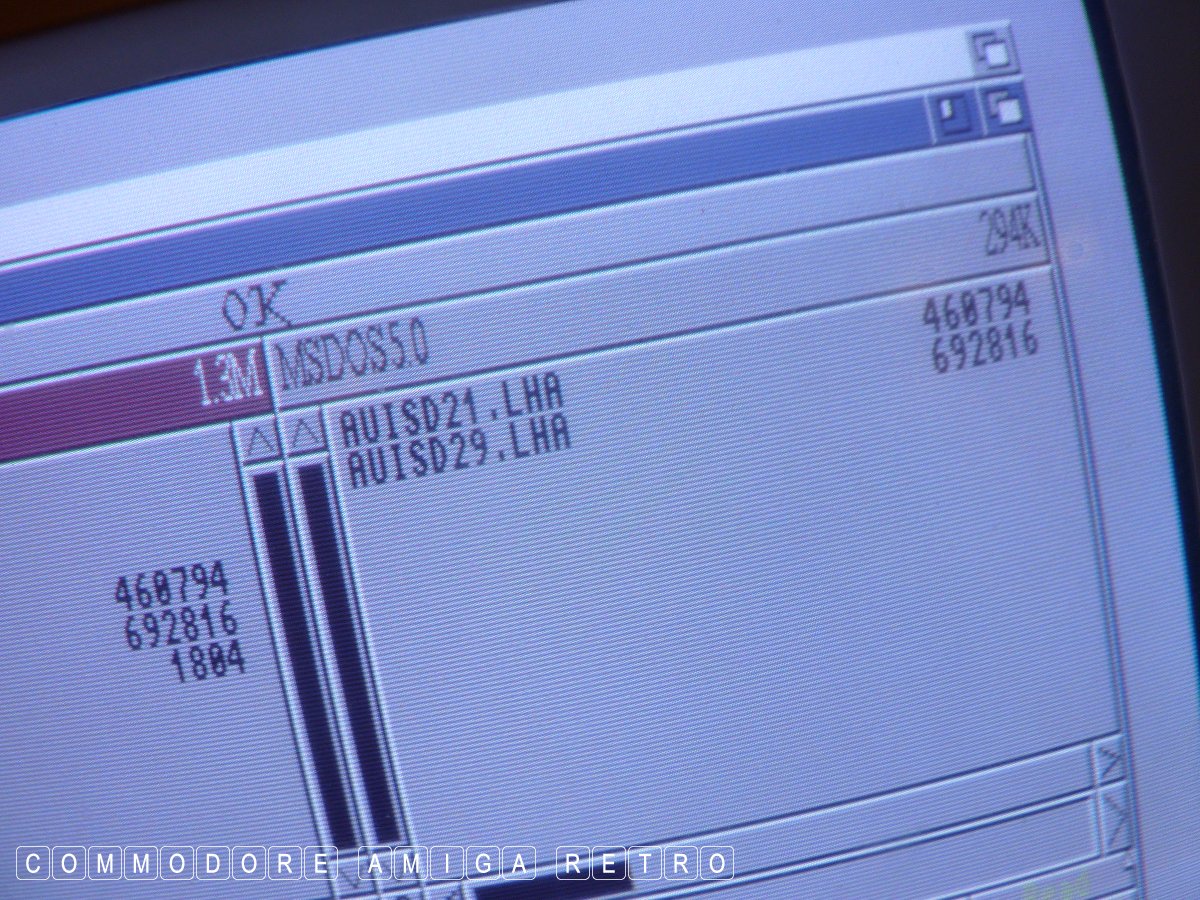
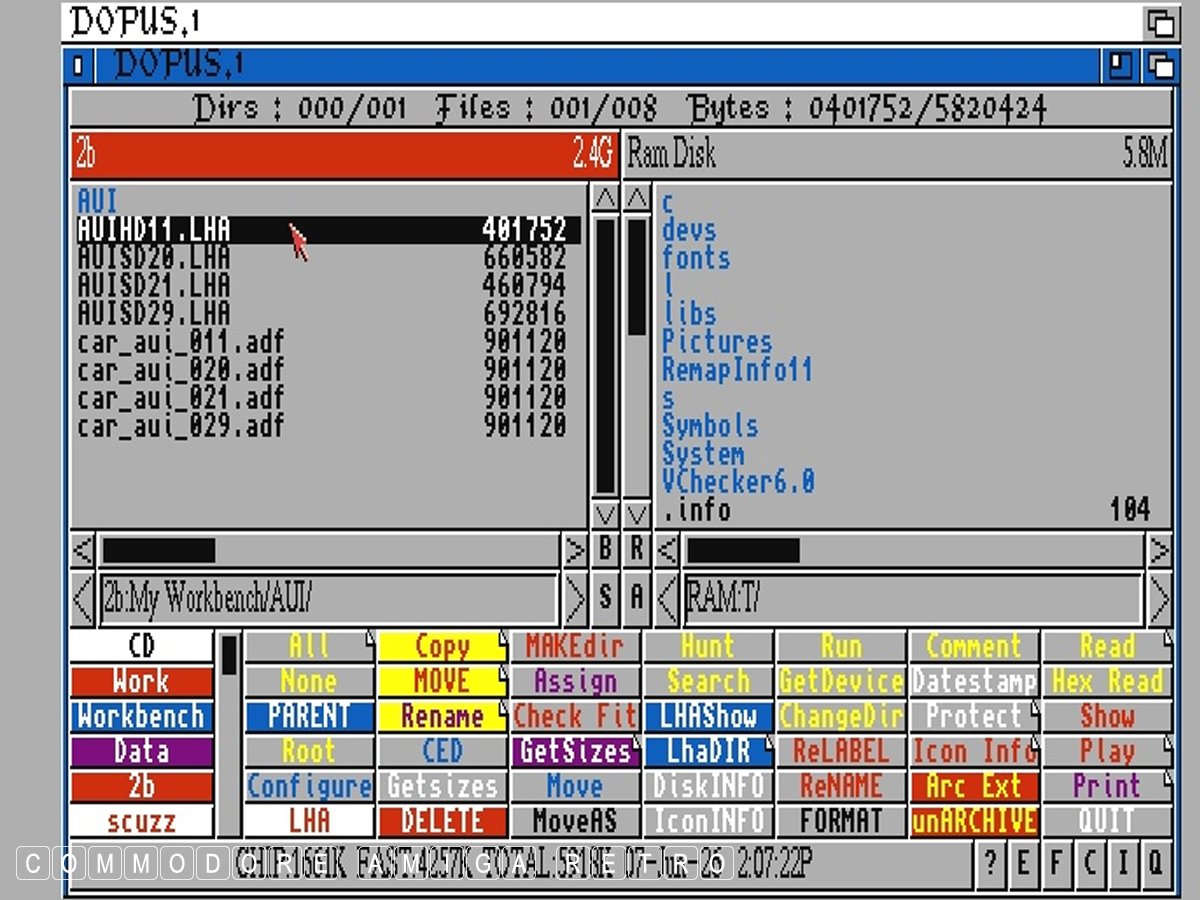
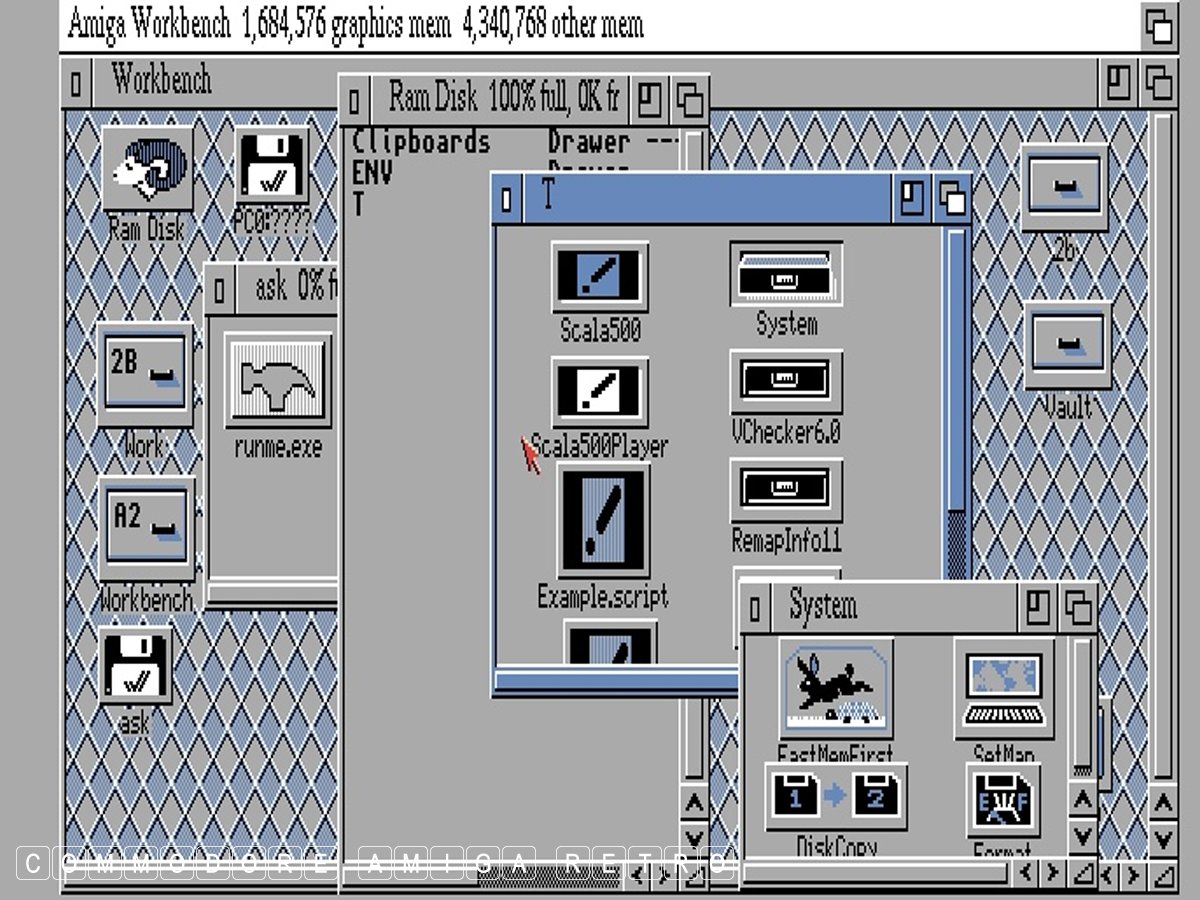
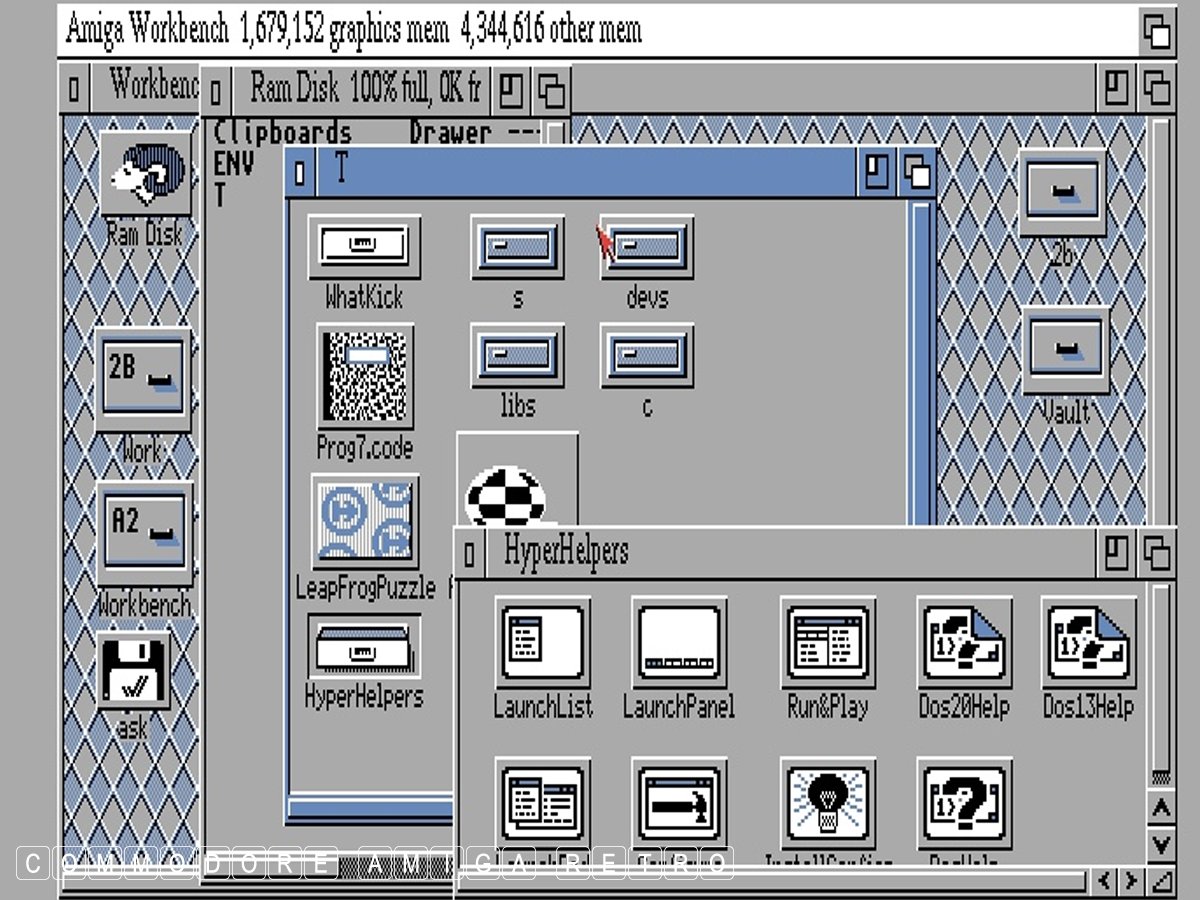
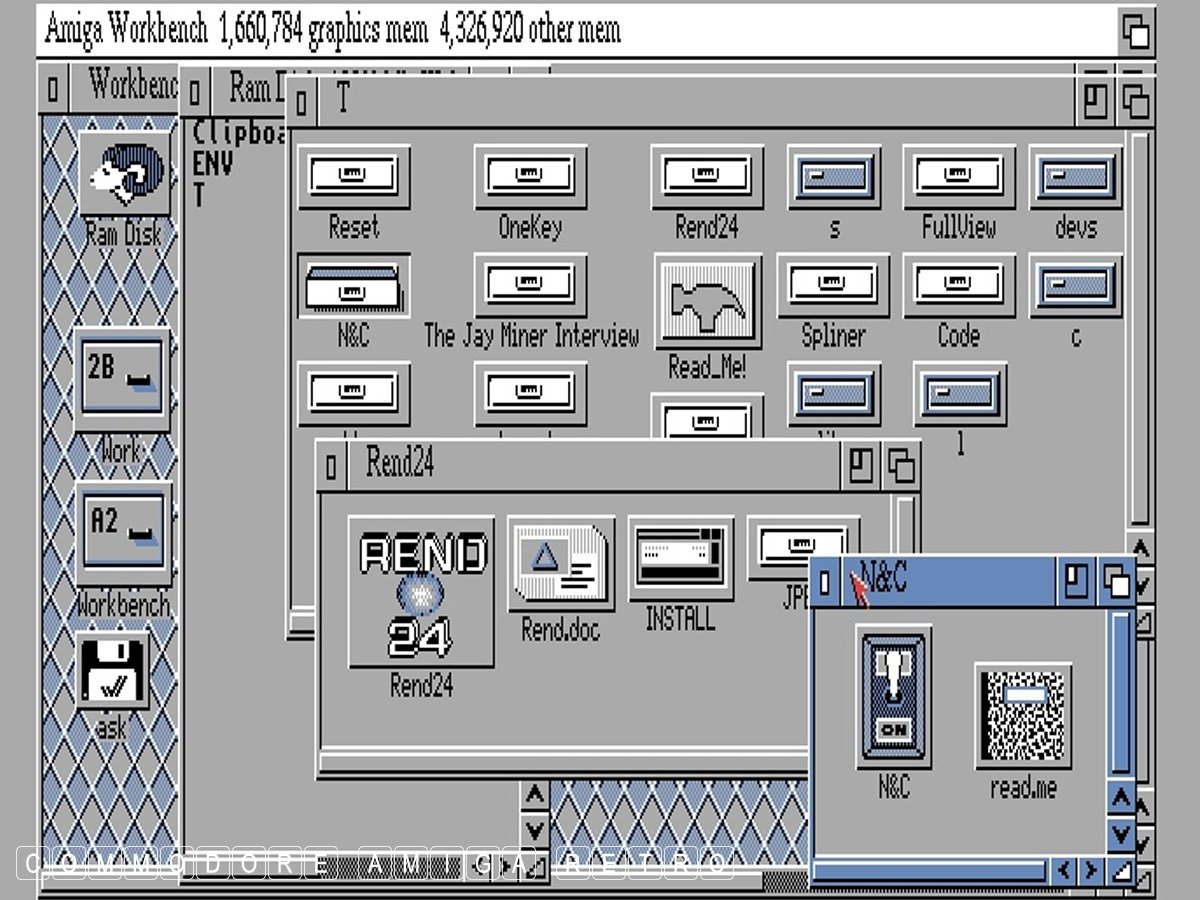
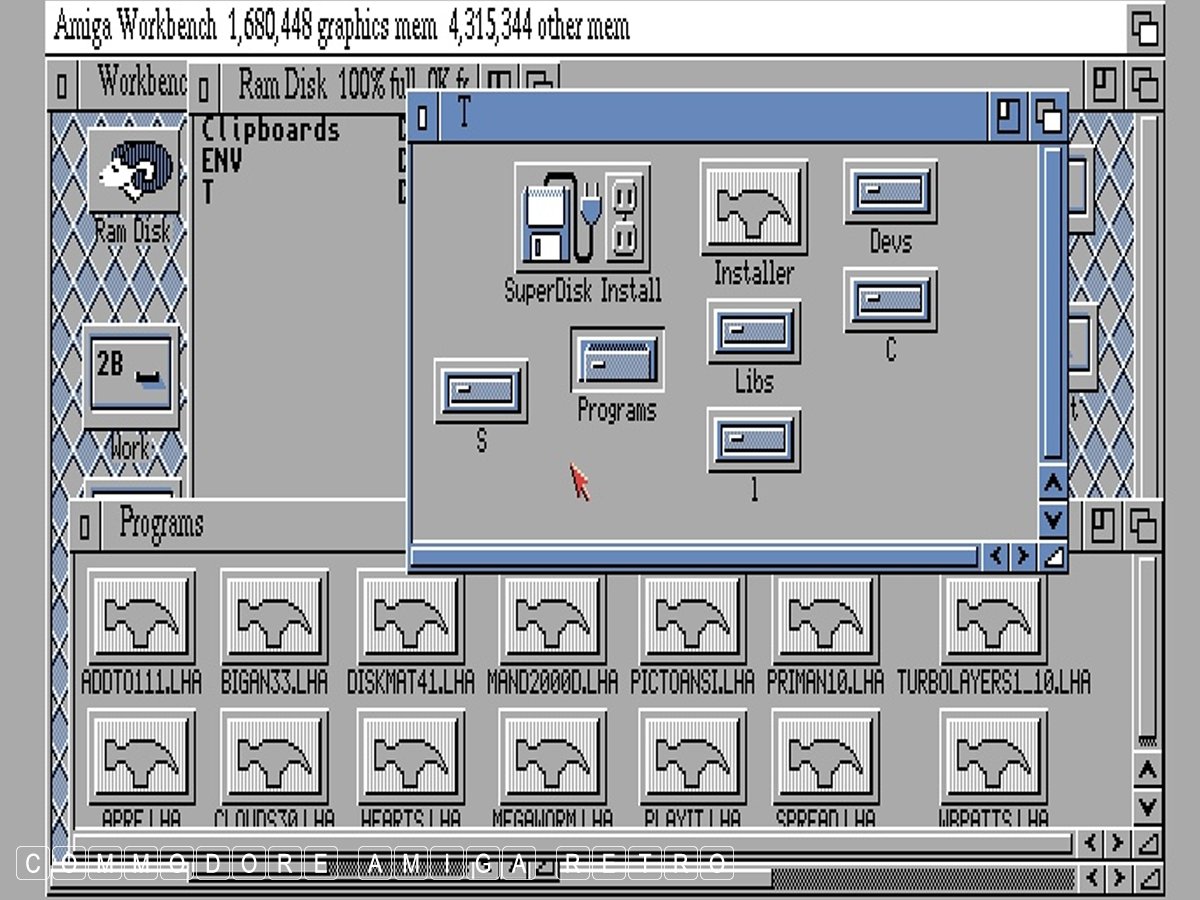
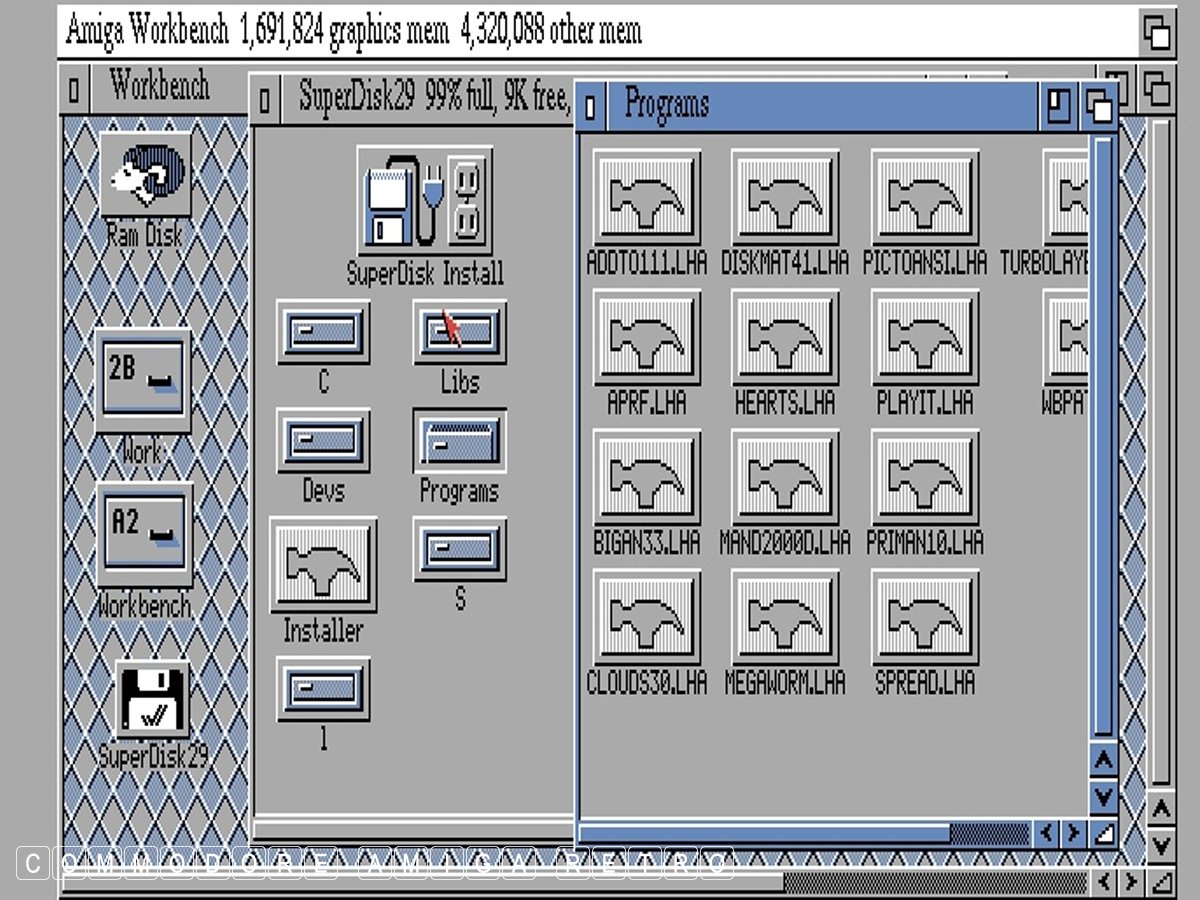
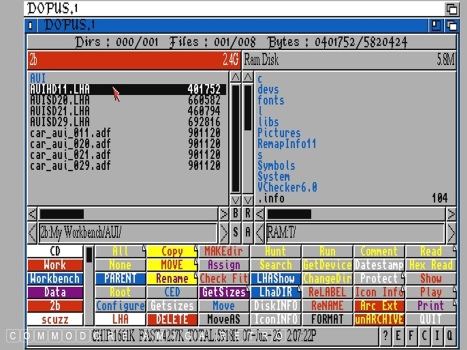
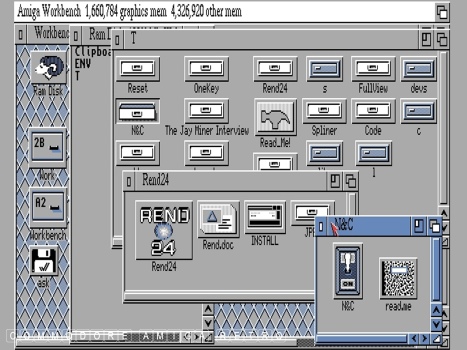
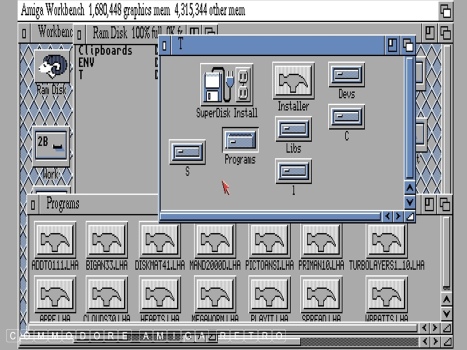
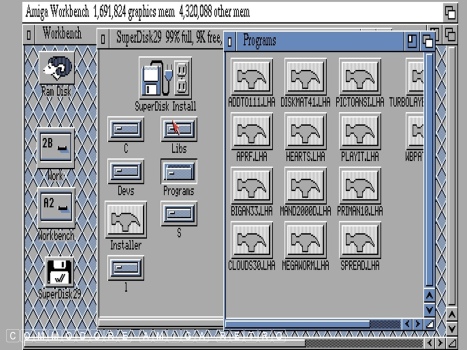
I used DOpus on the emulator to check the LHA files created today
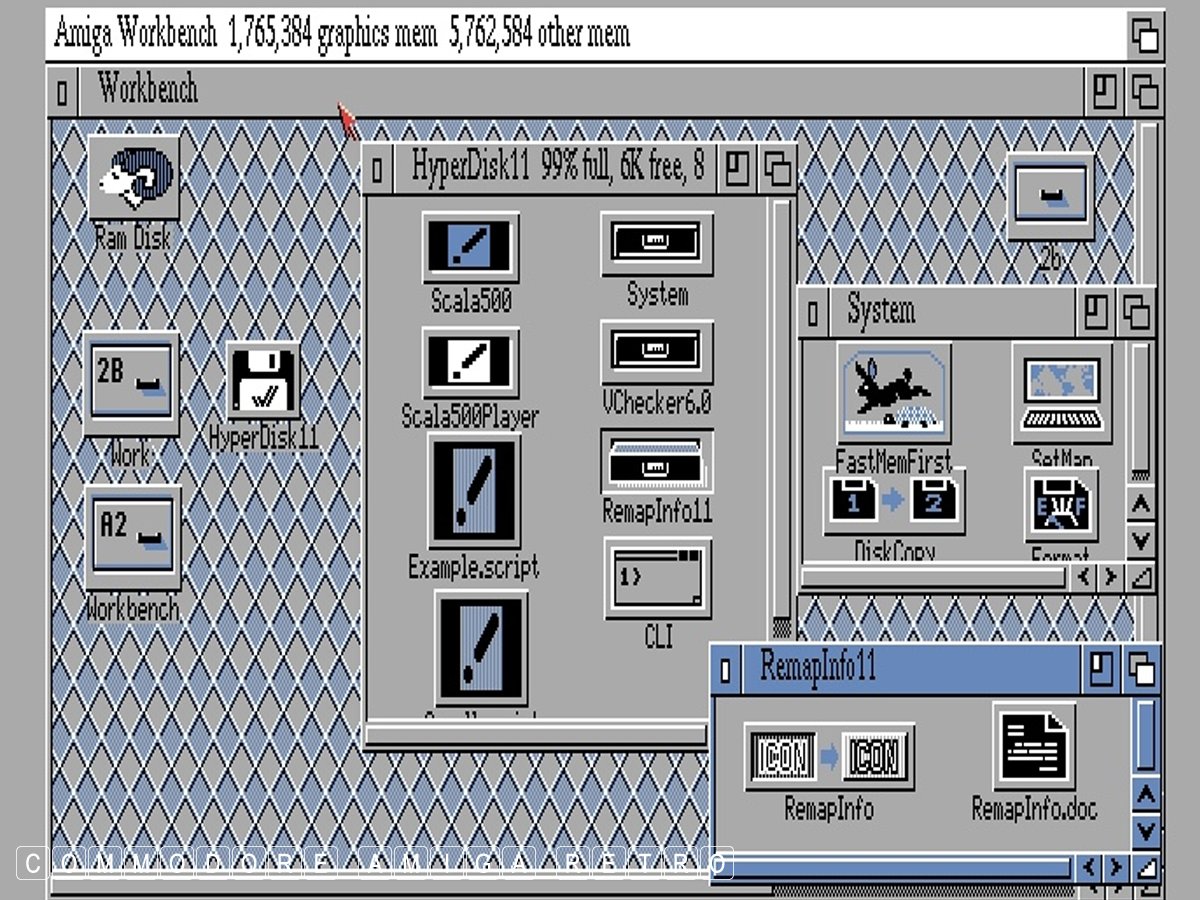
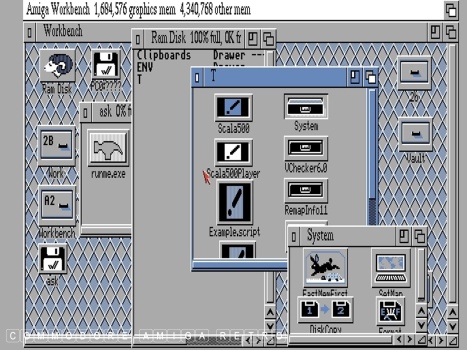
with ADF images created some ten years ago. Note that disks with
LHA files in them register on the emulator with an ask icon and
a runme file to decompress disks that come in as LHA.

Anyhoo !! as I am prone to say the exercise was a complete success
and the thirty plus year old cover disks and the thirty year old
PC disks worked without fault. Not that I ever doubted it. The
trick, as with retro in general, is knowing how to look after stuff.
I read so much bullshit on Toobs and forums from so called experts
about the doom surrounding old kit and media and yet for me it is
never a problem. Trust me there is a way and it don't involve a
Gotek and the Internet. But then I've been doing this for a long
time before either was the 'go to' solution for supposed experts.

And one last comment and that is when I say I have the disks I
mean ' I HAVE THE DISKS '. Not hacked , cracked or downloaded.
I am talking about the 100 percent original disk. Still working.

Going now.
AUI Cover Disk - Transfer to PC Old Skool.
|