ScuzzBlog: Diaries March 2026
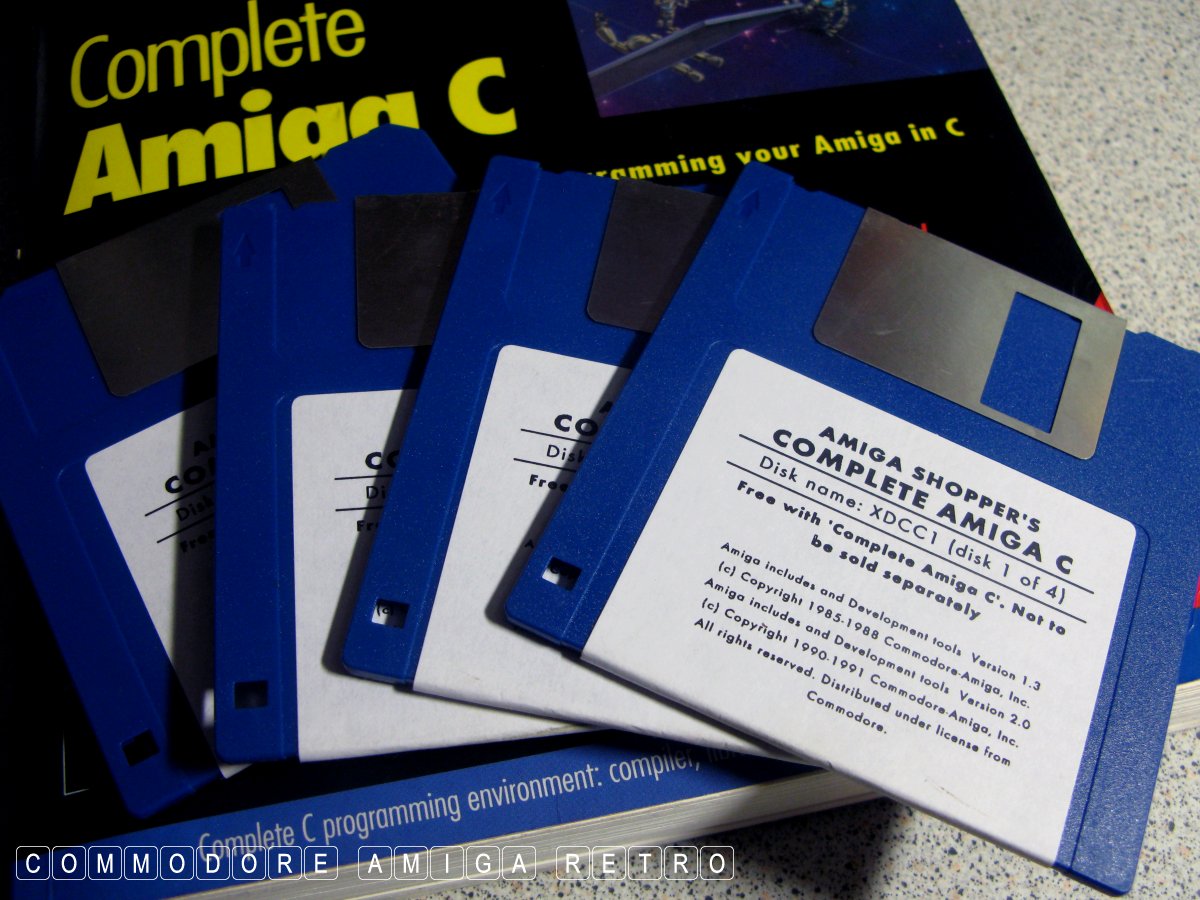
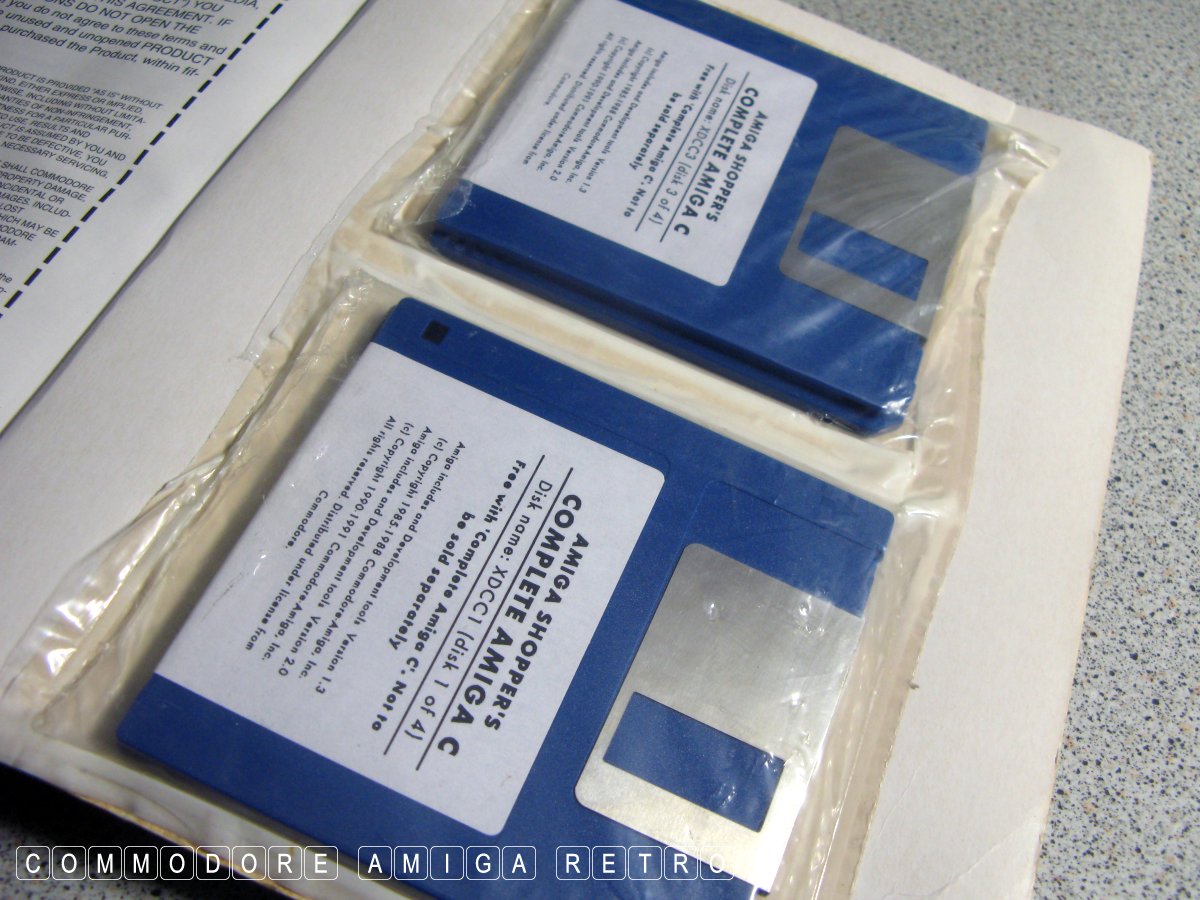
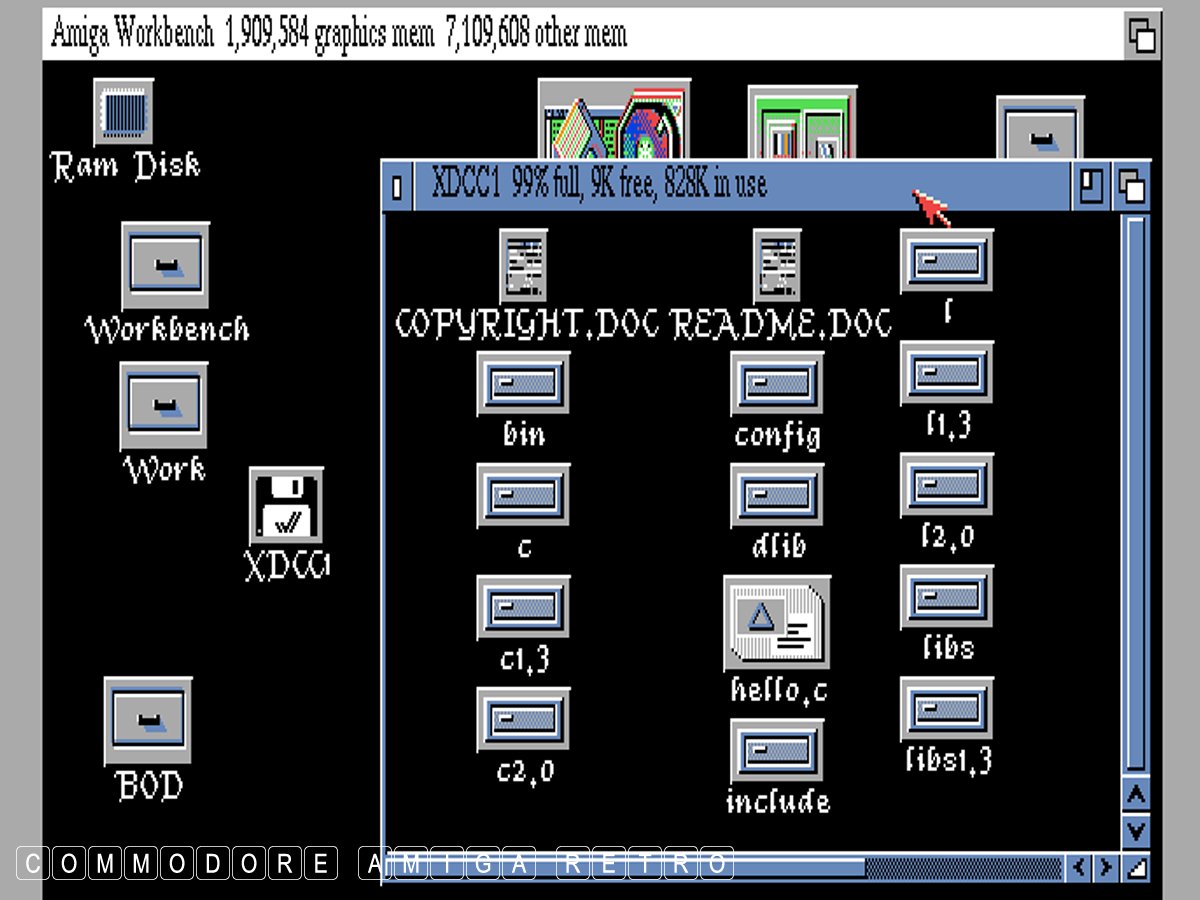
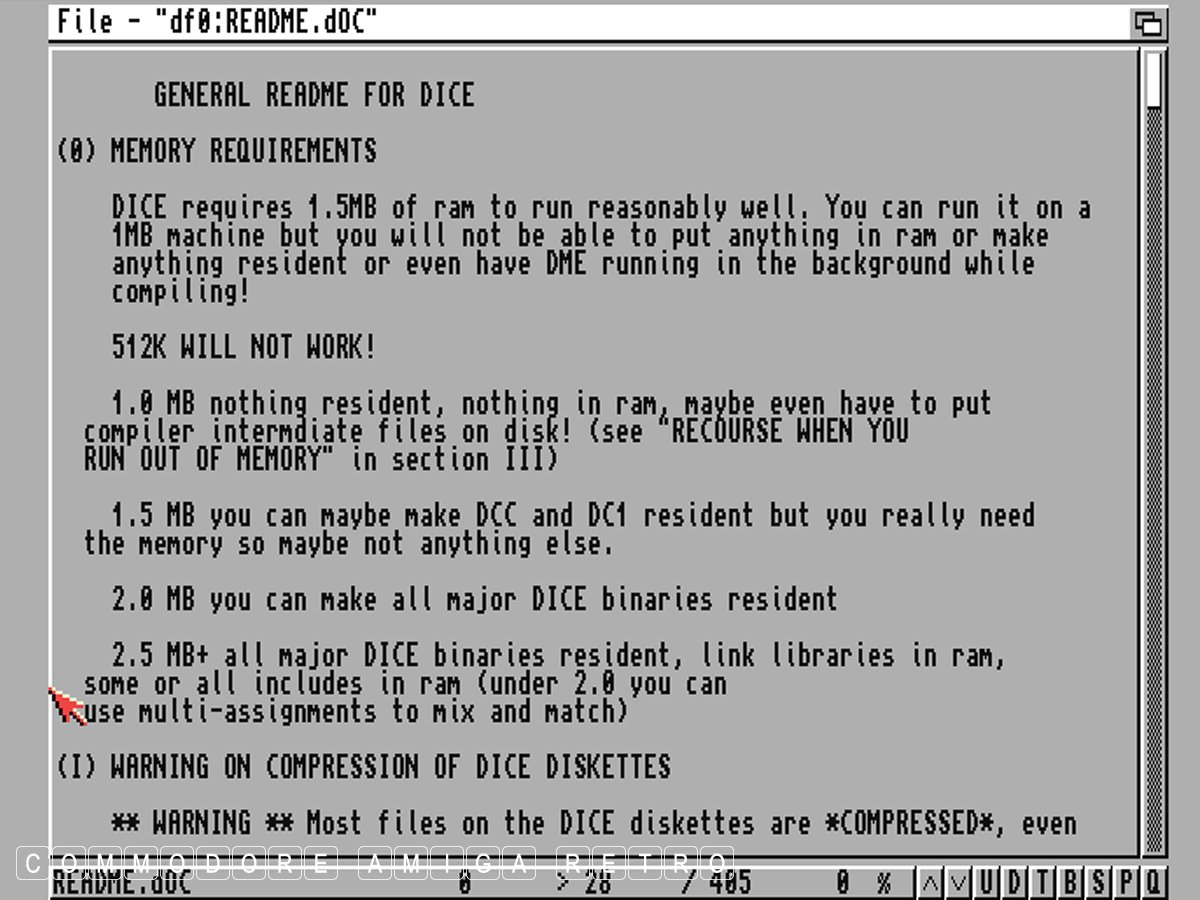
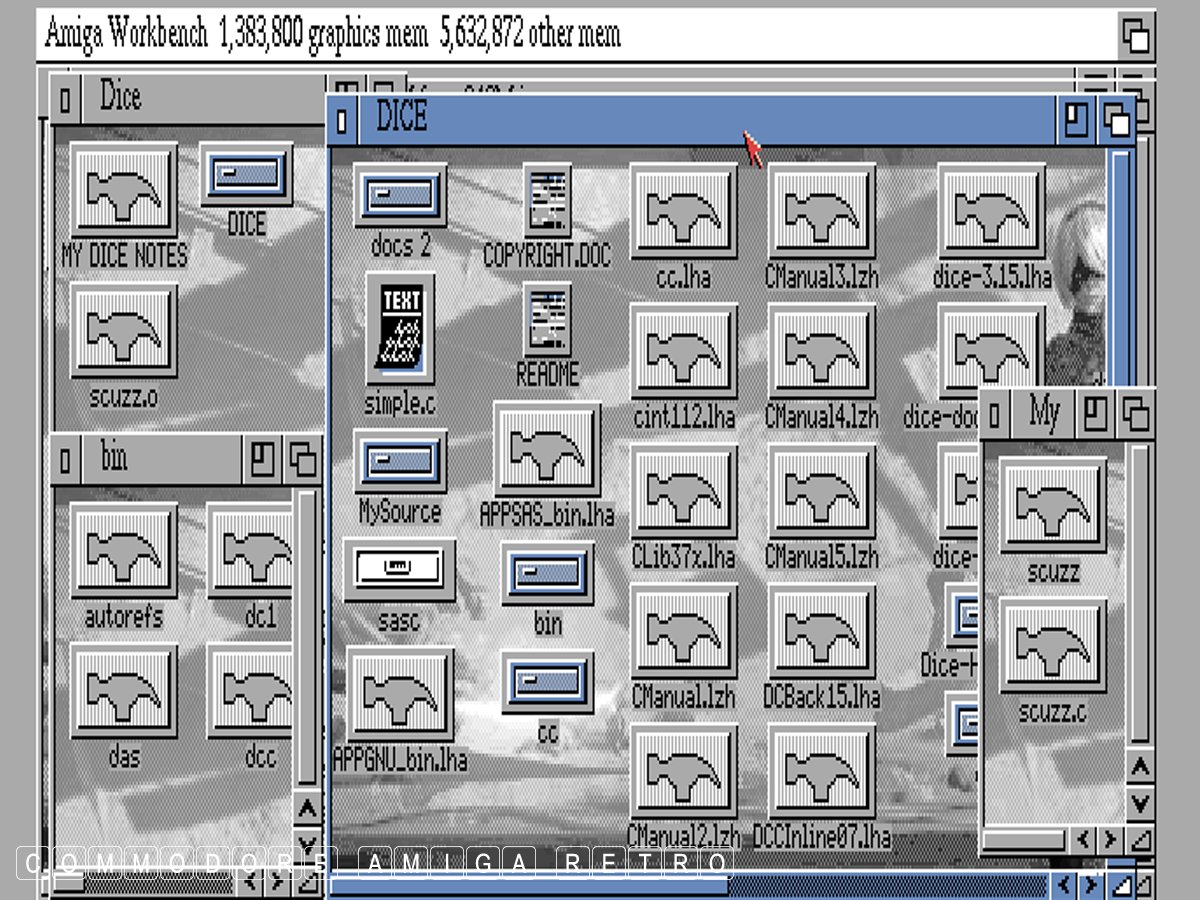
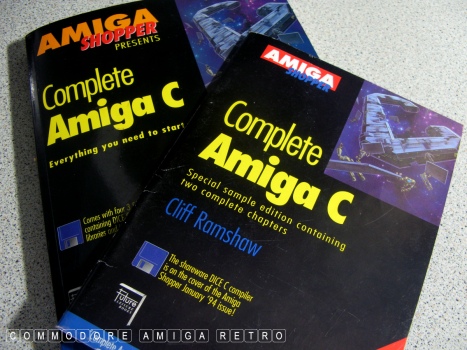
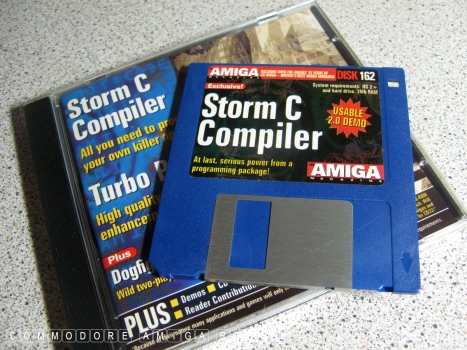
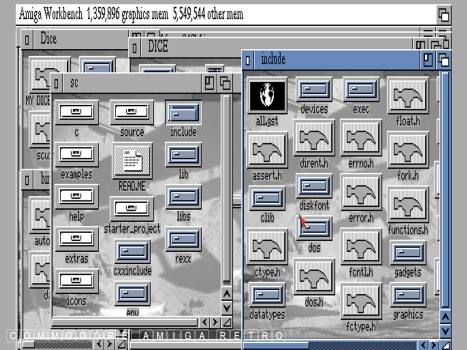
Entry 12th March 2026: Post 1: Amiga complete C - DICE and SAS/C.
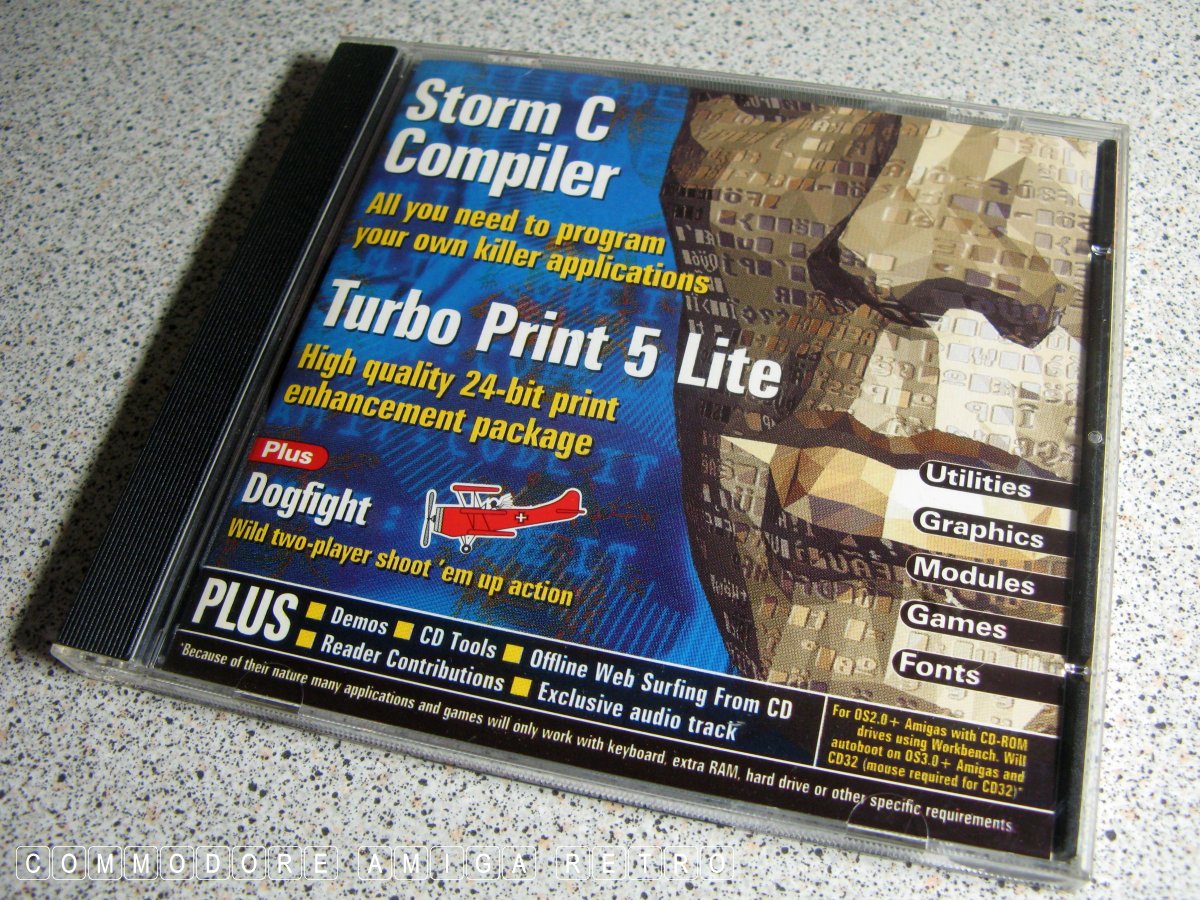
Amiga complete C - DICE and SAS/C.
OK I wasn't about to write a full blog on the virtues and usage of
DICE and SAS/C. Sadly not. However I just wanted to remind those
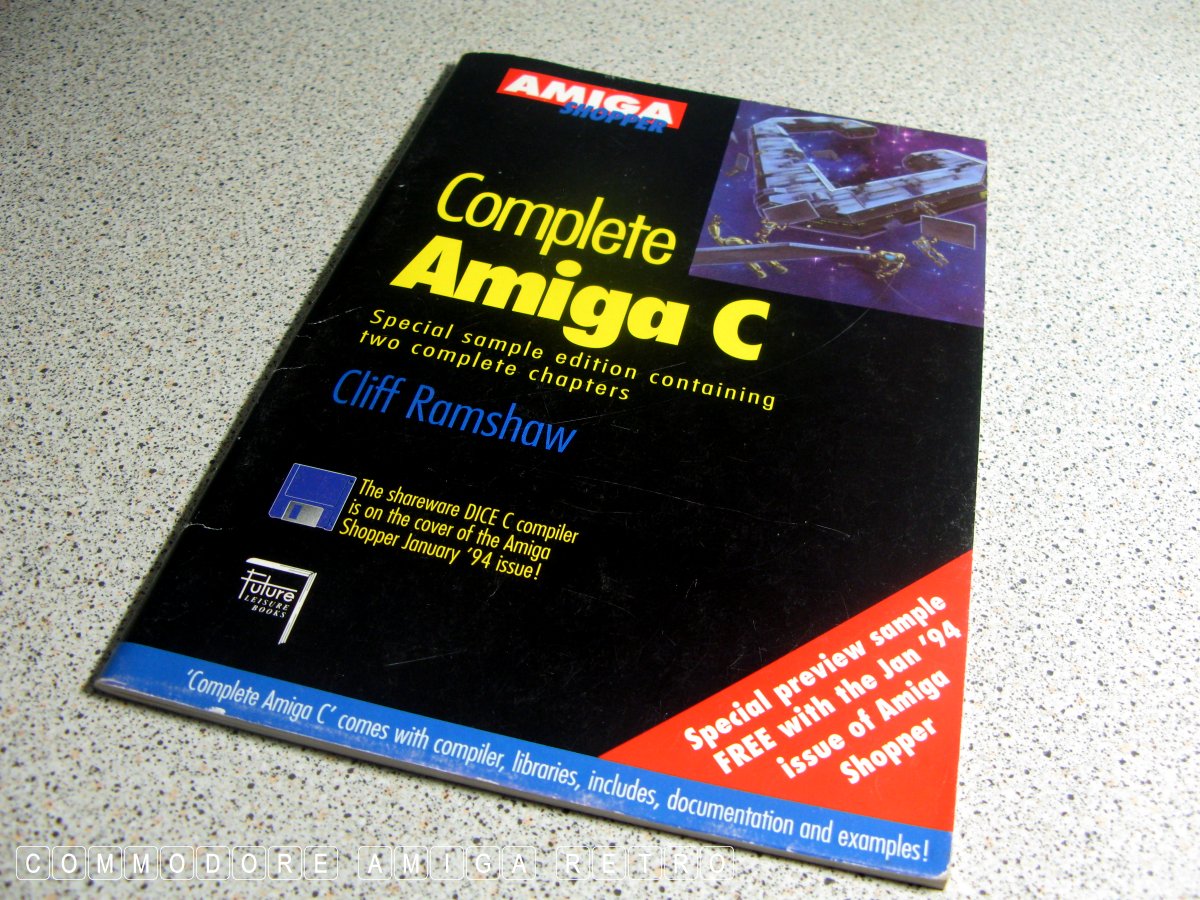
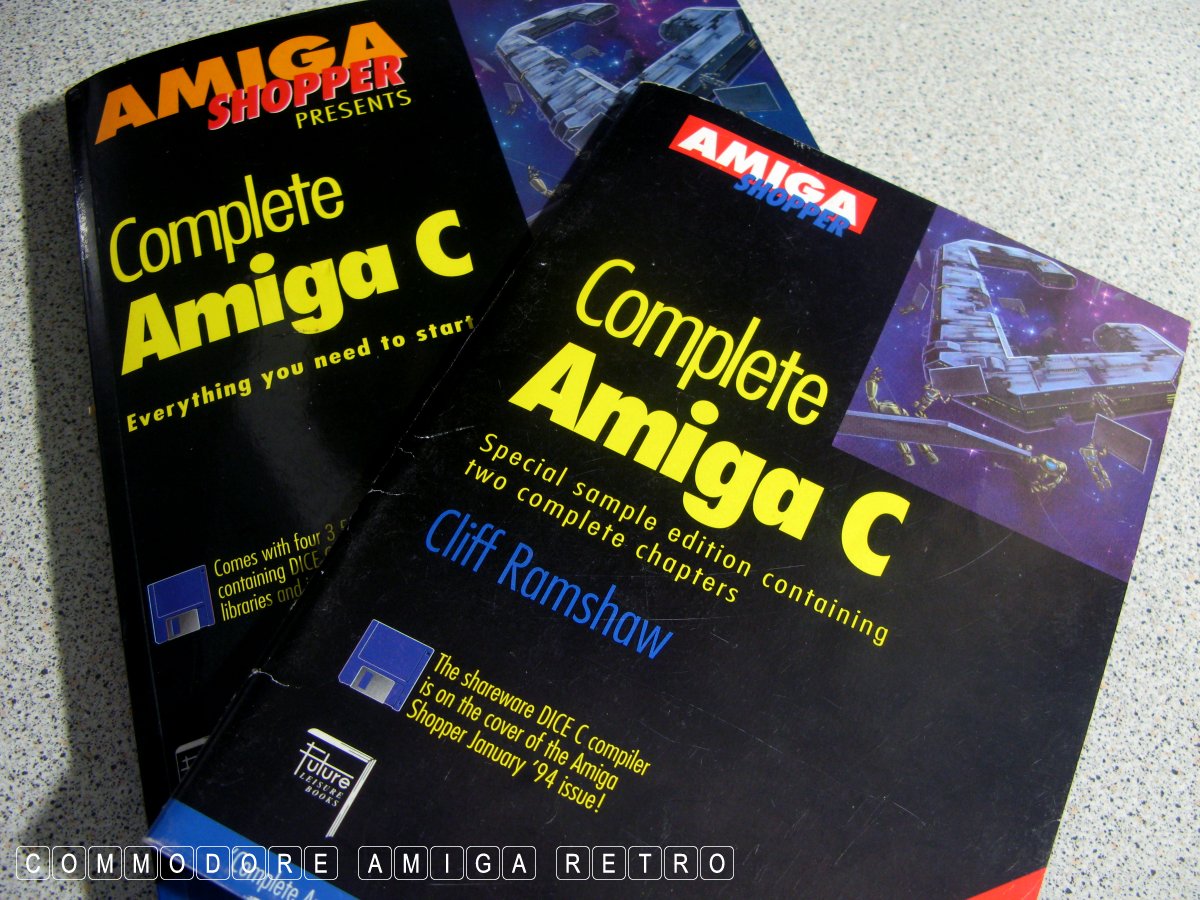
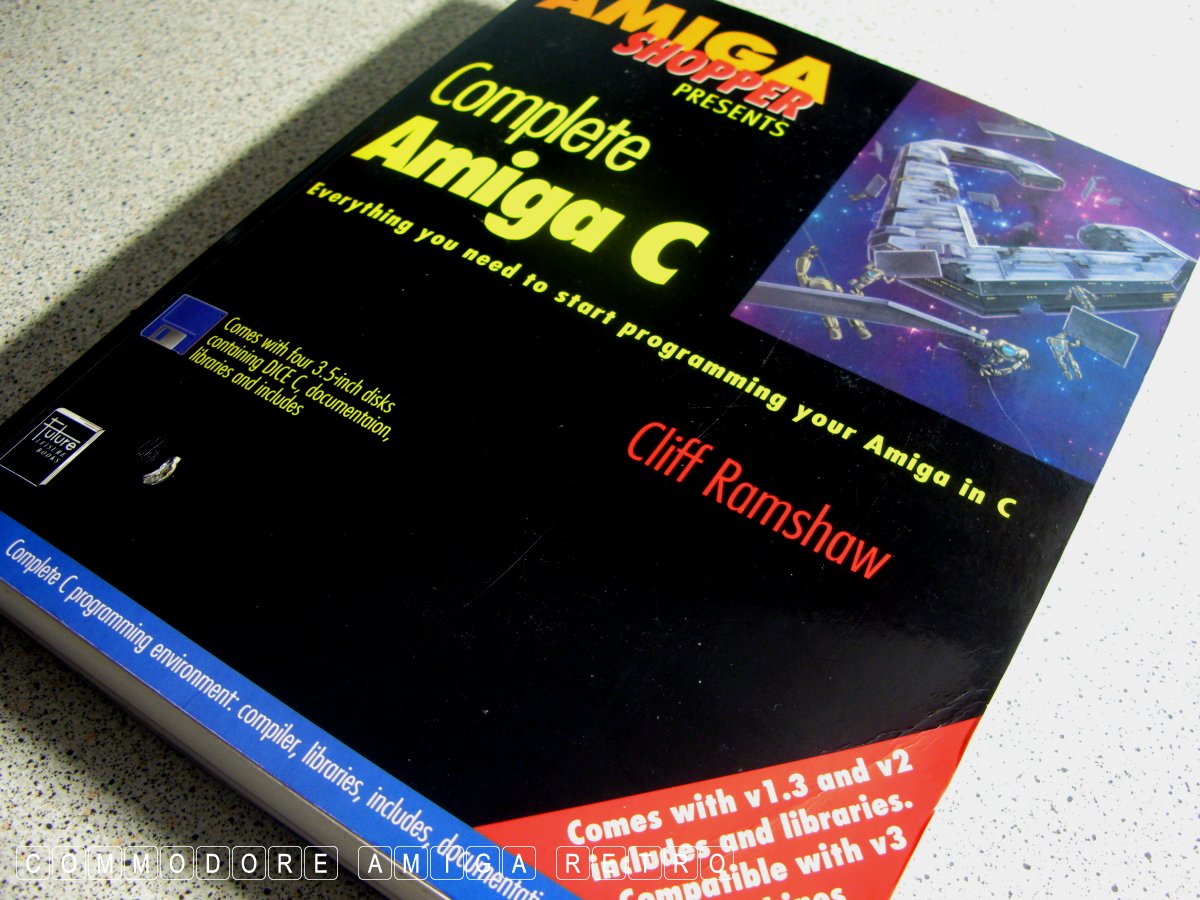
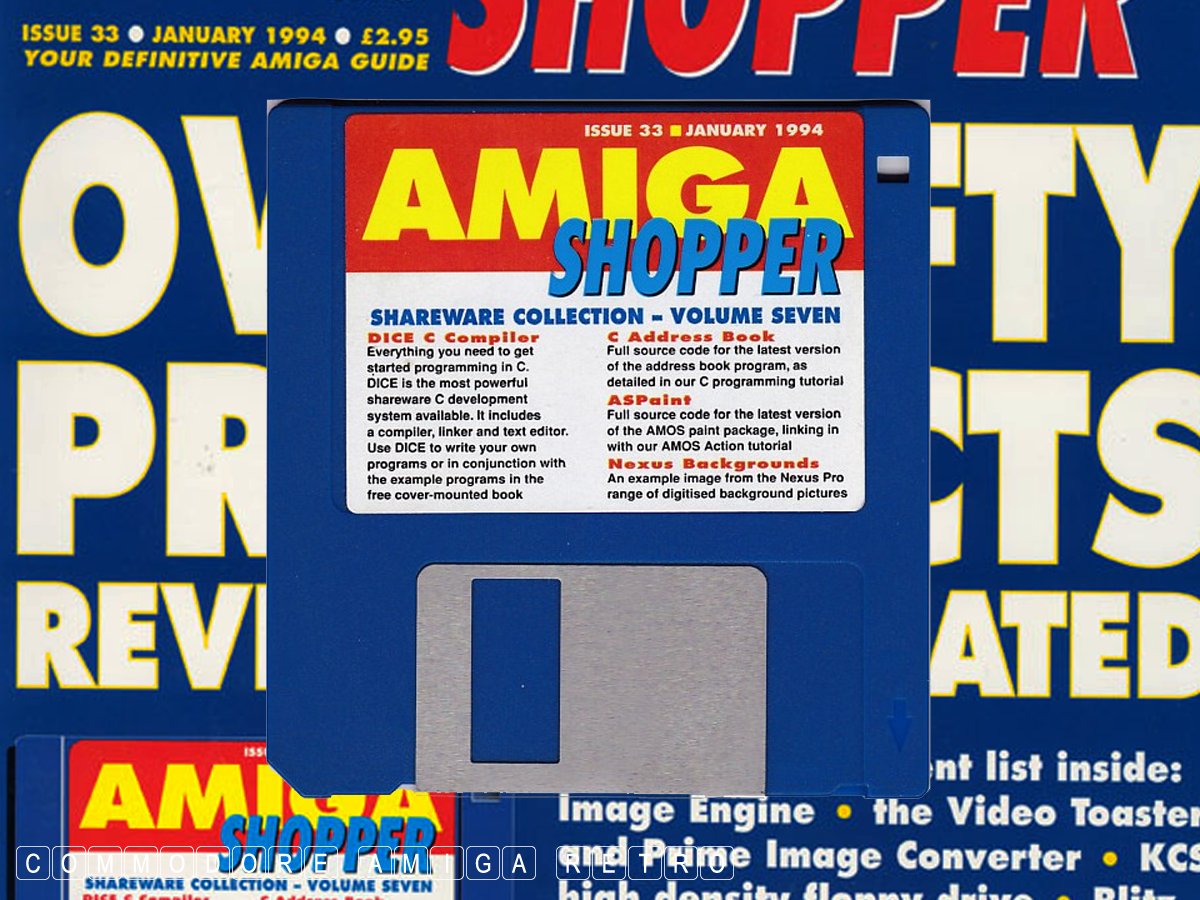
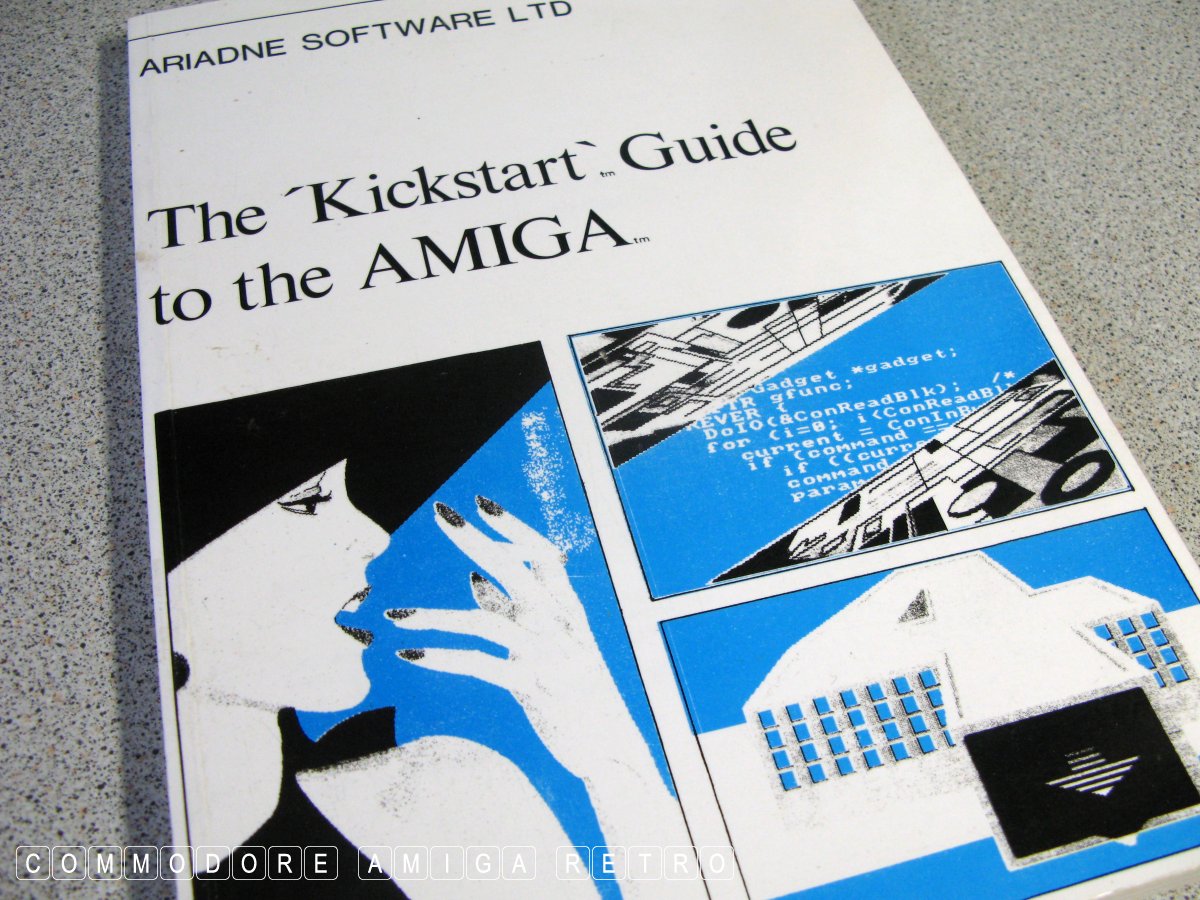
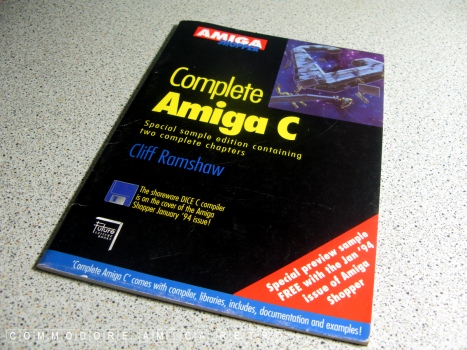
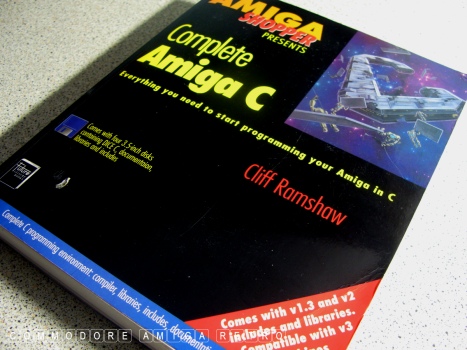
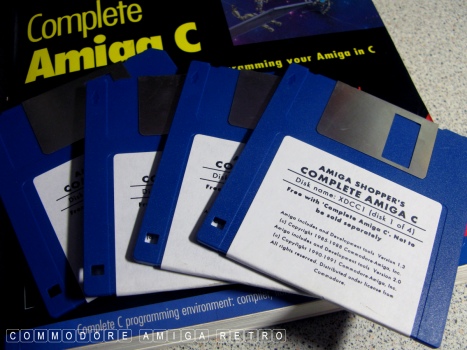
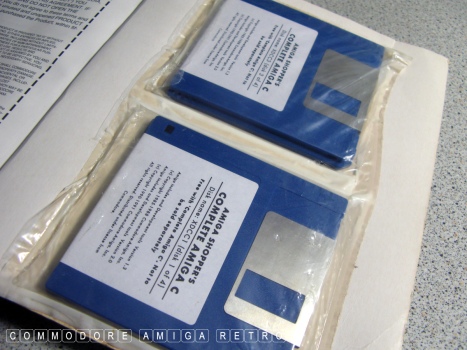
who plan on dabbling in C on the Amiga that Cliff Ramshaw's book
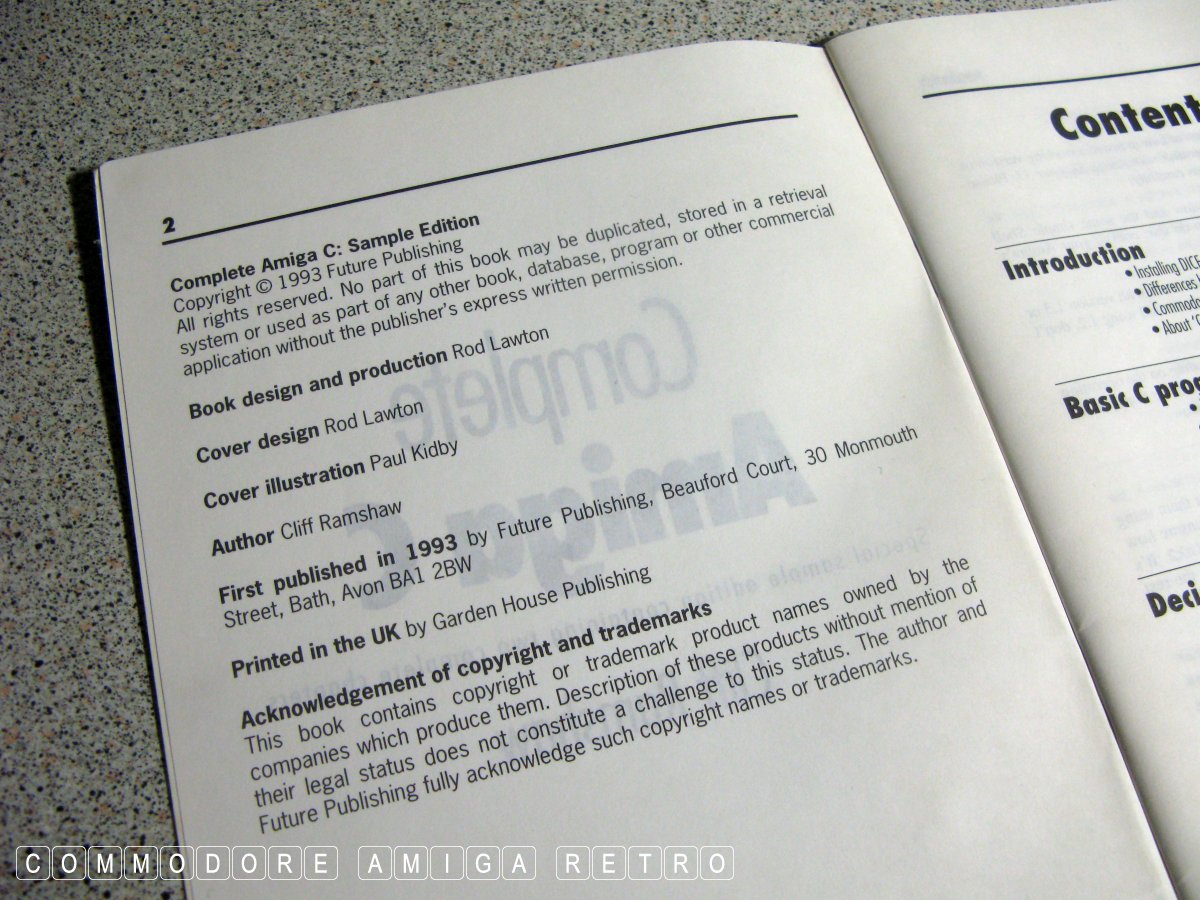
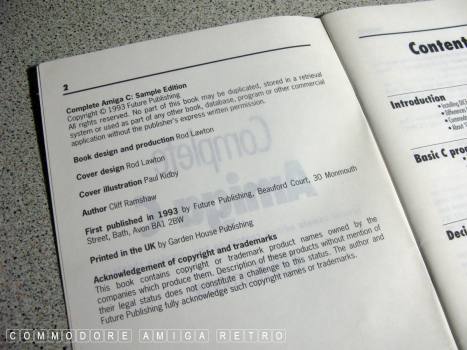
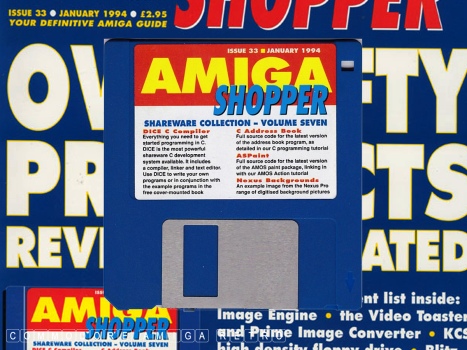
Complete Amiga C first published with Amiga Shopper Issue 33 1994
is available on gitlab.com.

https://gitlab.com/amigasourcecodepreservation/complete-amiga-c

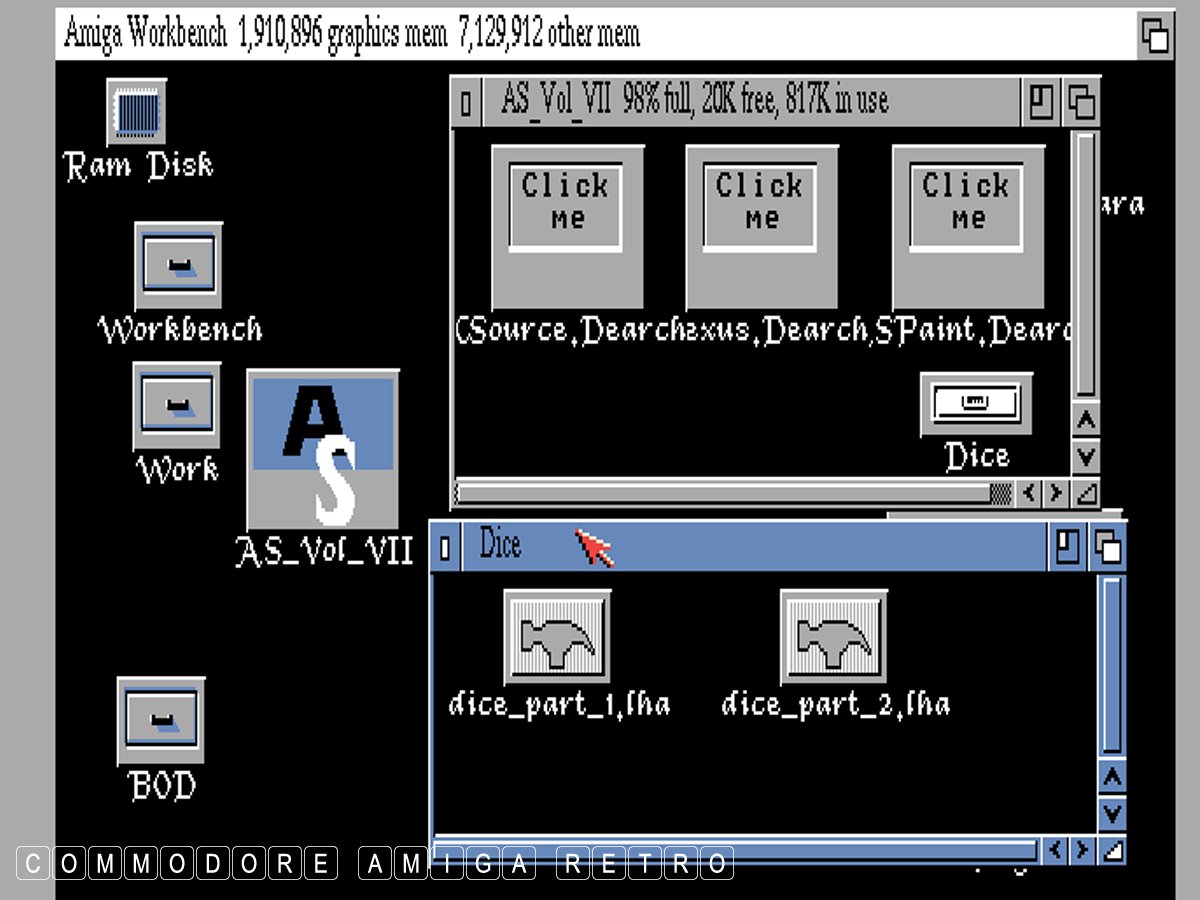
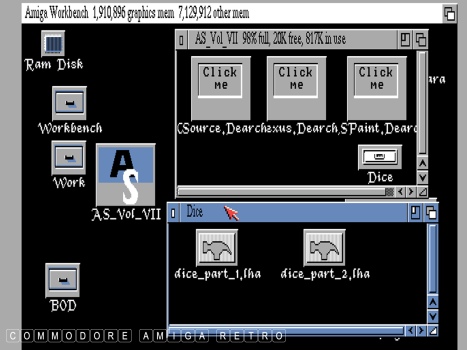
and DICE can be downloaded from Aminet

https://aminet.net/package/dev/c/dice-3.15

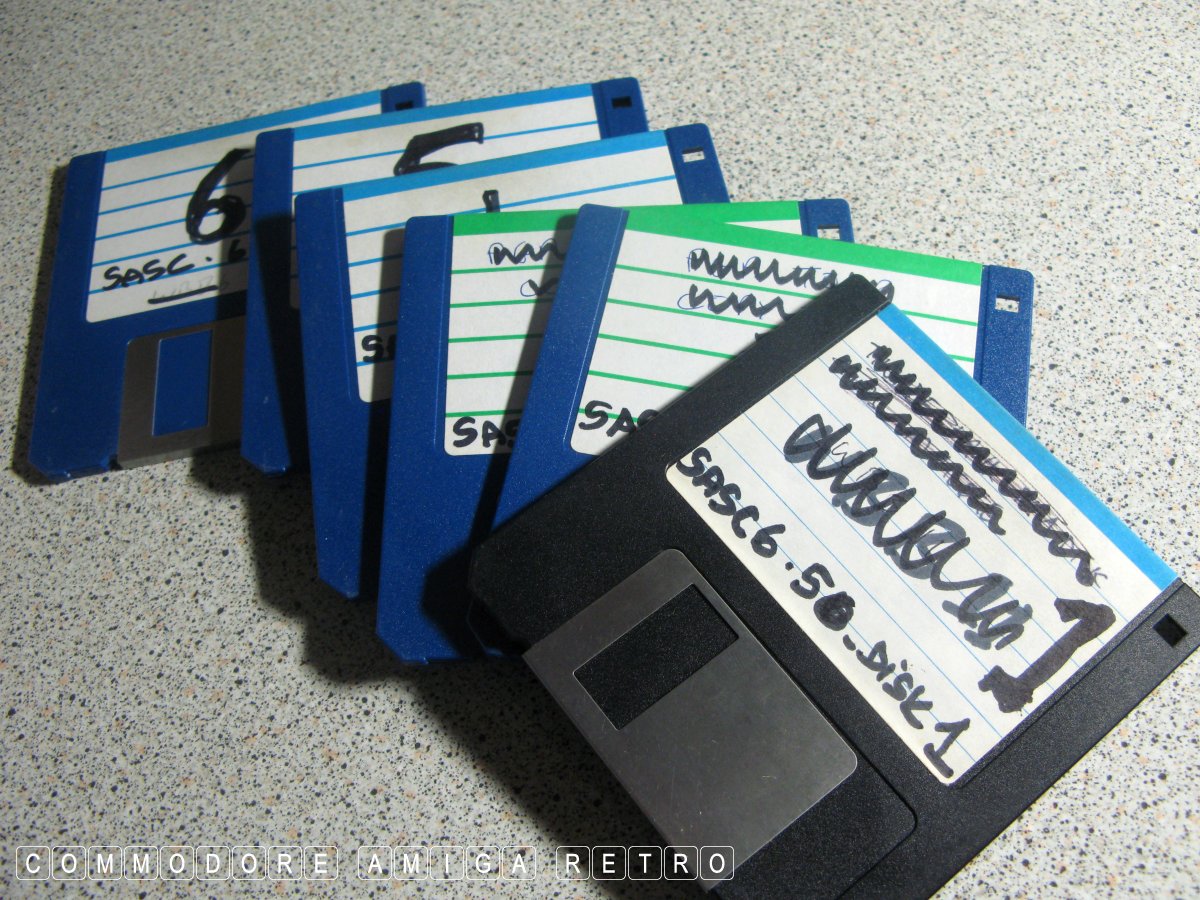
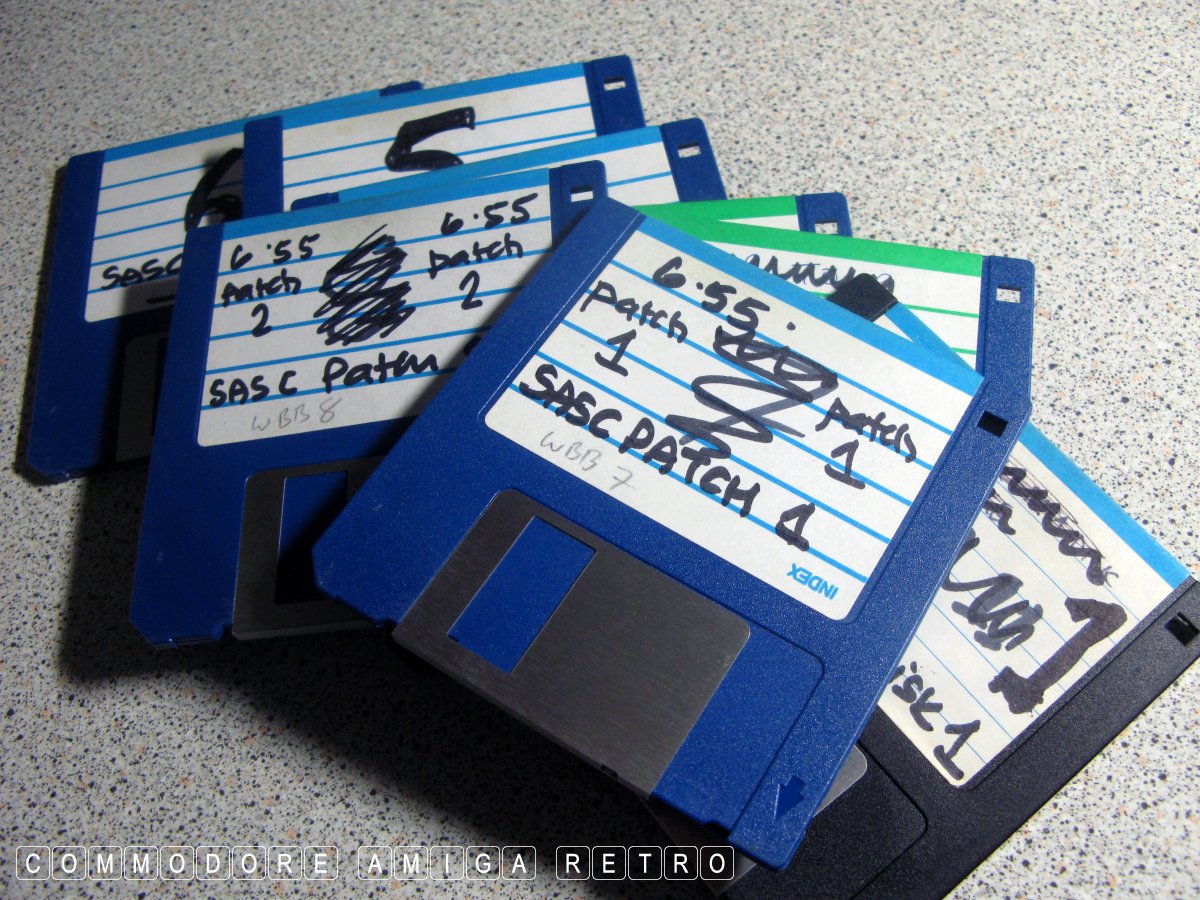
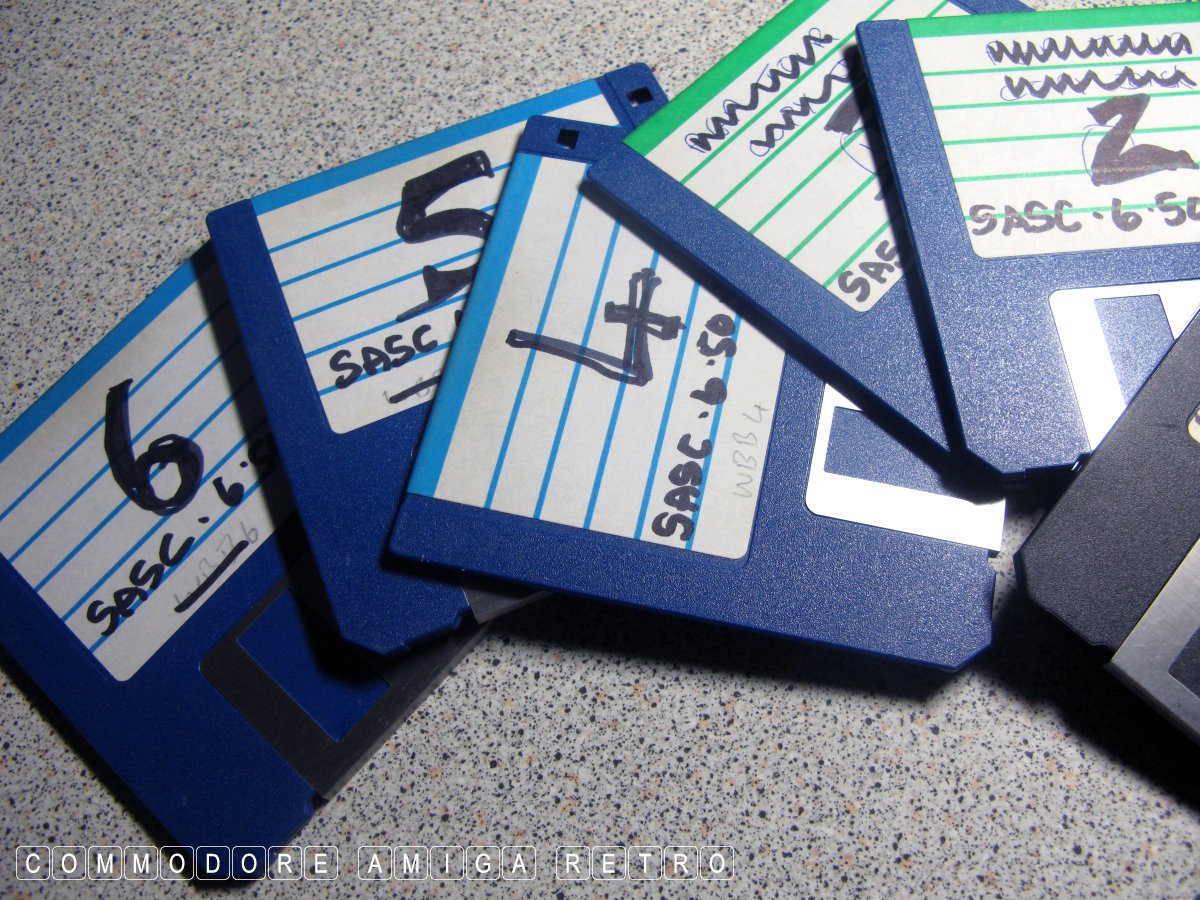
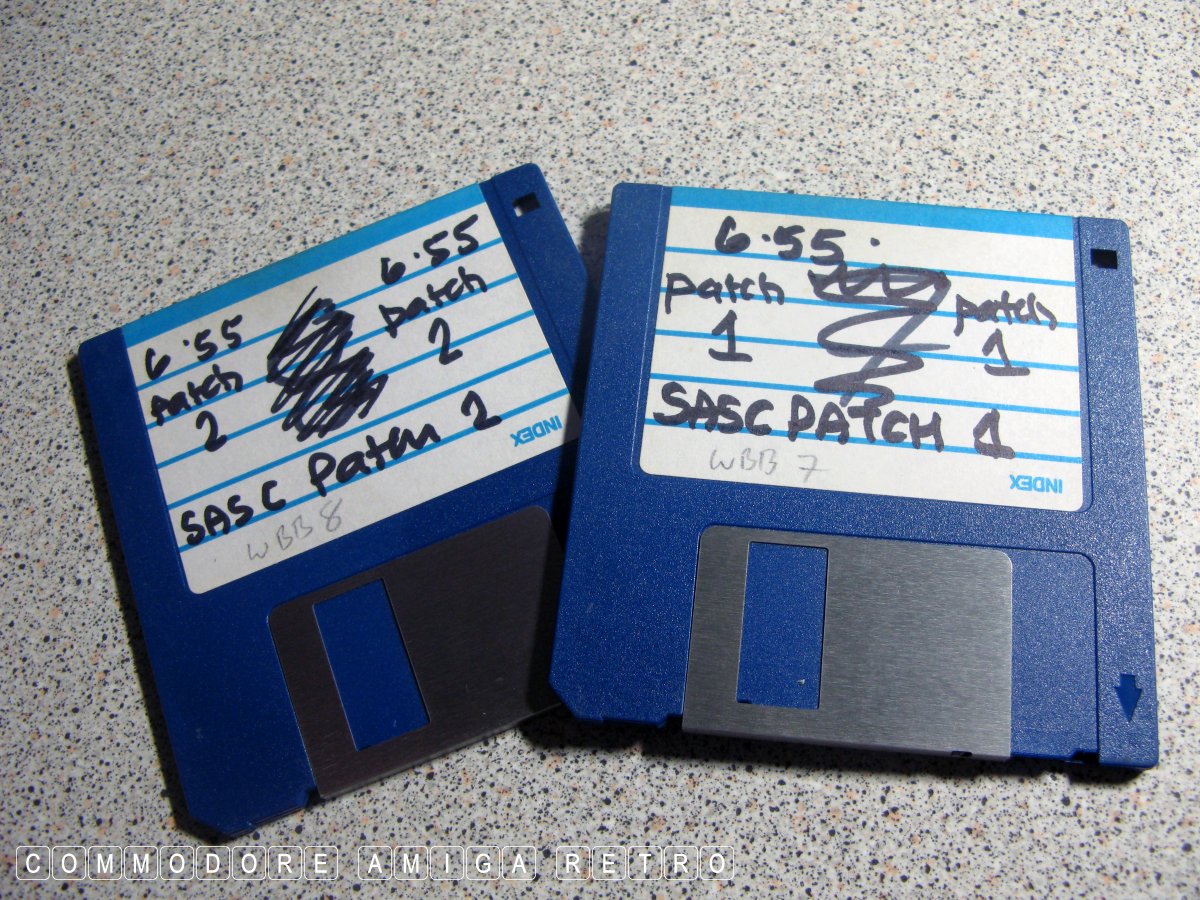
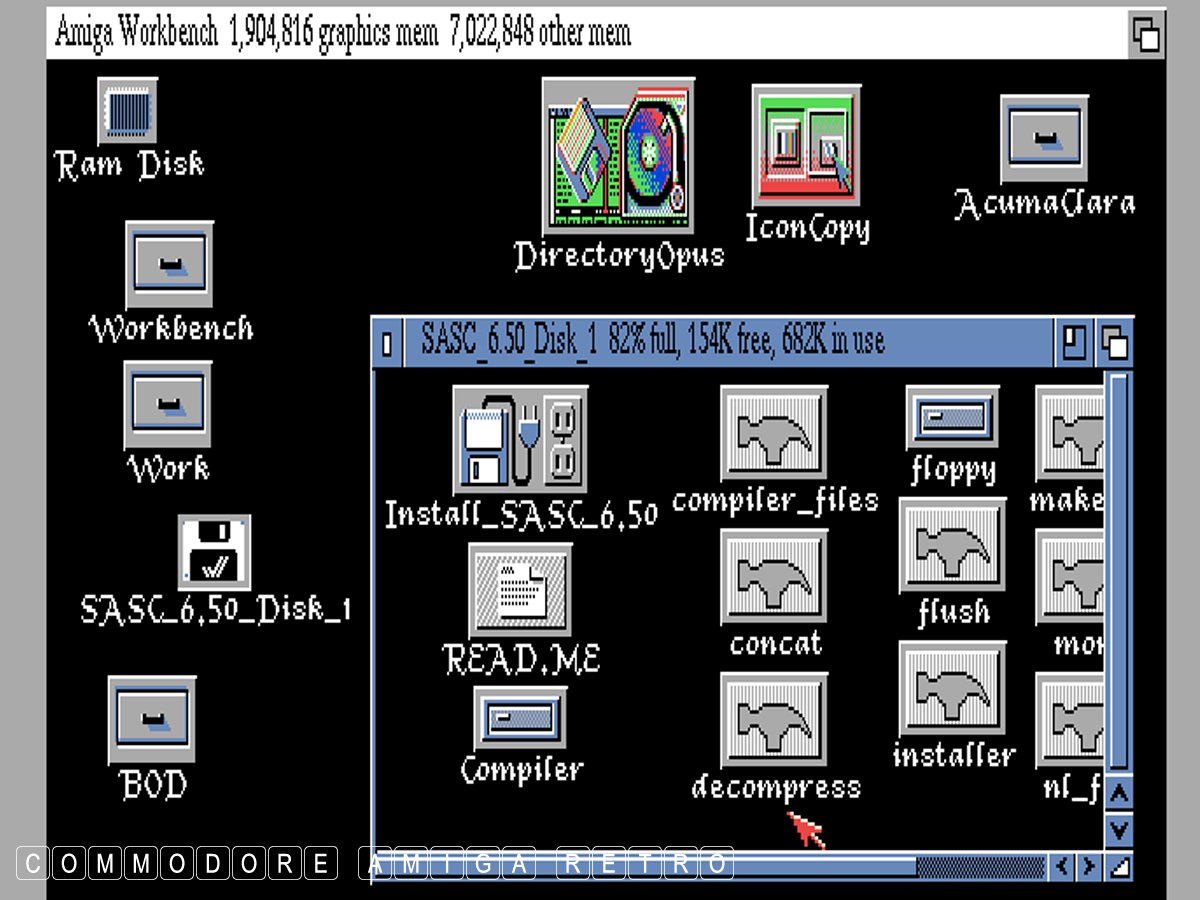
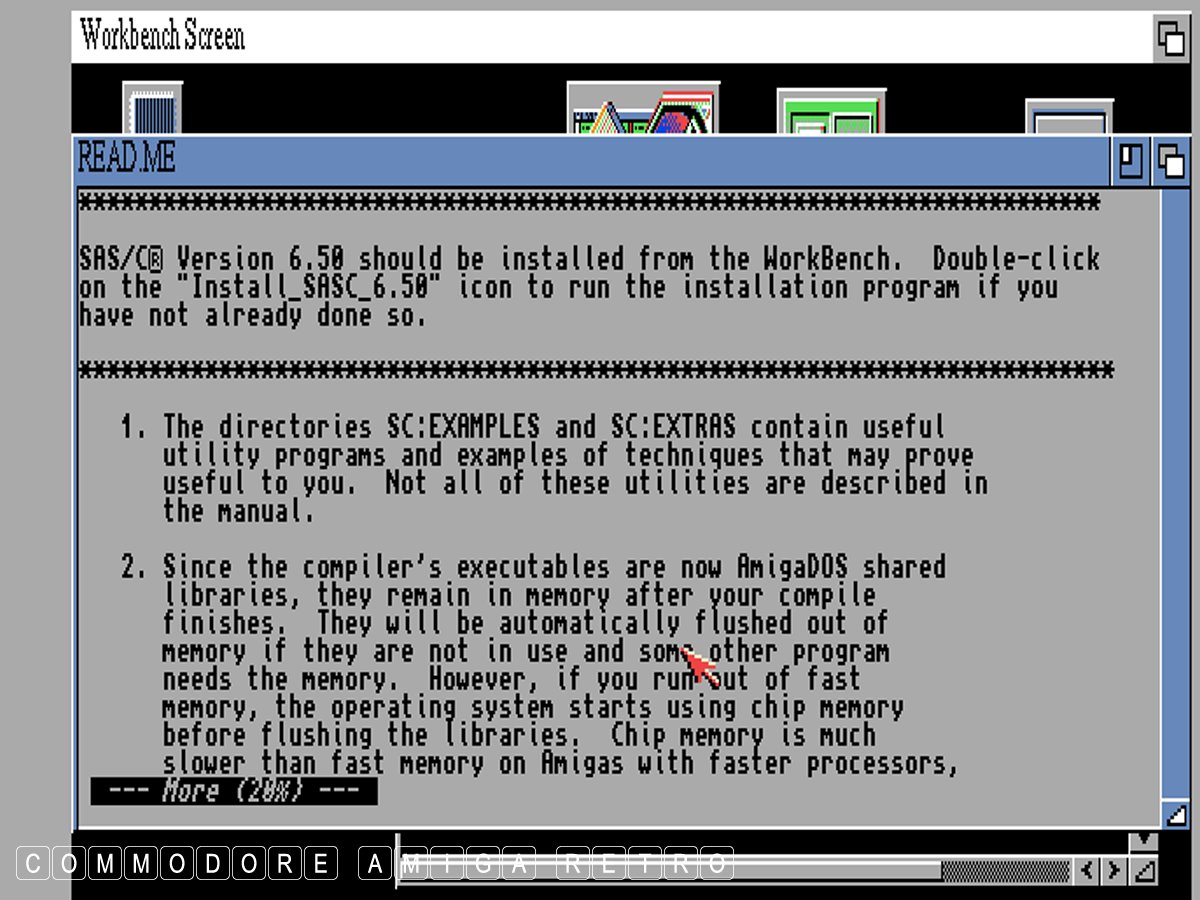
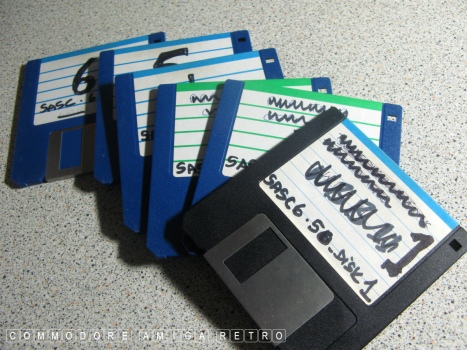
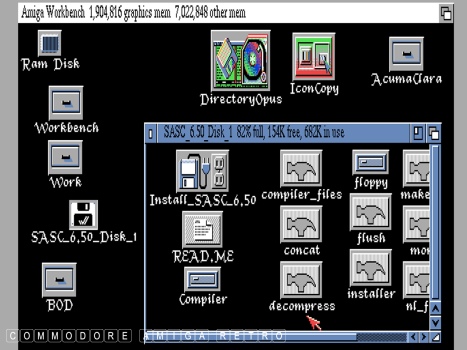
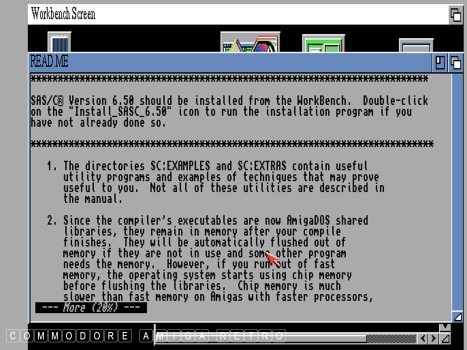
As for SAS/C it's anybodies guess. I was told at the time that the
version I have was to be the last commercial release. Where I got
mine from is also anyone's guess. I sense it came with a collection
of computers.

I have featured DICE before so just check the Index.

To me it's all utter bull cus I have never mastered the art of C.
I'll stick to the art of art on the Amiga for my enjoyment.

-----------------------------------------------------------------


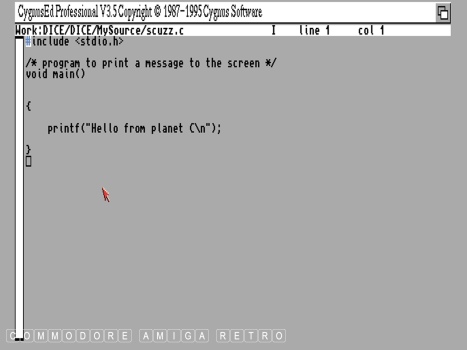
Lesson 1 THE EDITOR

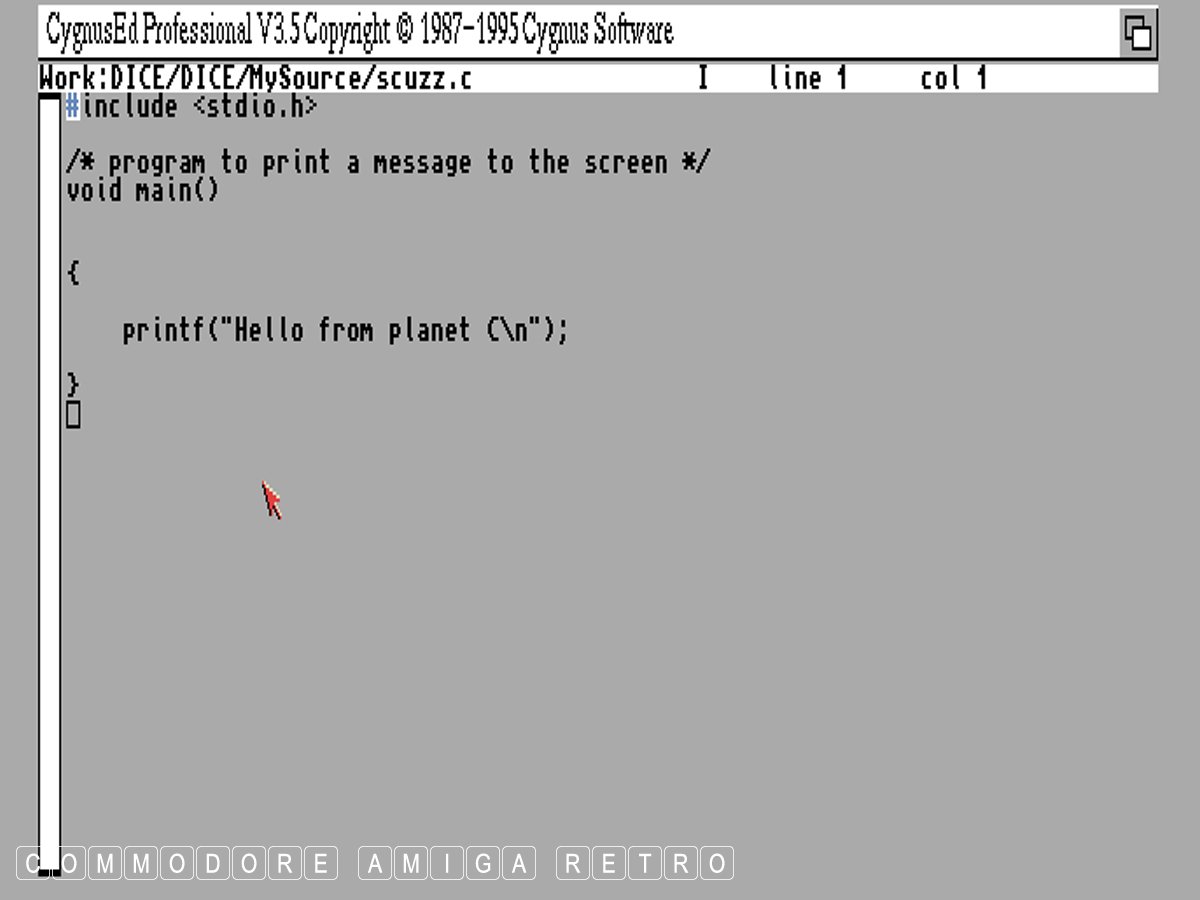
With DICE set up on the computer you can begin
by calling up the DICE editor from the SHELL
with the line

dme

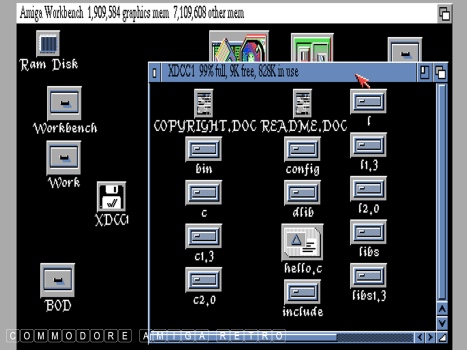
Took me a while to realise where the file
example "hello" was and realised that everything
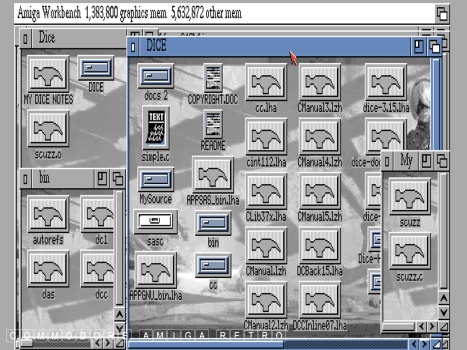
I did was going into RAM:T so I copied the
hello.c into RAM:T and called it up from
there...

cd RAM:T

Using the F9 key saves the work in the editor.

It is standard practice to add .c to the end
of C source code files.

To run the file enter

run hello.c

What is very useful is that you can run the
editor and compiler together at the same time
so that you can check then fix errors as you
go along.

To compile a program with DICE simply type

dcc hello.c

This will cause DICE to go off and compile
and link your program, producing an executable.
i.e. a runable program with the same name
minus the customary .c. What happens when you
fire this up from say DOPUS is that you get
the ENTER ARGUMENTS for "hello" which on
return executes the file.

You can then make DICE produce an executable
with a different name by using the -o option.

dcc hello.c -o brian

This will create an executable called brian

If you just want to compile and not link this
to an executable you just add -c option to
the command line

dcc -c hello.c

This produces an object file called hello.o

and if you want to compile a program and
link it to a library you can type...

dcc program.c hello.o -o program

which will compile program and link it
to library hello and produce and
executable file - program....

Clear as mud. I now have a RAM T drawer
full of hello.c, hello.o and hello files
all doing different things. When you try
to edit the execute it is filled with
gibberish...

The file hello.c had the lines


#include

main(ac, av)
char *av[];
{
    puts("HELLO WORLD!");
}

Which when executed stated simply

HELLO WORLD!


I think I am getting to understand matters..

We move on next to Basic C programming...

Whoo hooooo.c or is it whoo hooo.o
Amiga complete C - DICE and SAS/C.
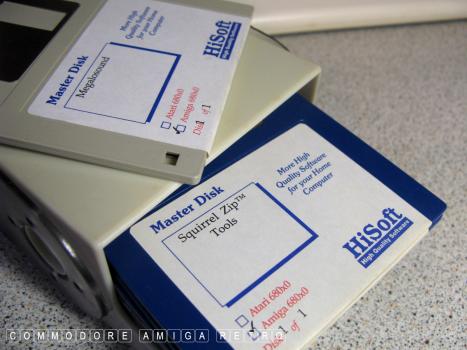
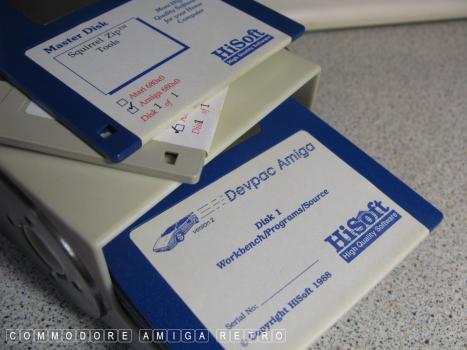
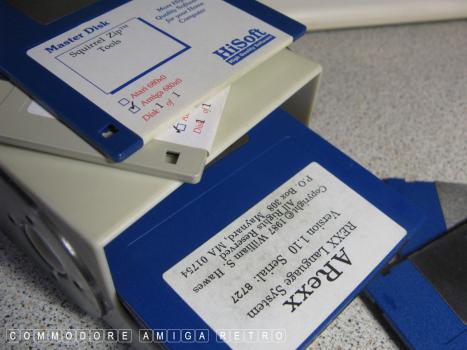
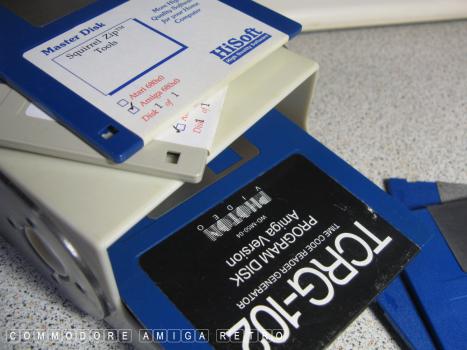
Other Useful Disks.
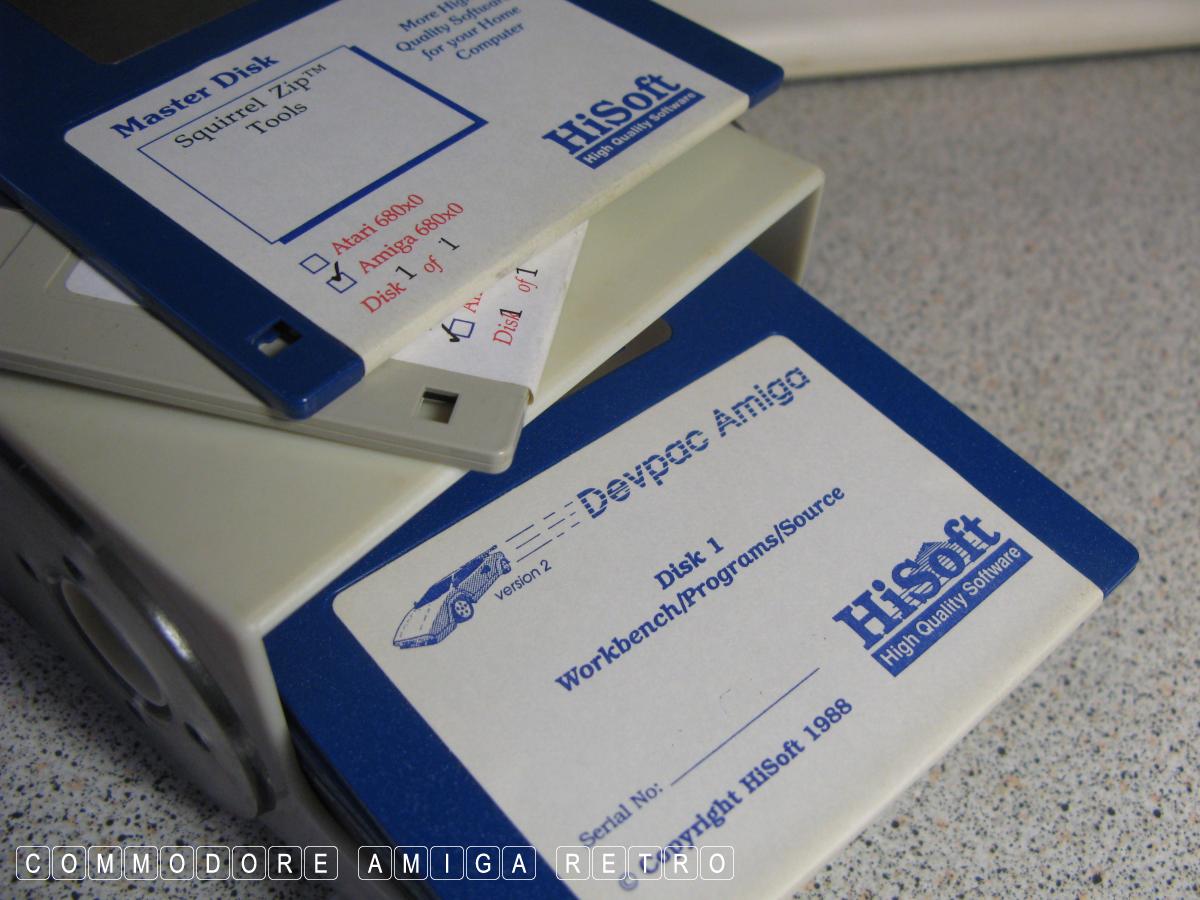
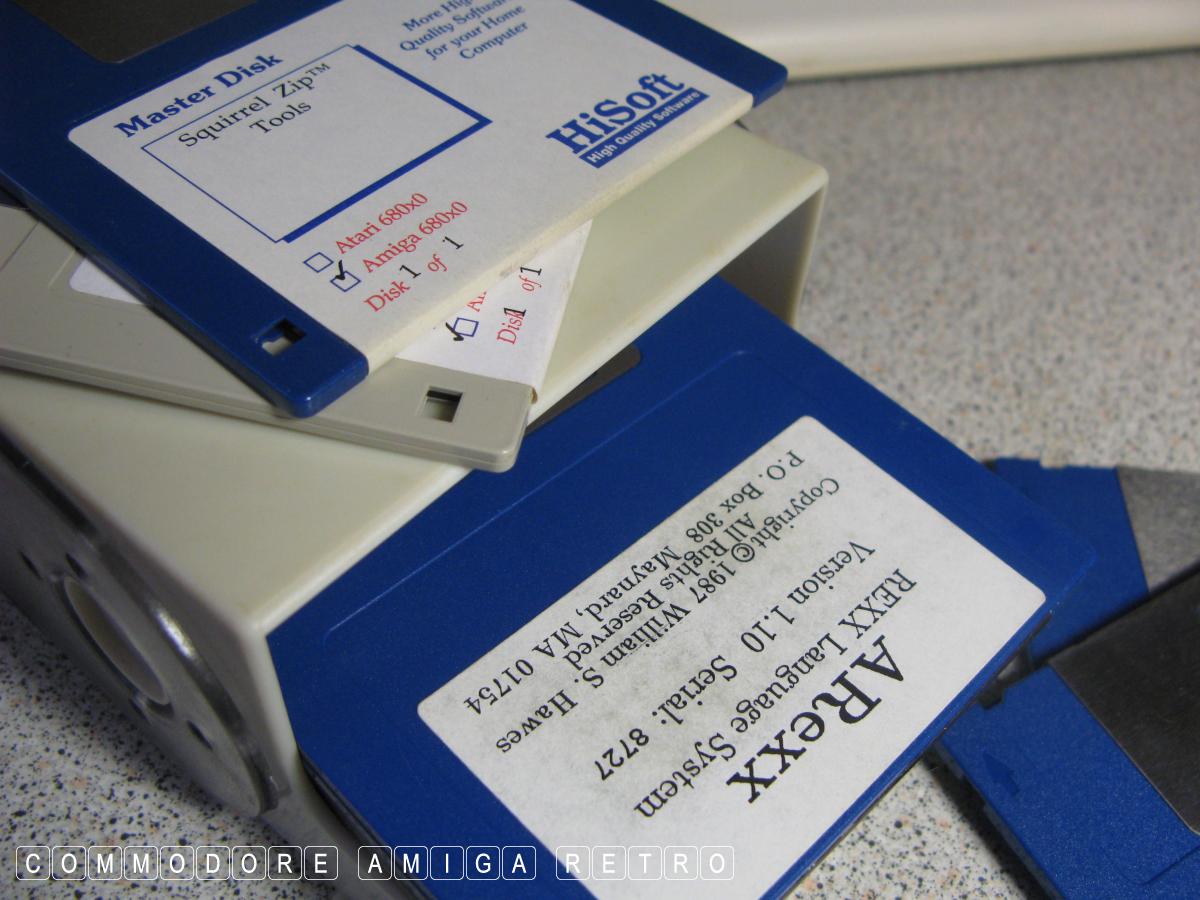
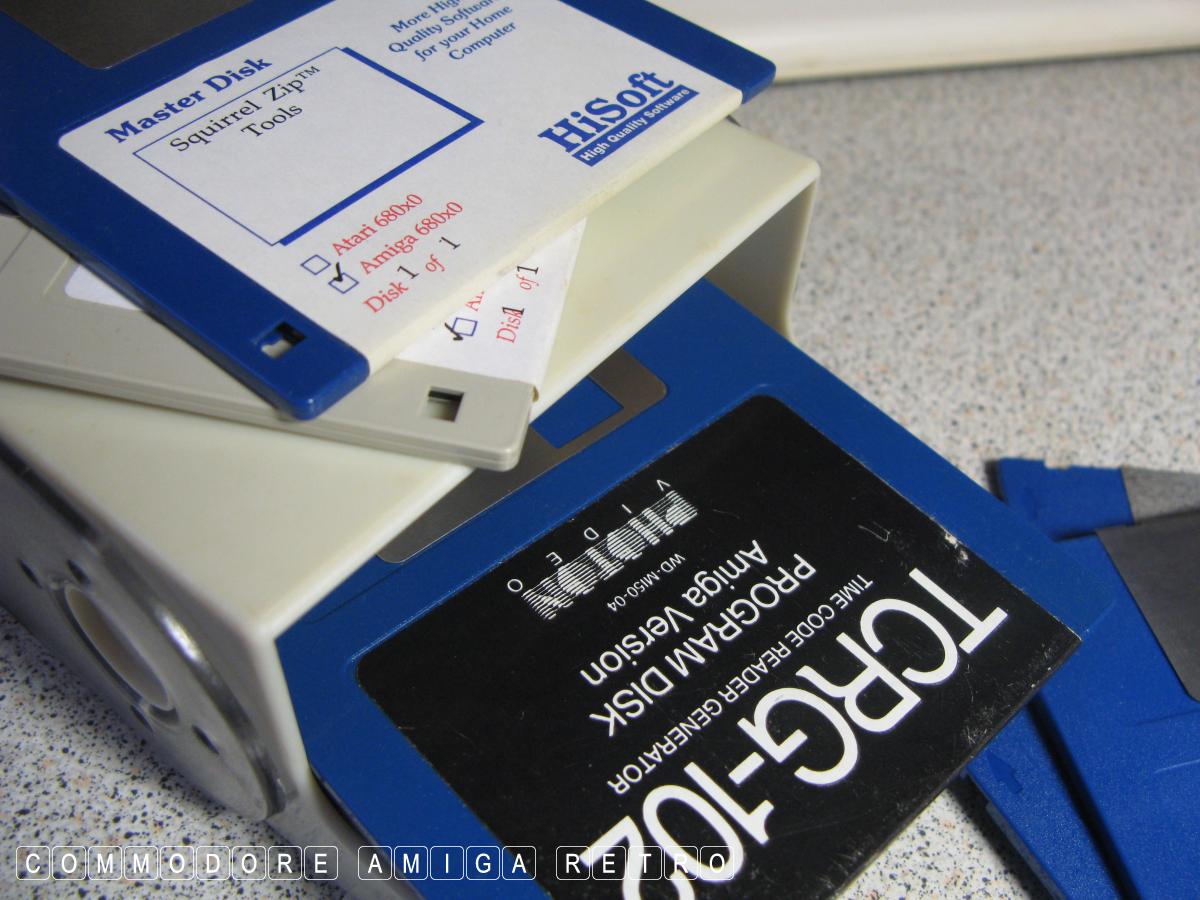
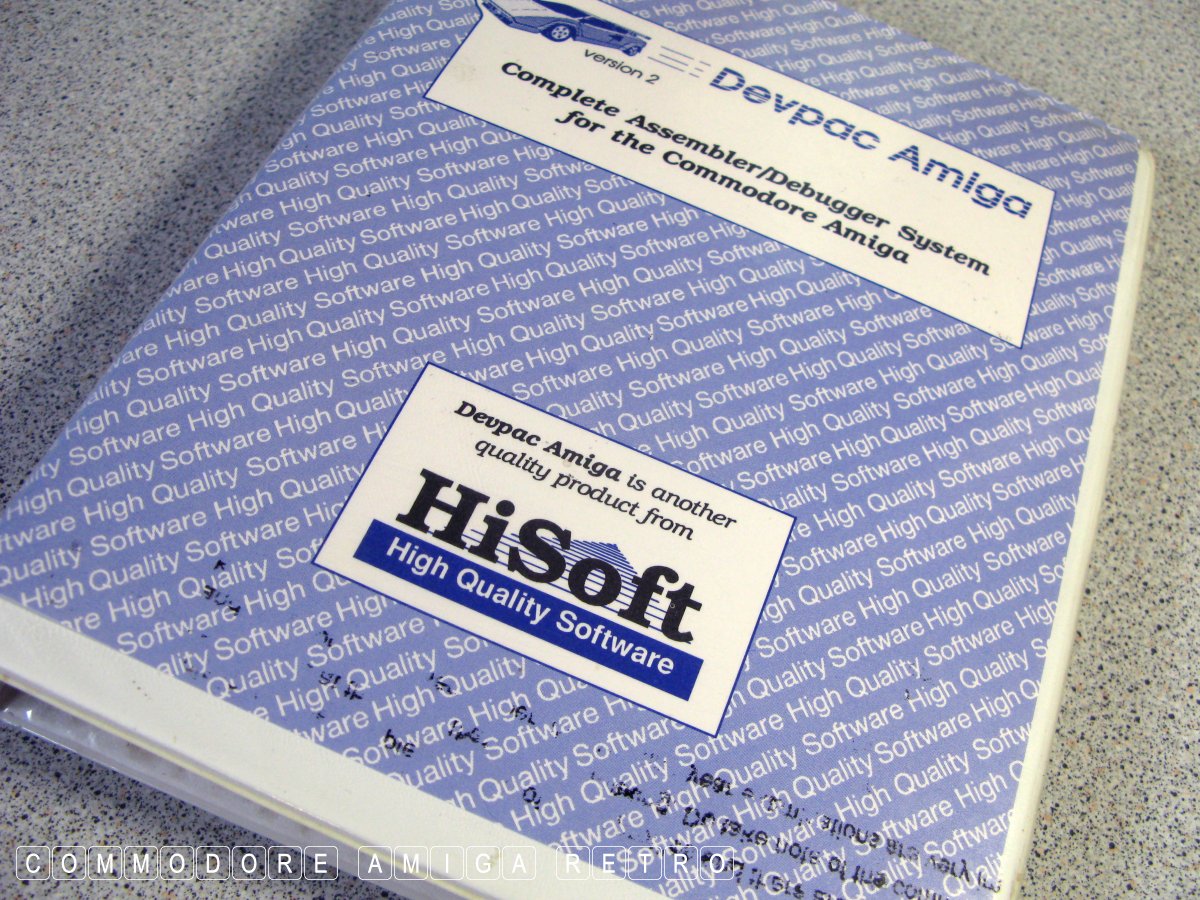
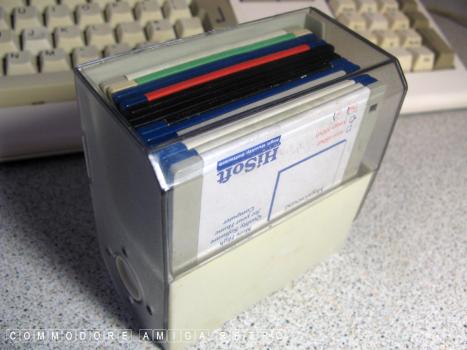
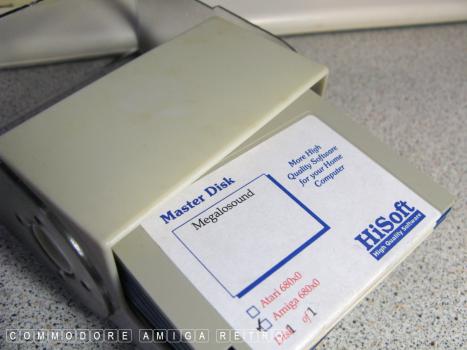
HiSoft DevPac.
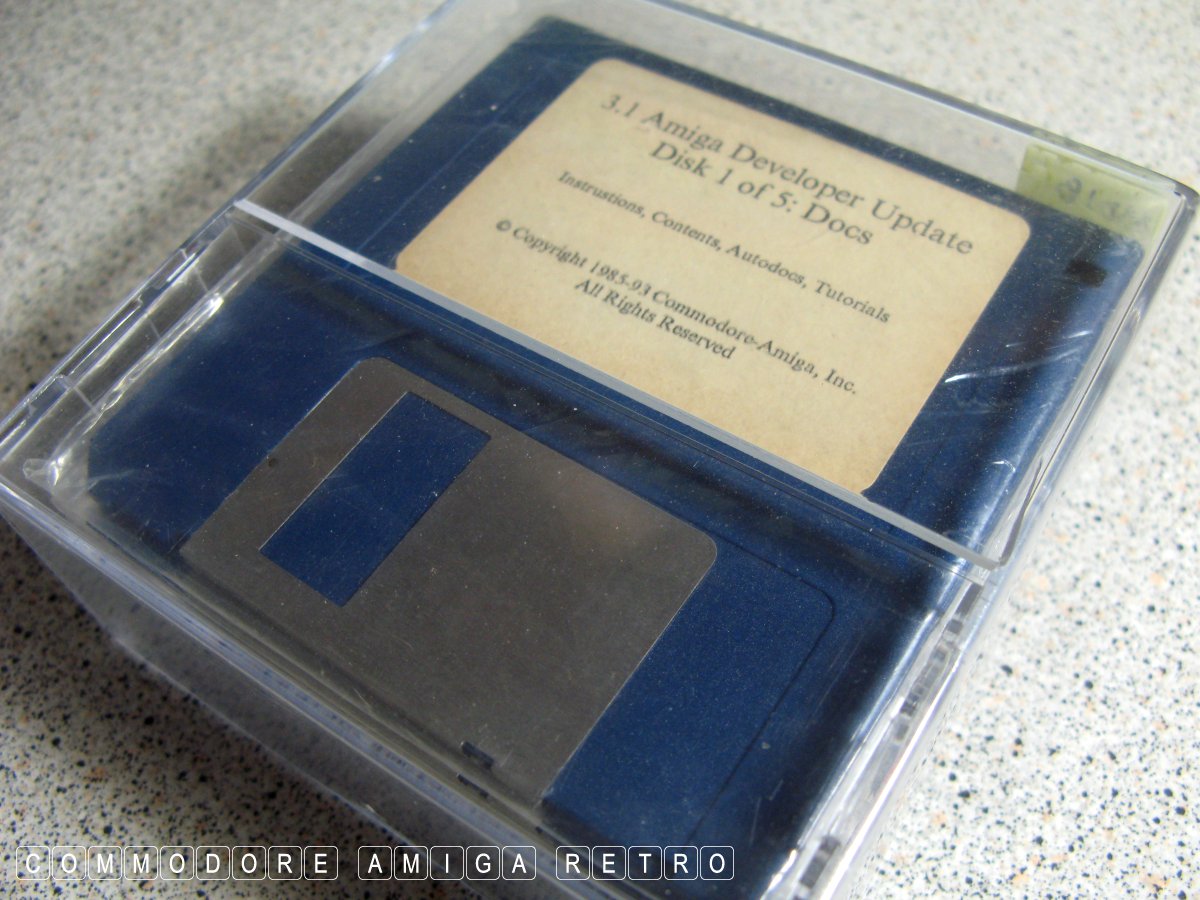
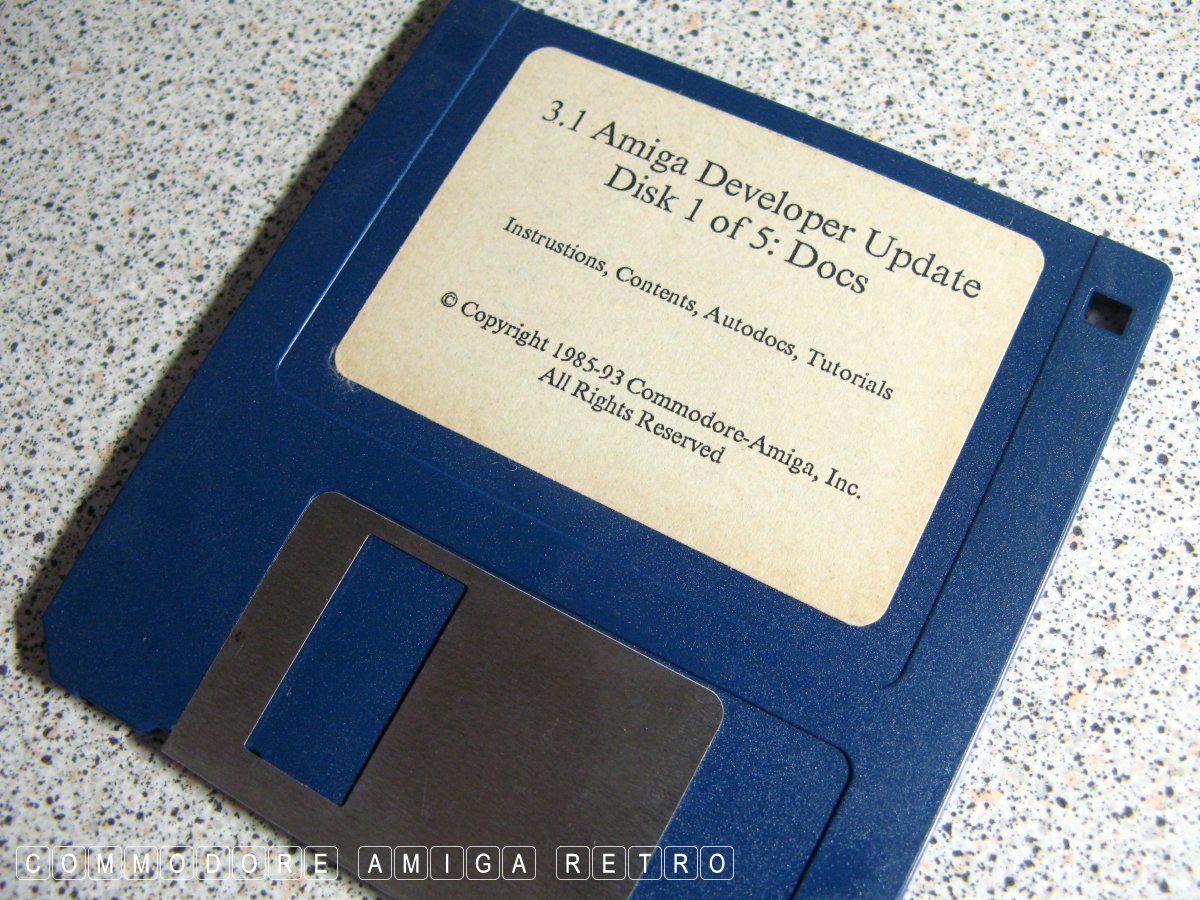
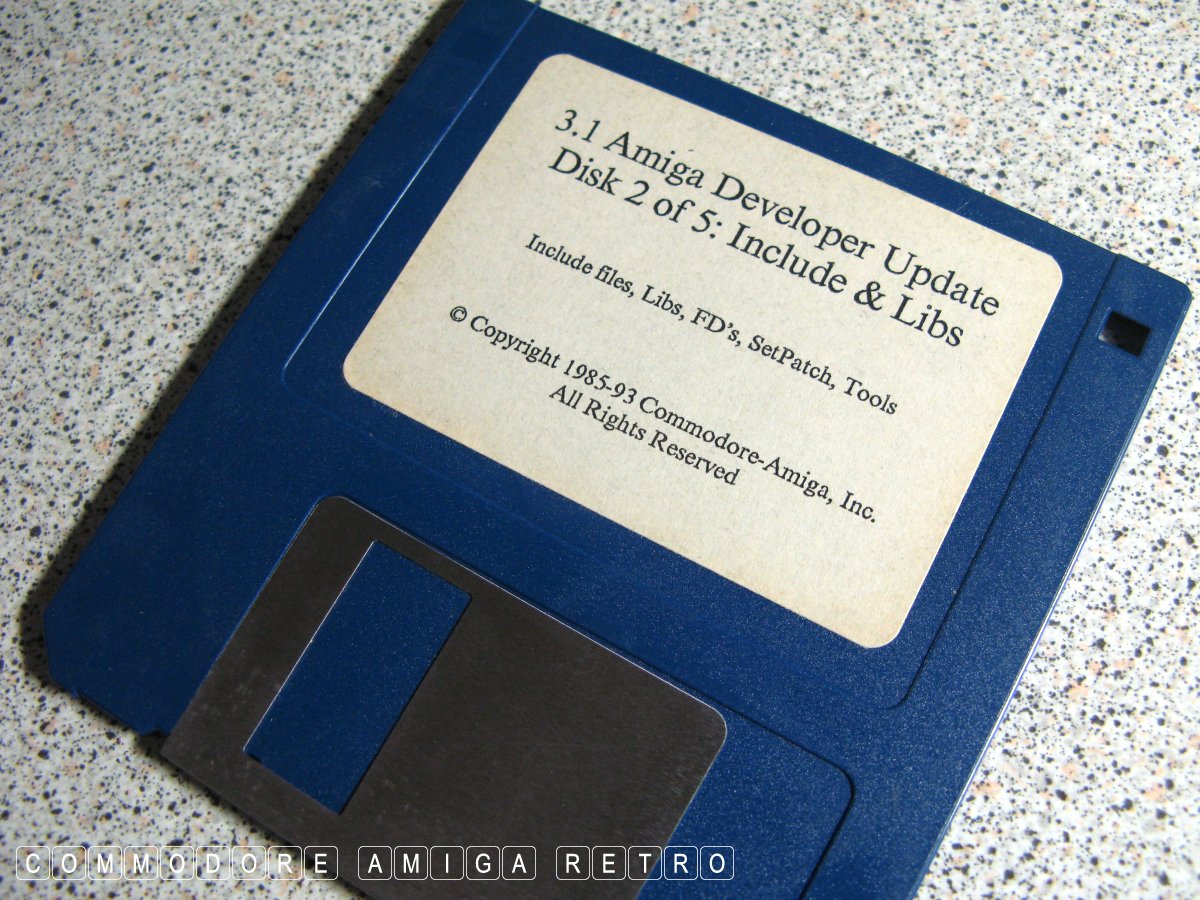
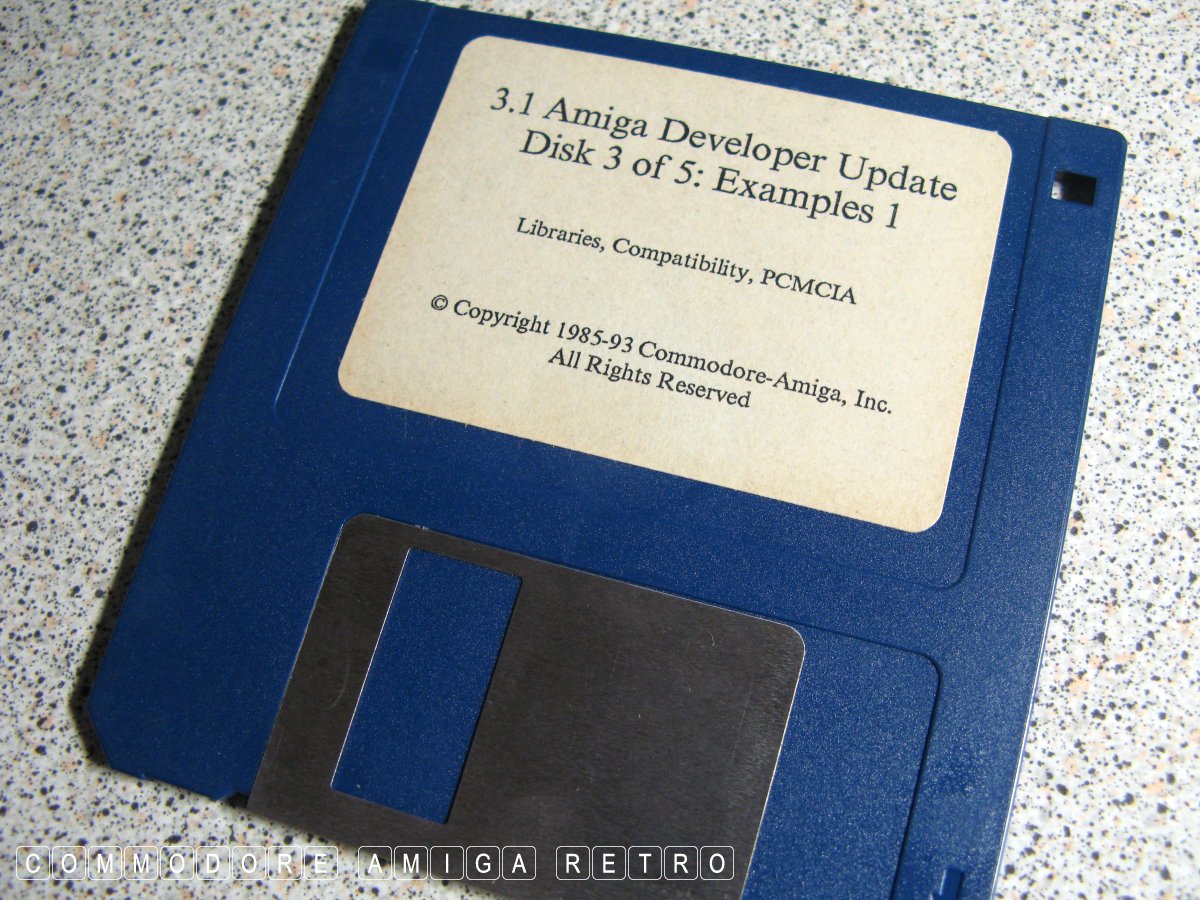
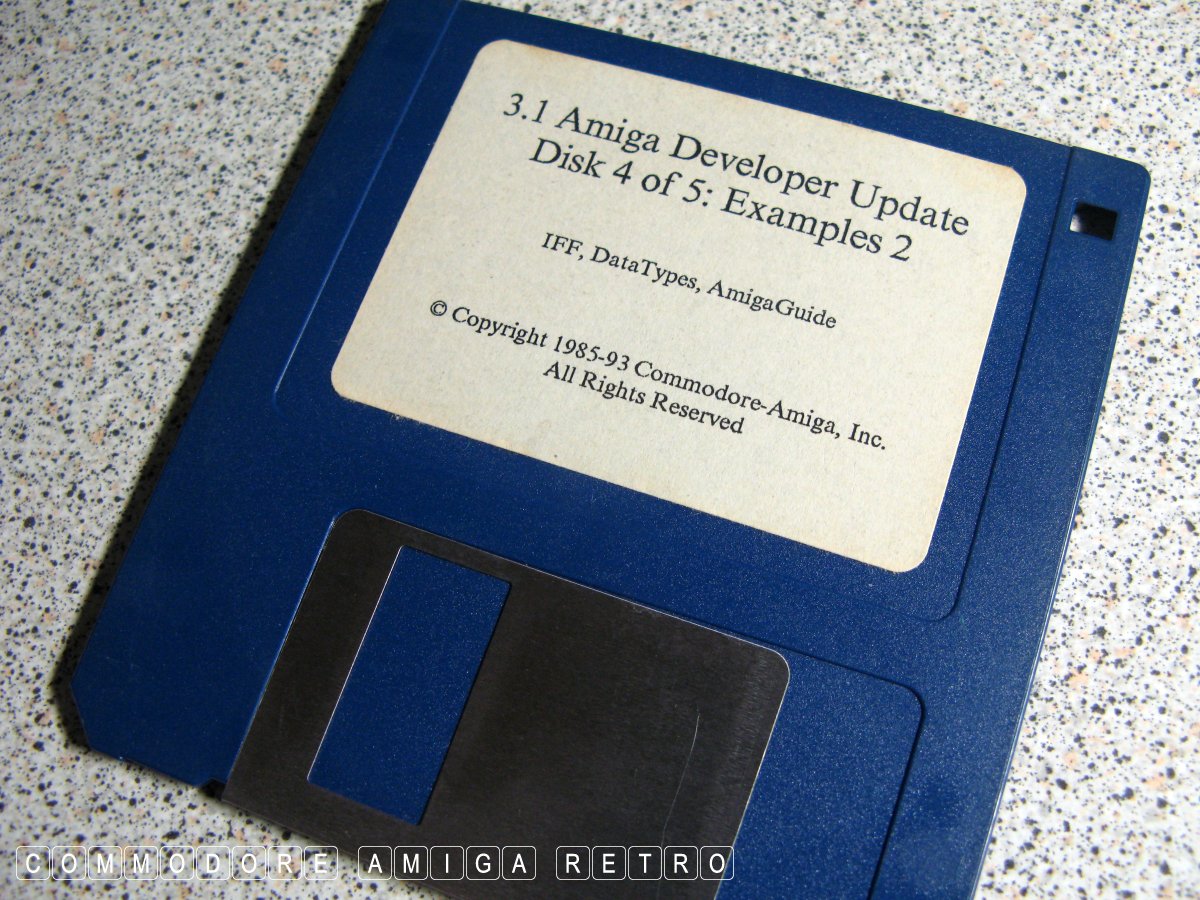
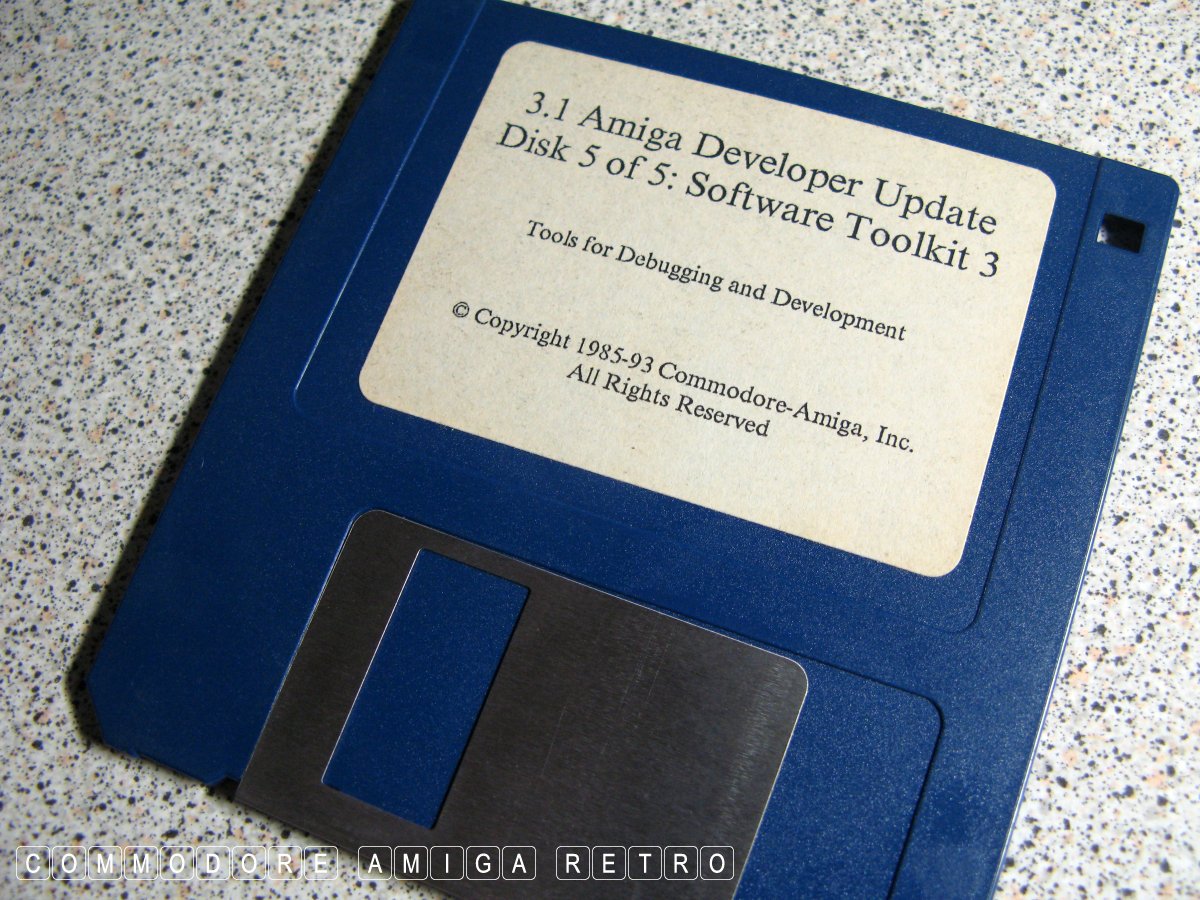
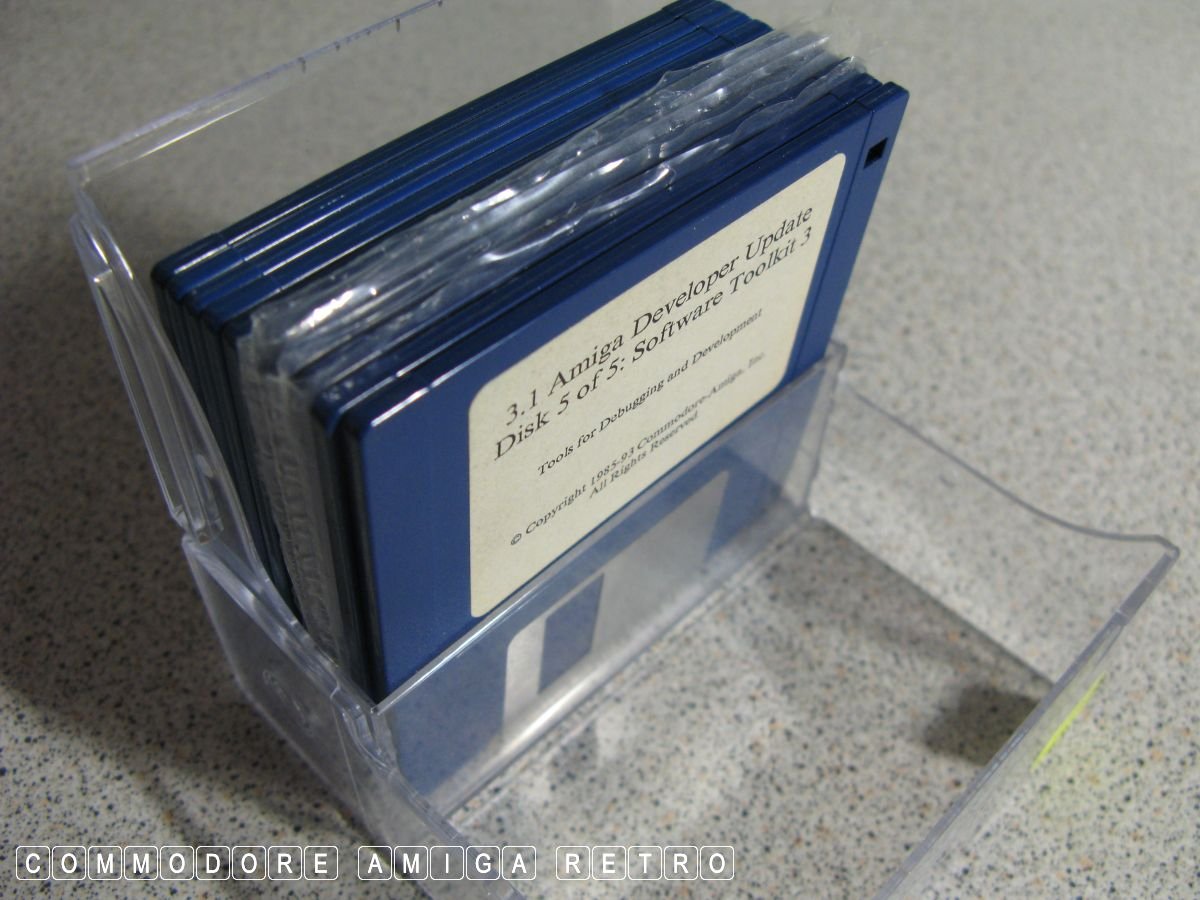
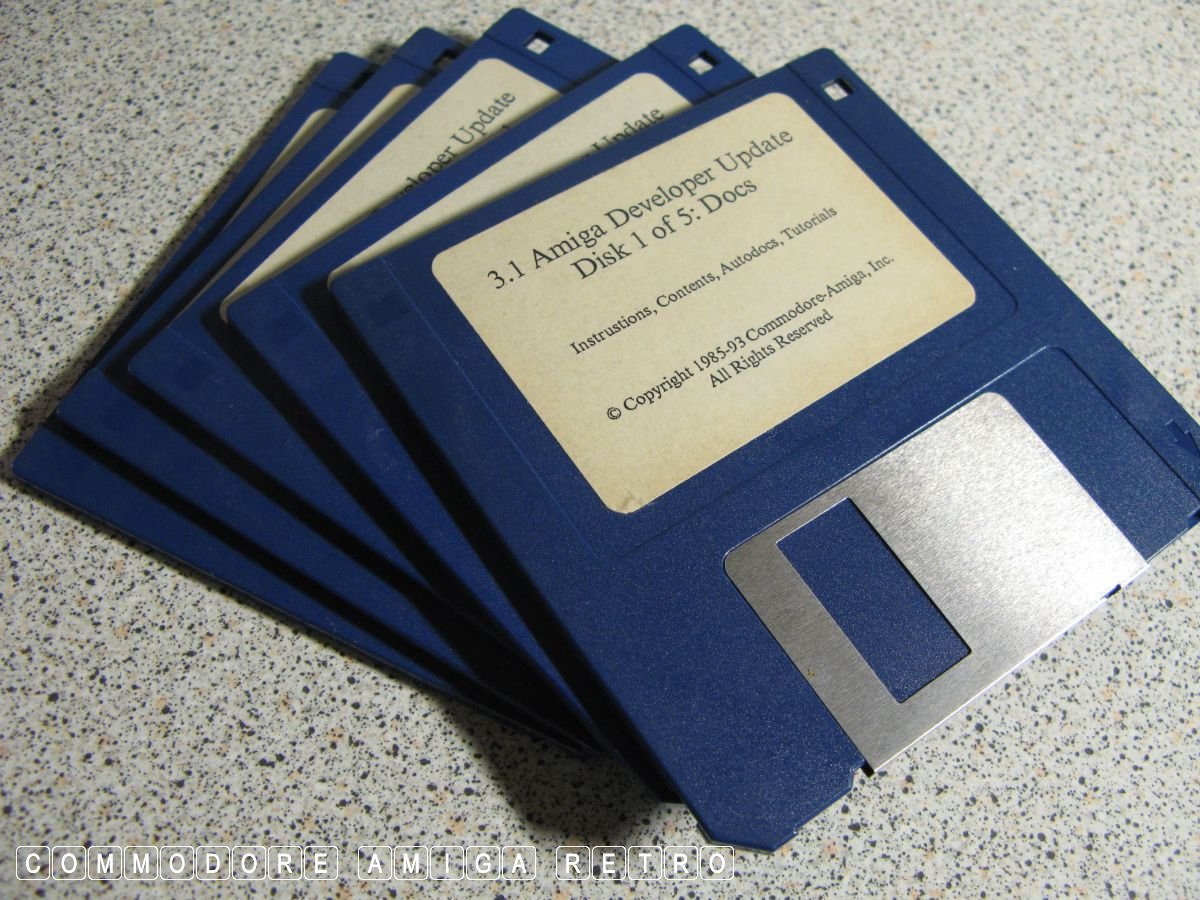
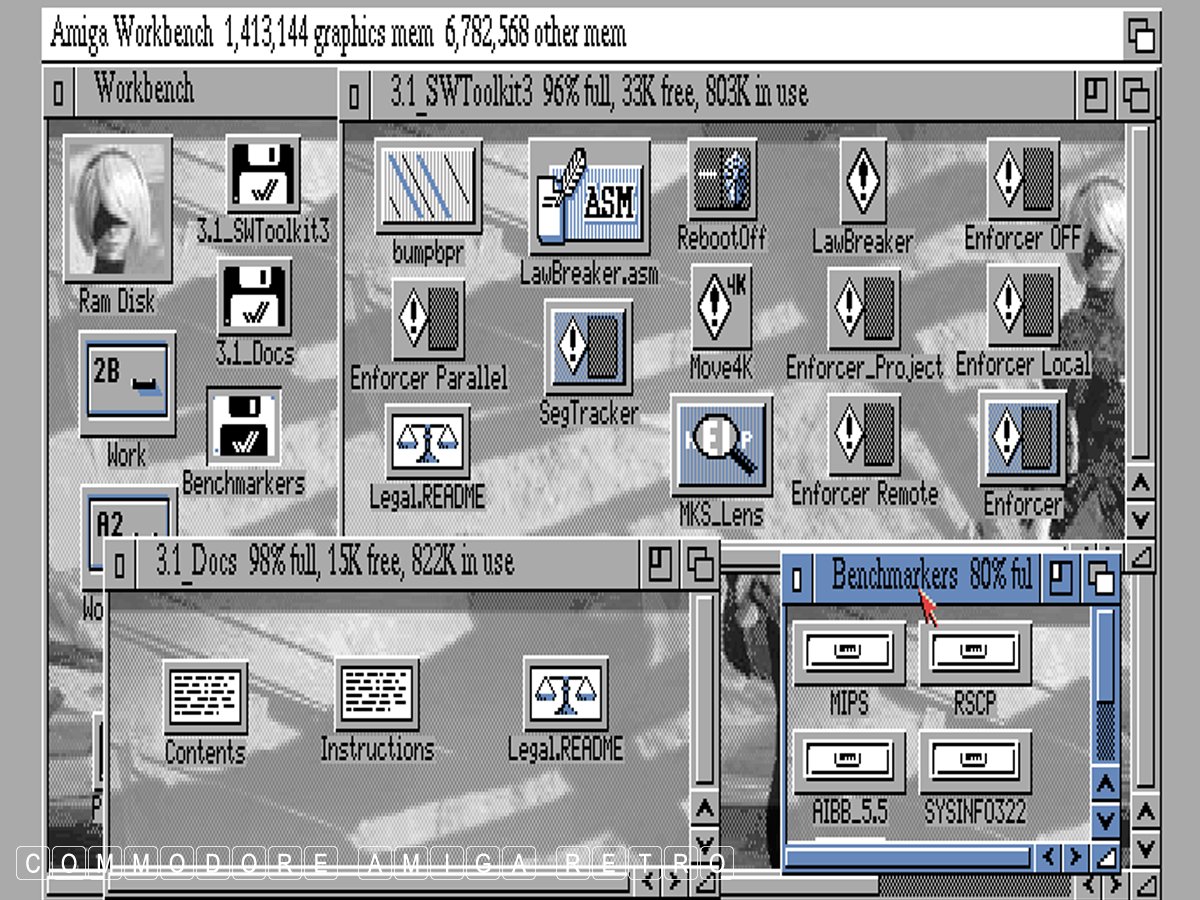
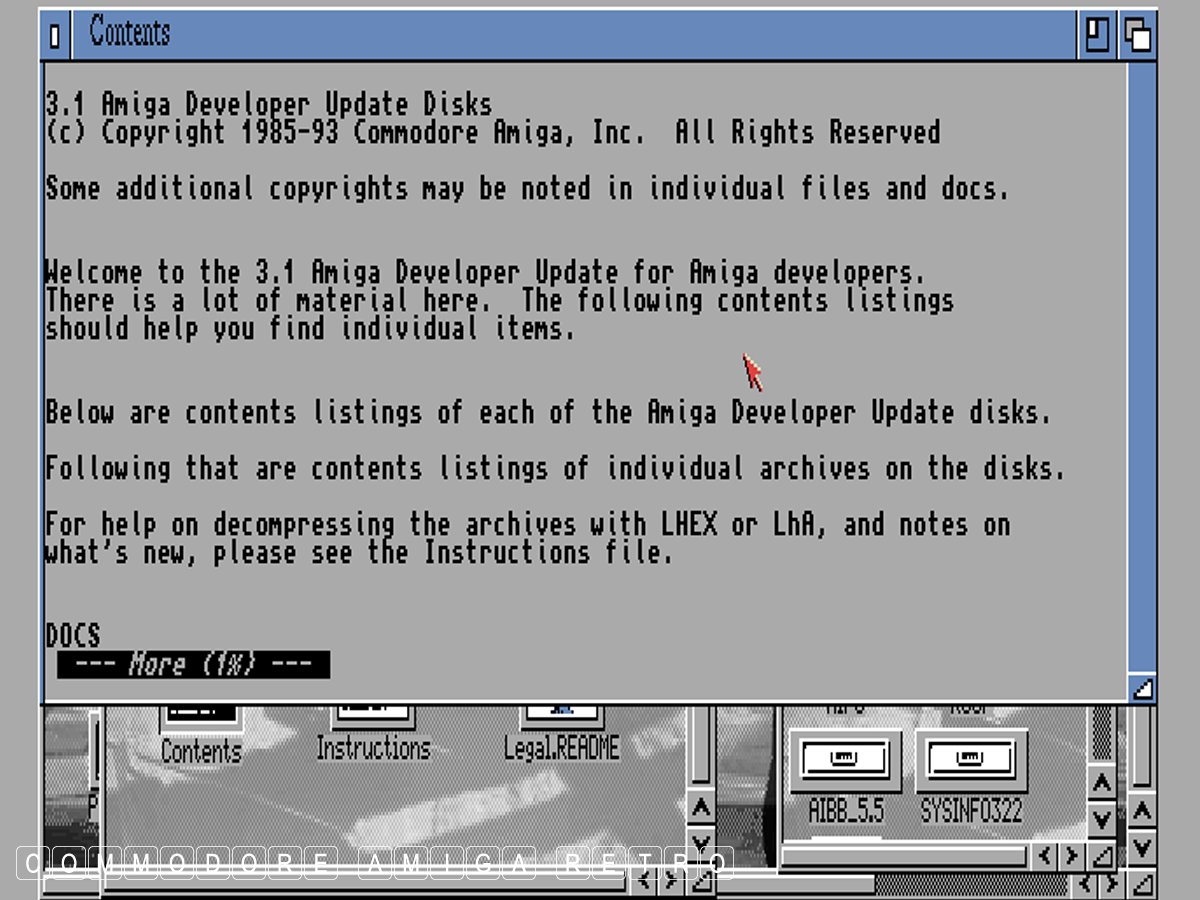
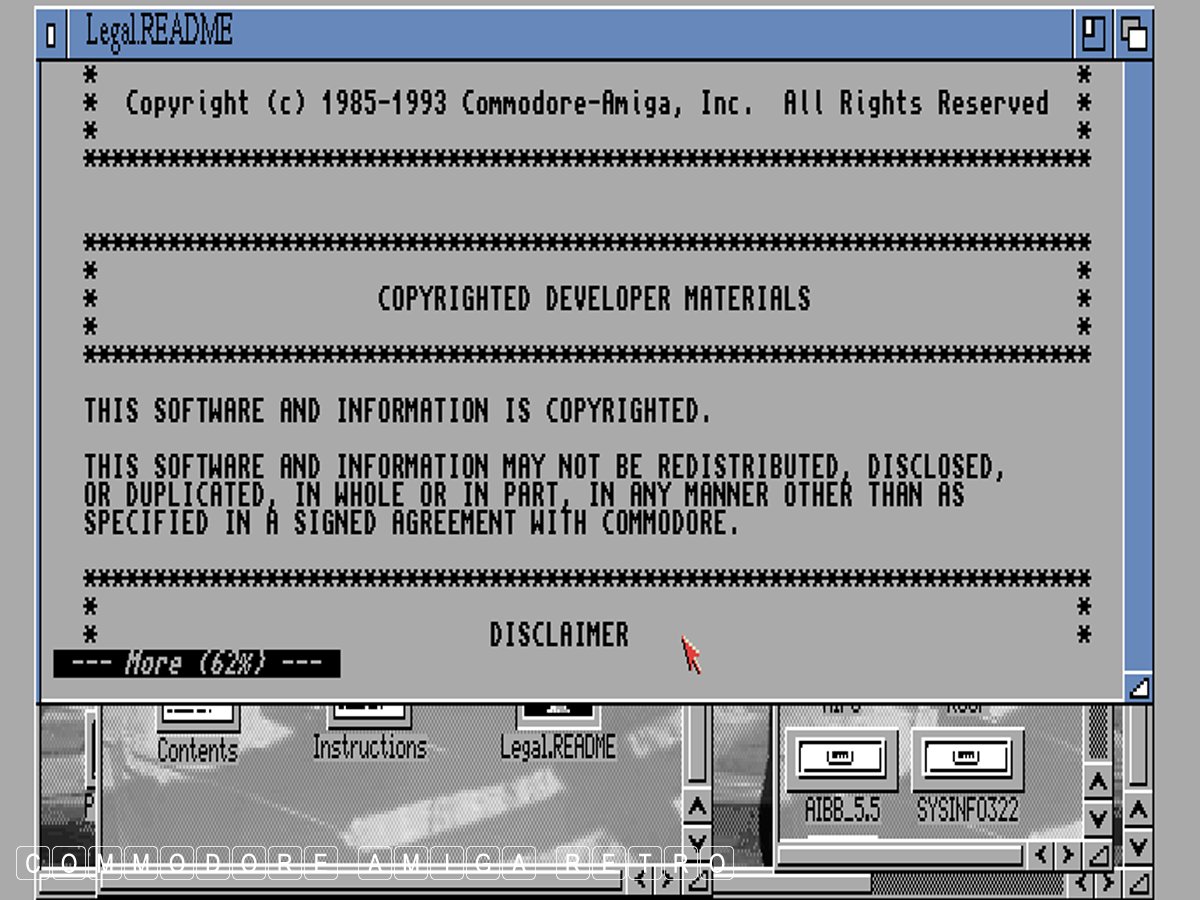
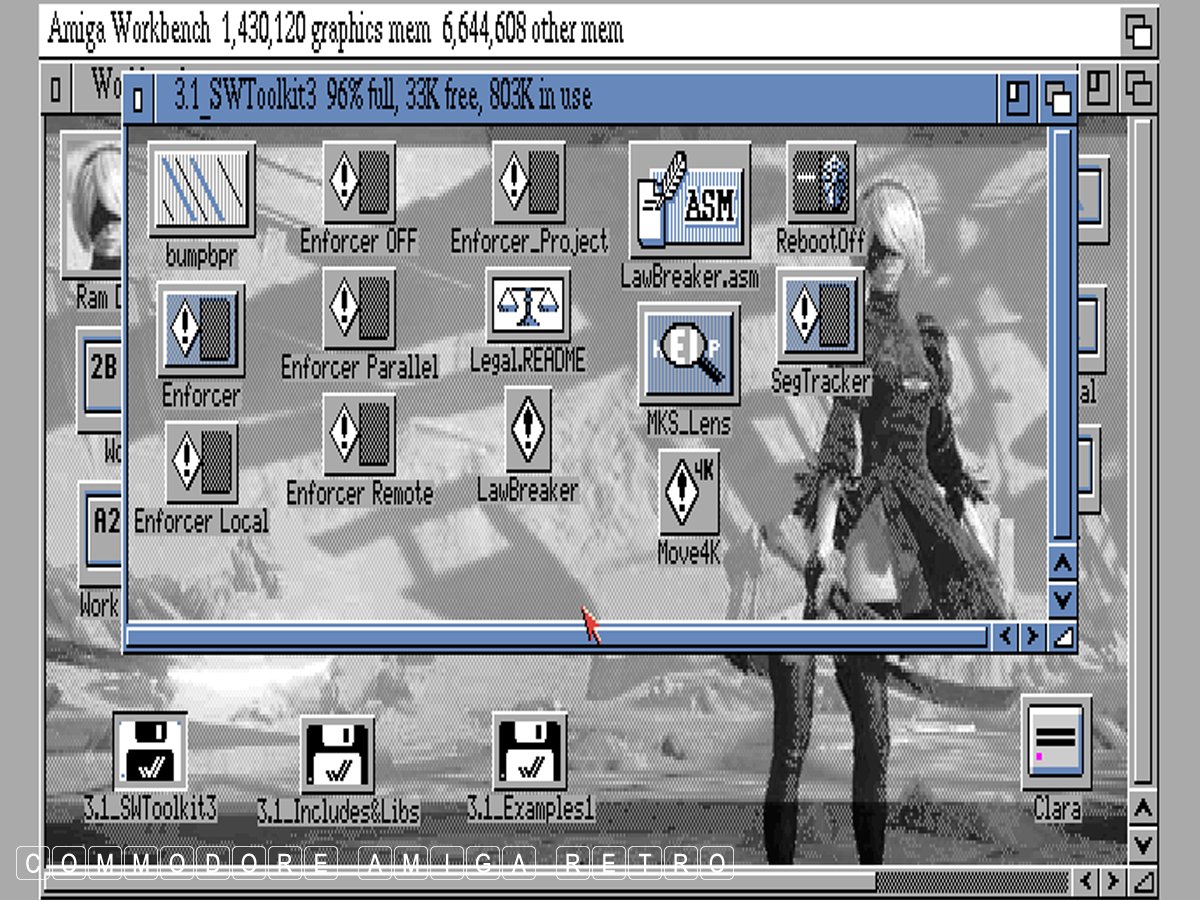
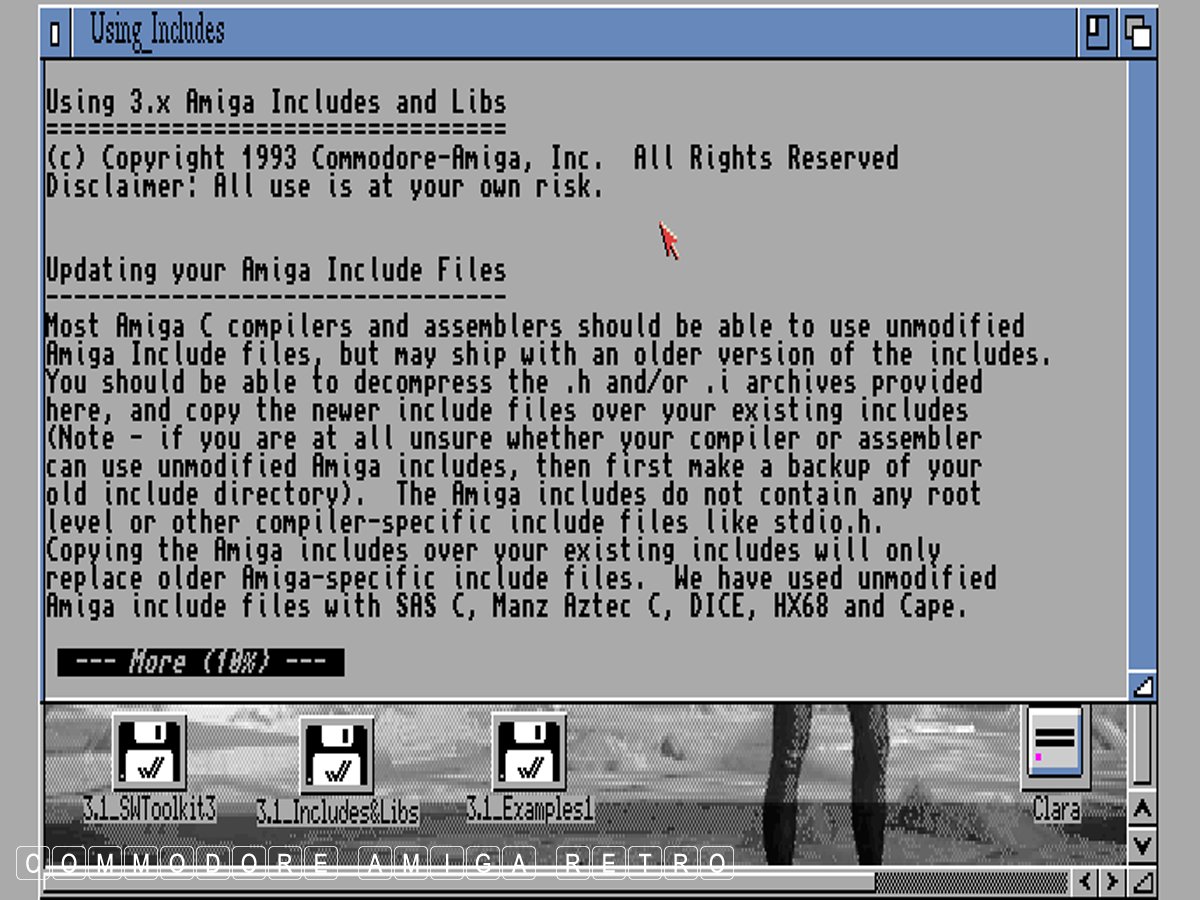
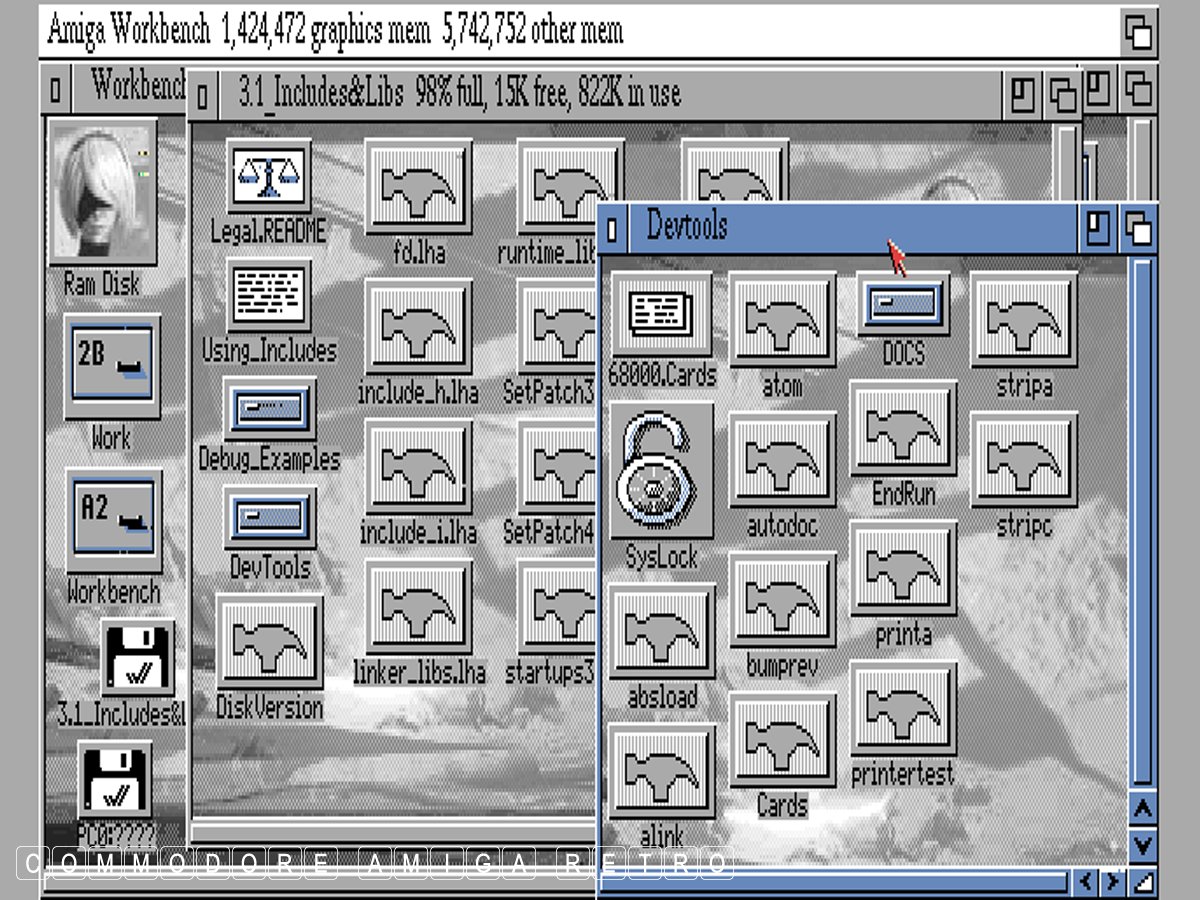
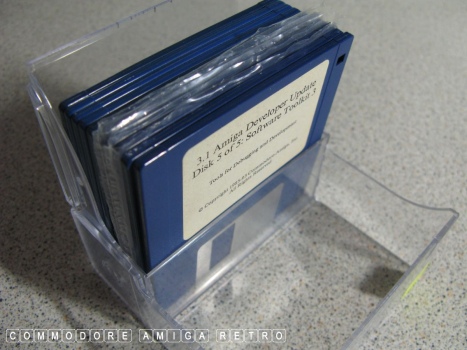
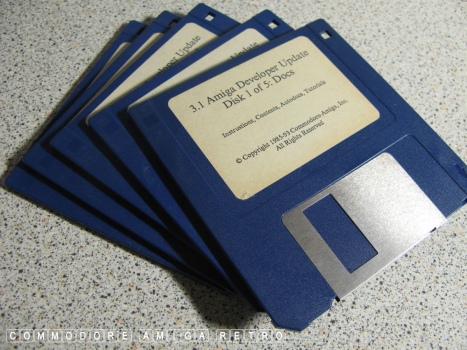
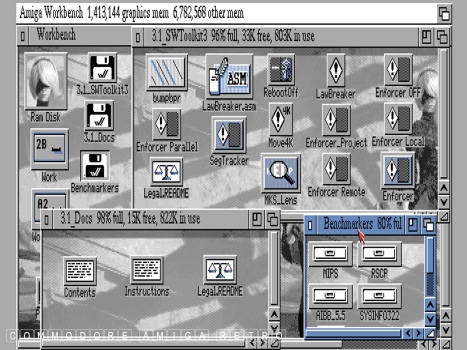
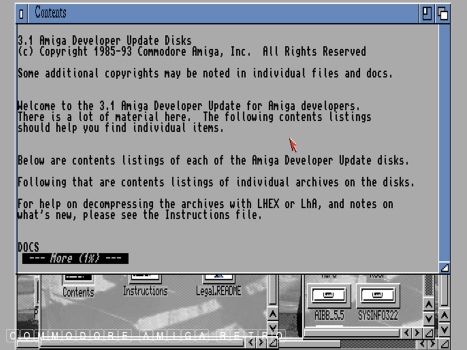
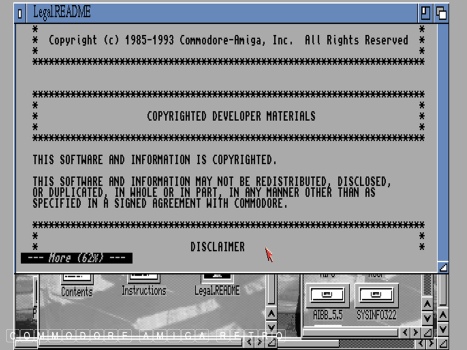
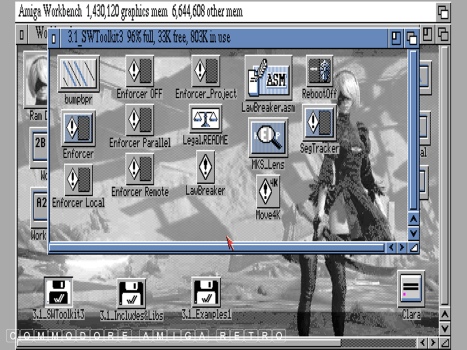
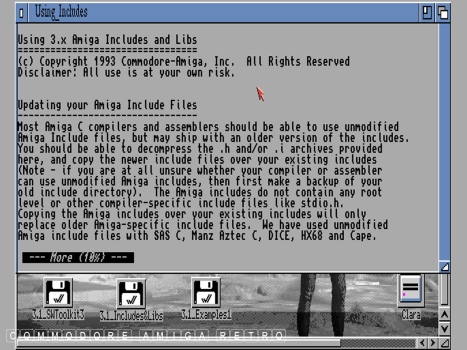
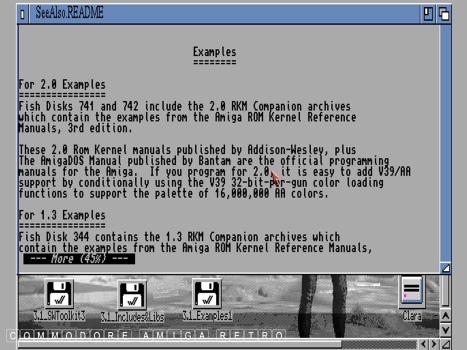
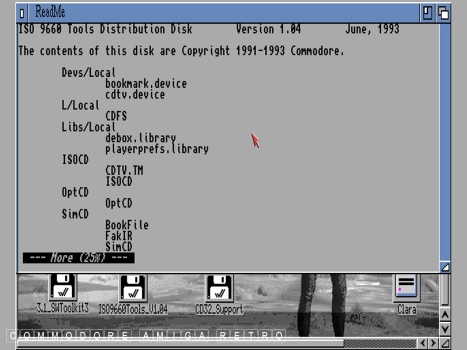
3.1 Amiga Developers Update Disks:Part 1.
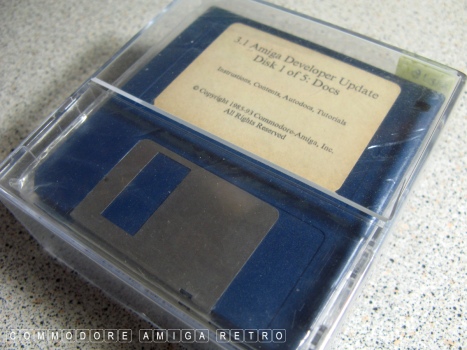
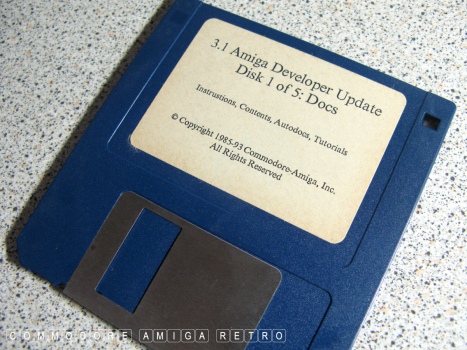
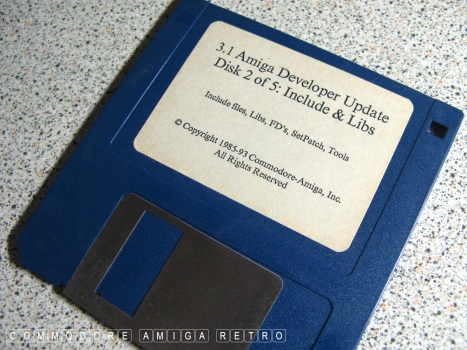
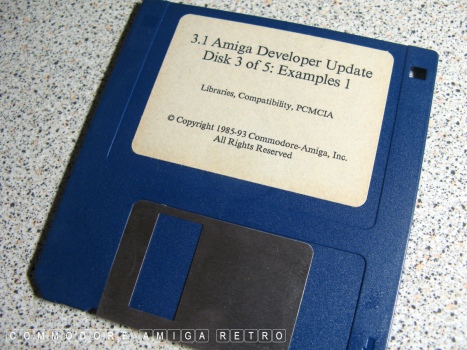
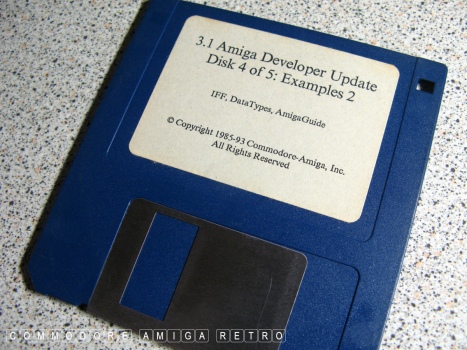
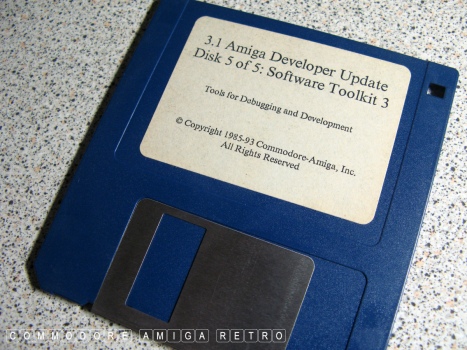
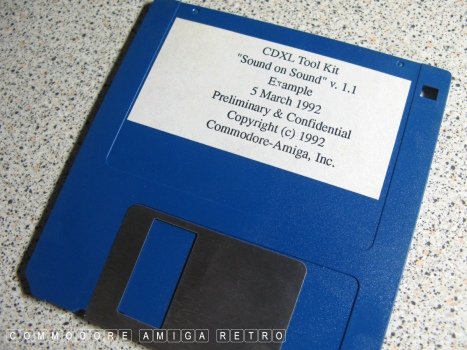
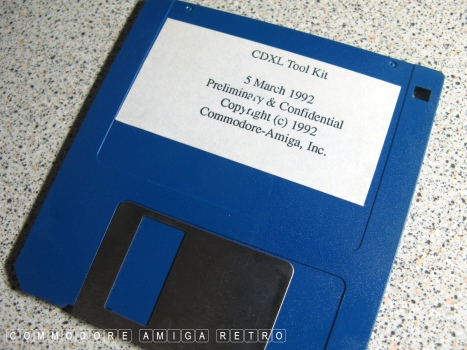
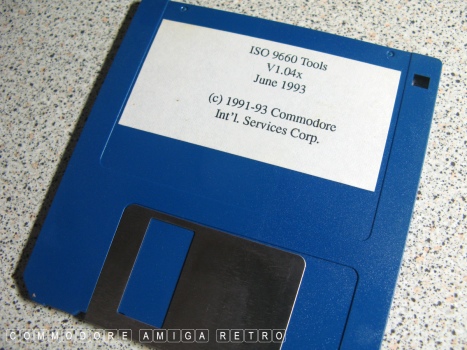
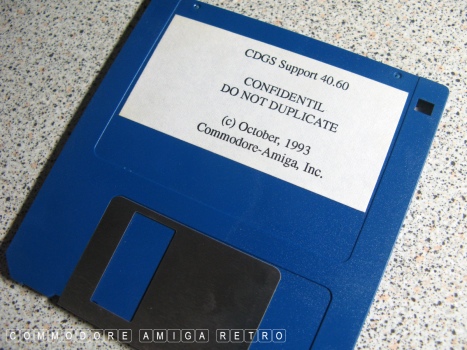
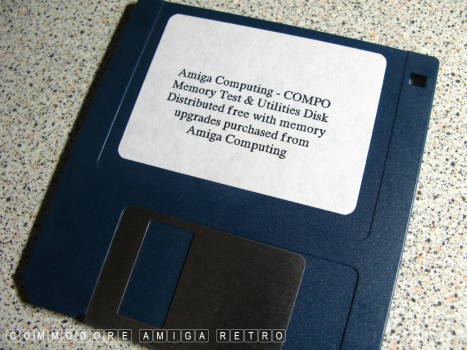
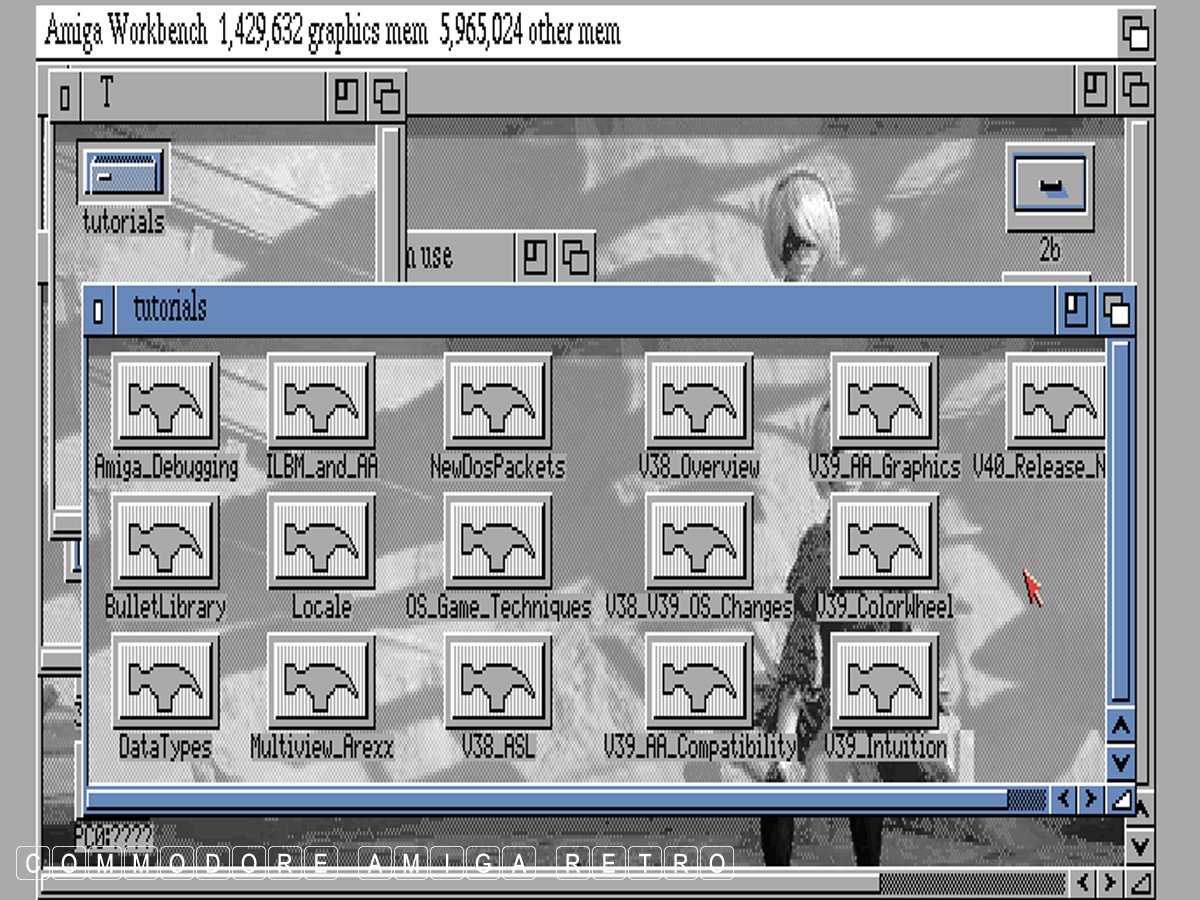
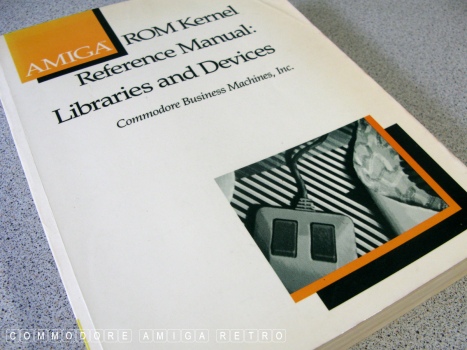
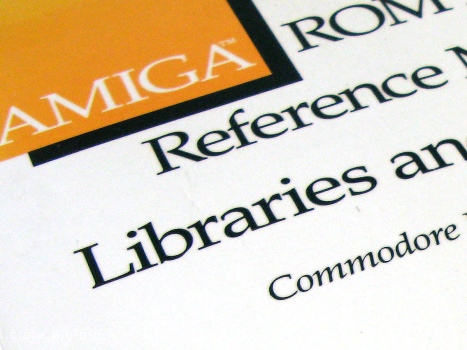
Amiga Developers - Essential Reading.
|