ScuzzBlog: Diaries September 2026
Entry 19th September 2026: Post 1: HP PC - Bitlocker baby and bathwater.
HP PC - Bitlocker baby and bathwater.
First let me apologise for the state of todays pics but at 2.30
in the morning sitting cramped amongst all my notes and with two
computers on the go it was all I could do to take some hand held
shaky pics so I am sorry.

If you have been following the blog regarding the failed HP PC
you will realise that I lost internet connectivity on a less than
twelve months old PC that cost me a thousand pounds. I really was
not minded to give up so here I am with one last ditch attempt.

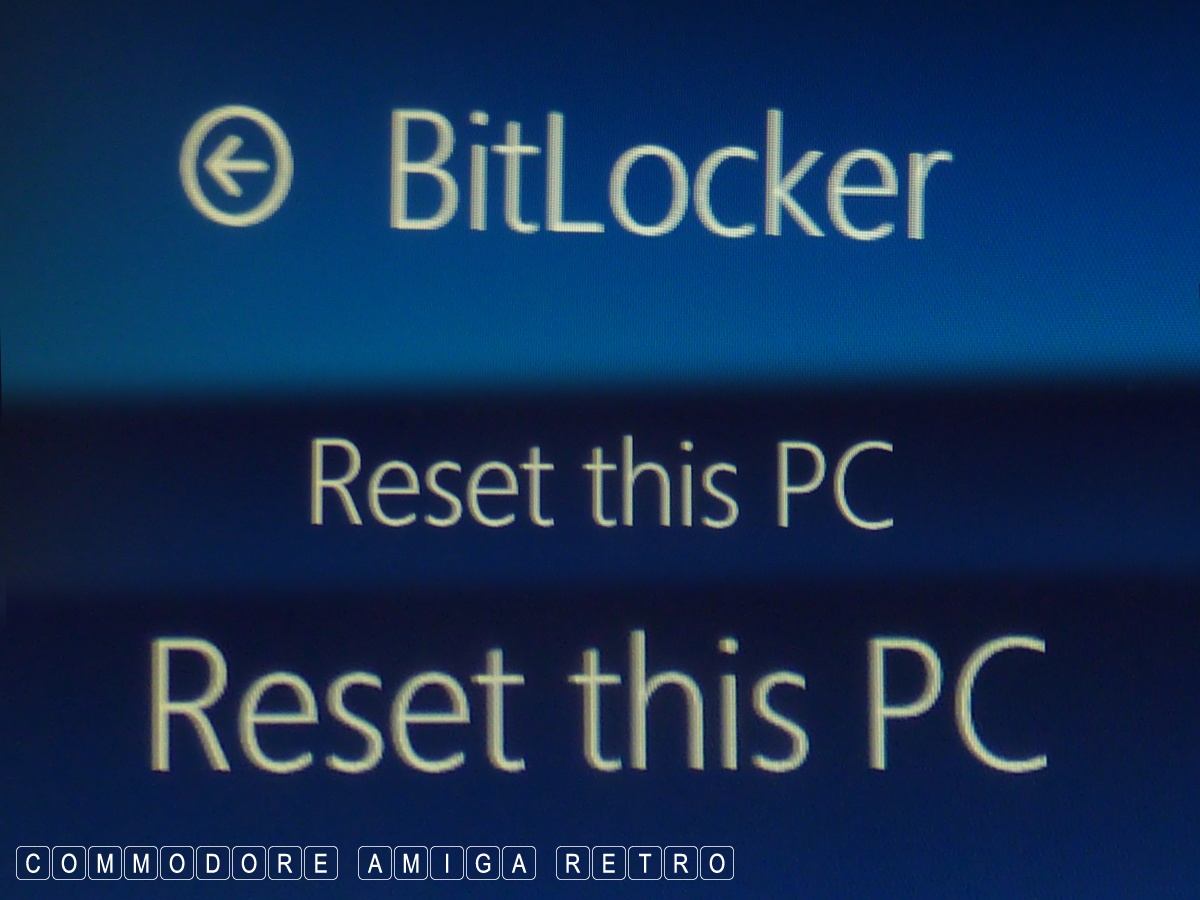
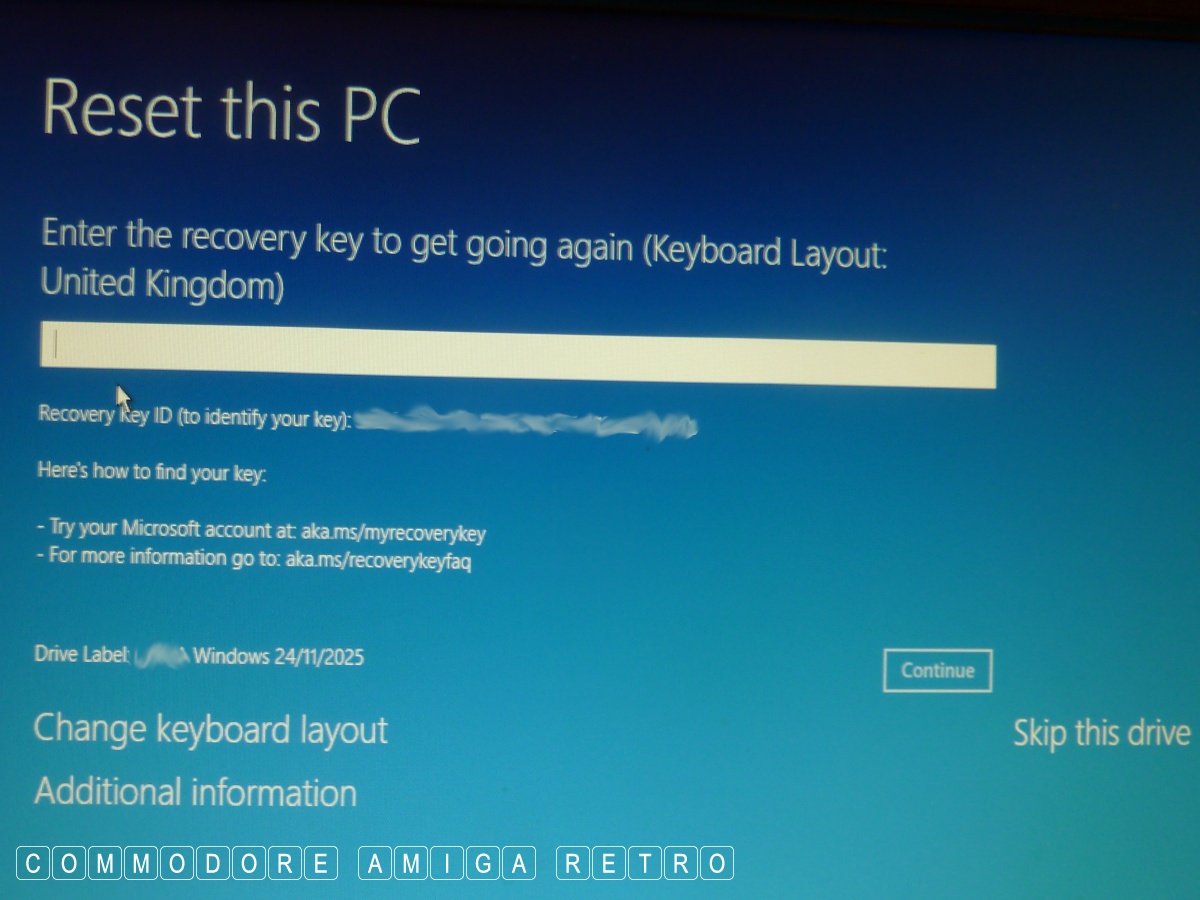
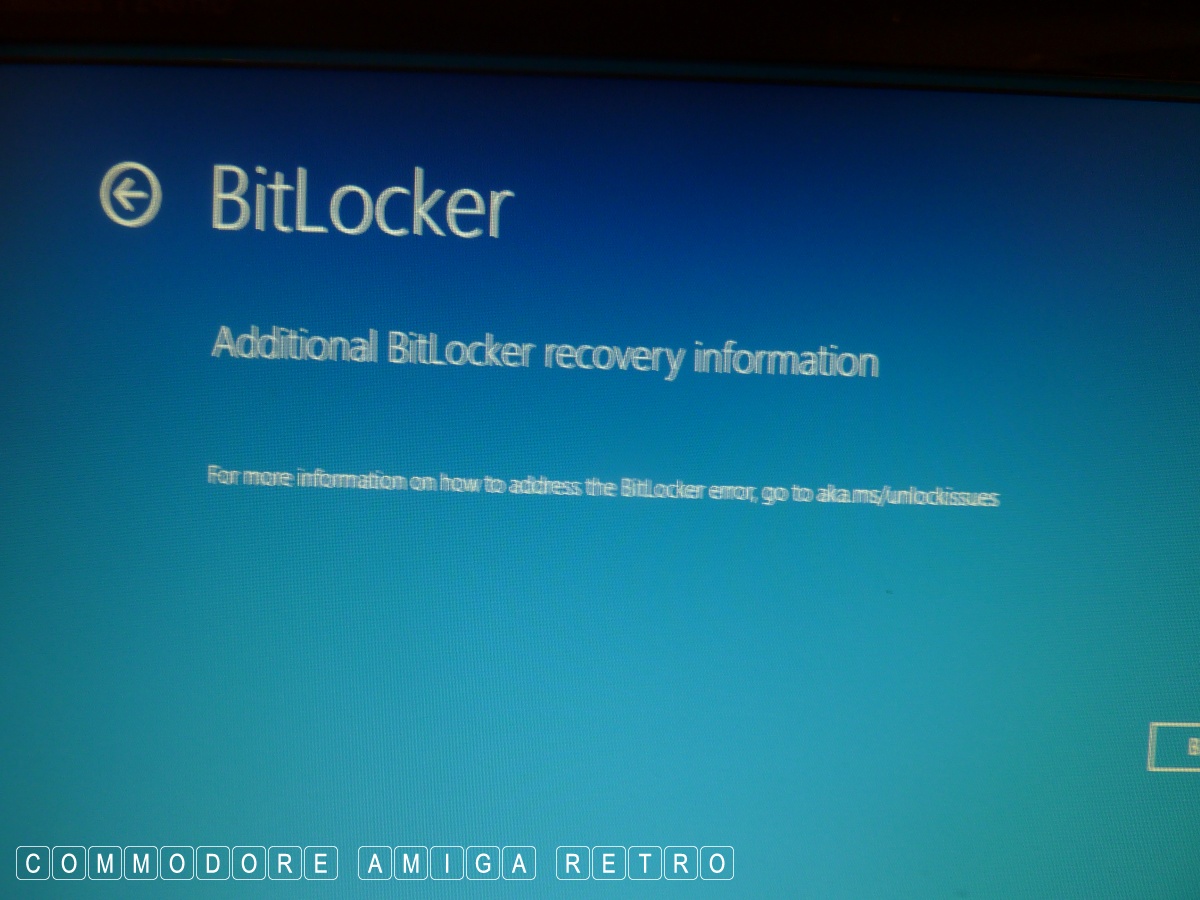
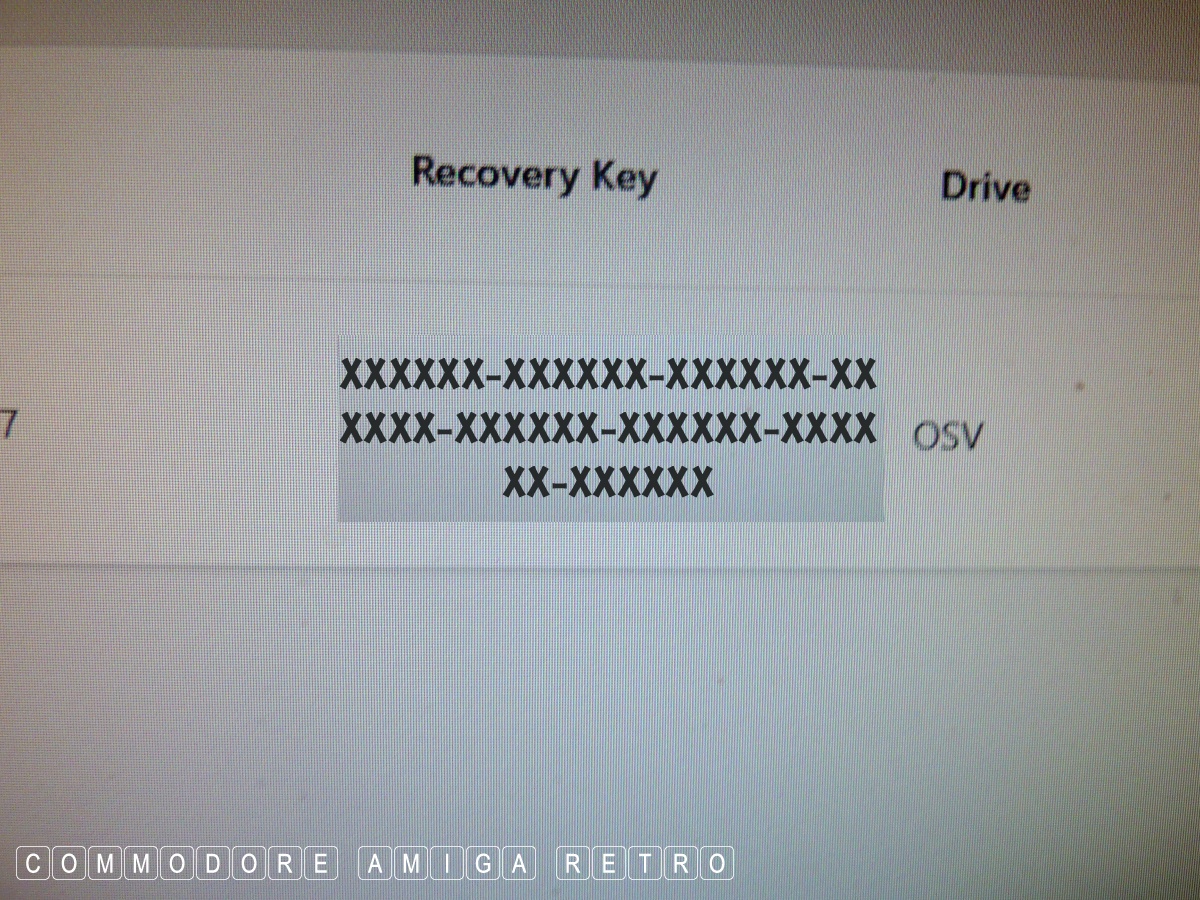
I returned to the conundrum of tracking down my Bitlocker key so
I could factory reset the thing.

Windows incorporates software that uses the Trusted Platform
Module chip or TPM which basically cross checks the boot record
against the one recorded on the Microsoft site or backup. Not
sure. The idea is to authenticate that the computer you have
and all its devices are validated in respect of the OS. The aim
being to prevent hacking and also illegal copying of discs with
the Windows OS on it. I sense the latter is more significant..
to Microsoft.

When a suspiscious event takes place the system basically locks
the computer systems. In my case I had no internet. After days
and days going through this the only final suggestion was to
reset the machines factory settings. And to do this I needed to
find my Bitlocker recovery key on the MS website.

First up, what happened ? I have a Samsung monitor that allows
multiple connections on the same monitor. I currently have a HP
desktop XP unit, a Win10 and a Win11 machine connected. I did have
the Win7 machine also but that broke. When I have two machines on
I use the remote to flick between computers. Trouble is the Win11
machine sometimes loses the monitor link and I am presented with
a black screen. The other week I switched on the HP PC and had a
black screen. There is no disc light to show activity so I had
no idea what was going on. I tried to change the monitor by the
remote to reset but no luck. After ten minutes and no Ethernet I
assumed the machine had crashed.

My mistake I guess. Once I managed to get the machine looking at
the monitor the computer recorded no internet to either Ethernet
or Wireless. I was dead in the water. Nothing I did worked.

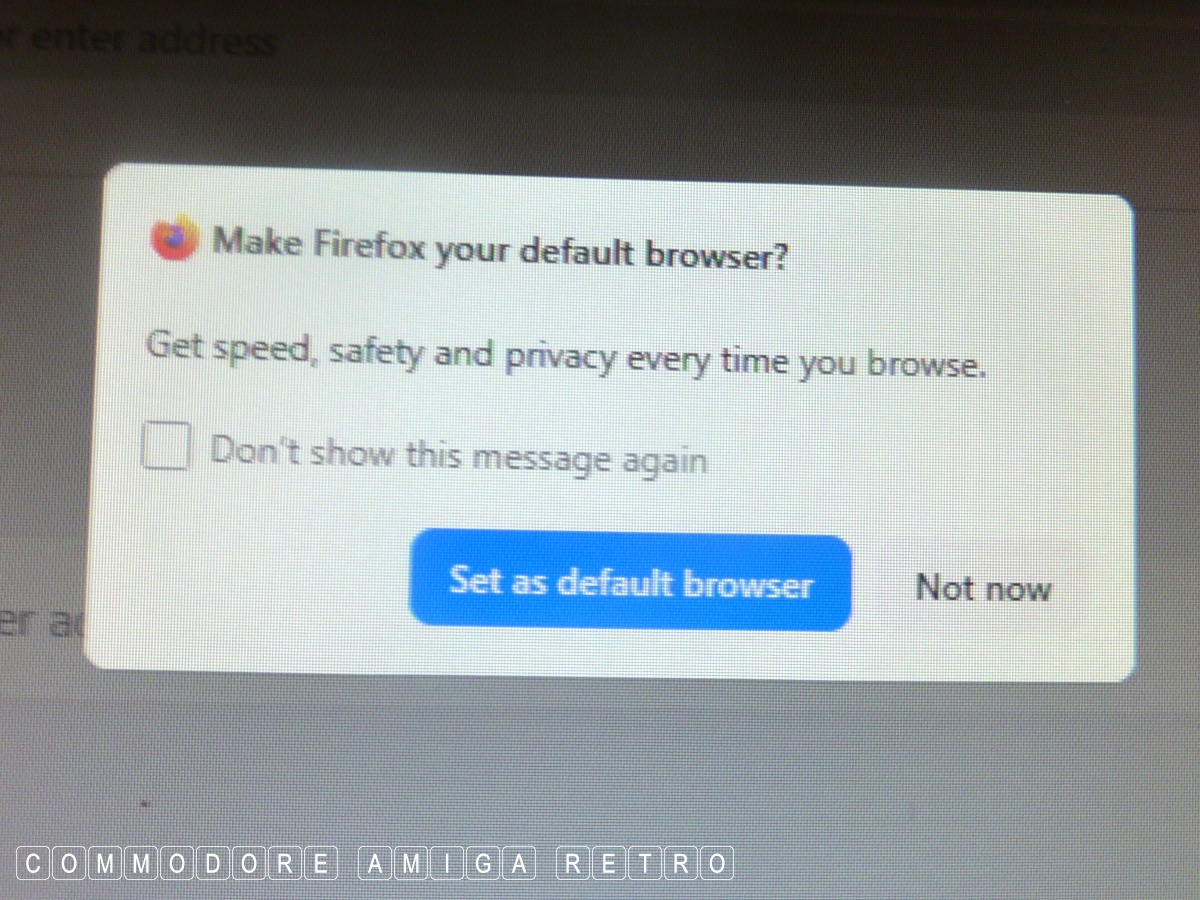
The final advice was to reset to factory settings. So I got the
code last night and seriously made sure I clicked not to remove
my data. The process was successful except it had removed all
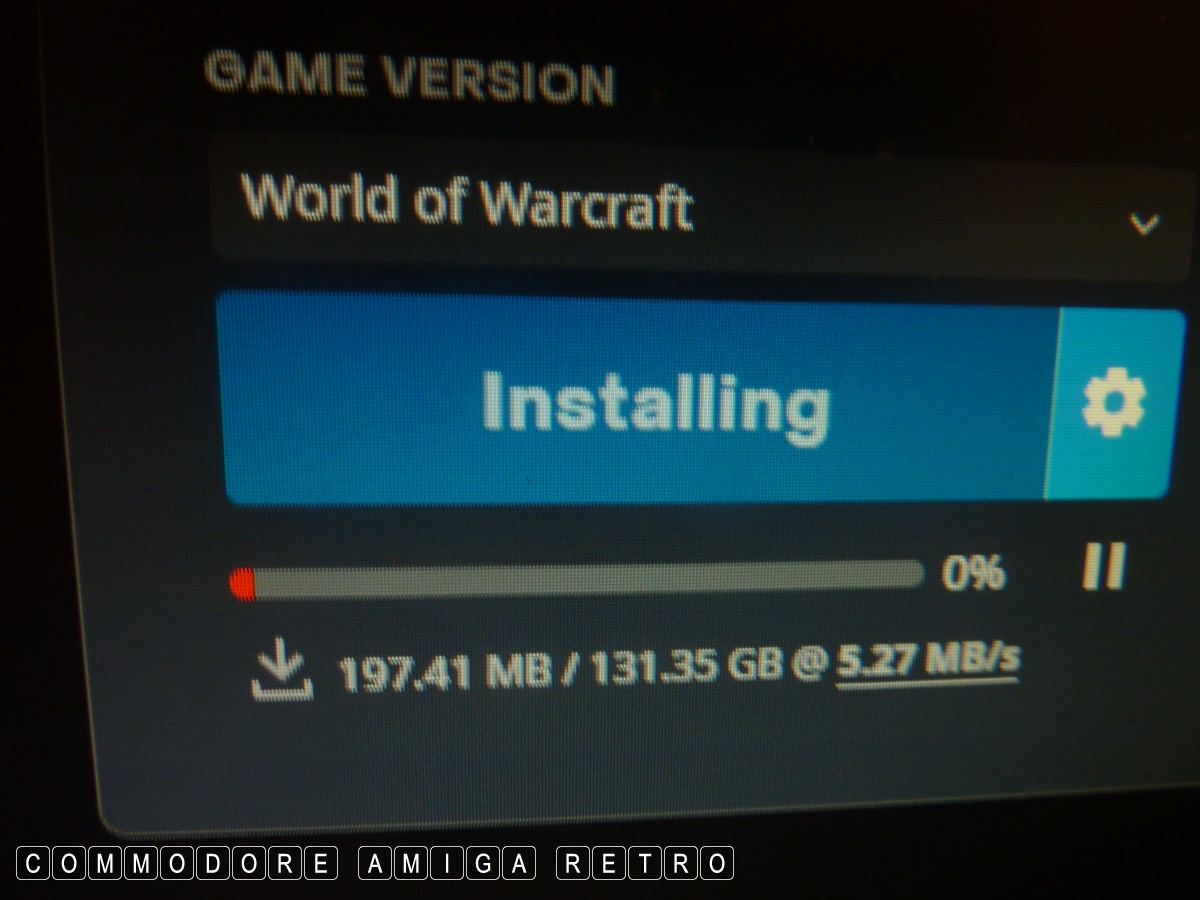
my software and files. Battlnet and my 200GBs of Warcraft had
gone along with Norton, Firefox and other stuff. Talk about
chucking out the baby with the bathwater. And for what ? Just
a general system crash... Never mind I have internet again and I
guess saved myself a thousand quid.

It is possible to switch off the encryption. Problem is every
time I do one thing it trips another. This HP PC with Win11 has
been a disaster from the getgo. It just feels all wrong. I don't
think I have felt this uncomfortable using a PC or OS.

Anyhoo I have no further plans to report on this problem so I
am hopeful I can get back to honest to goodness retro.
HP PC - Bitlocker baby and bathwater.






|